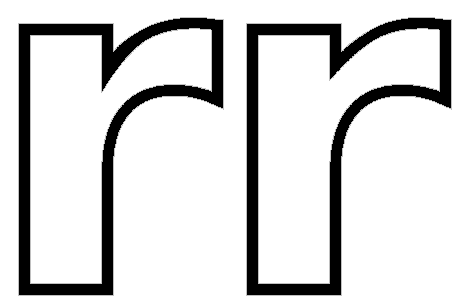
To be honest, making a pair of different fonts is probably not the way to go, though making an Outline version of a font is not difficult. See Working with GlyphTransformations. Tools, Glyph transformations, and open one of the three available Outline scripts. Run that on the whole font or on selected glyphs.
The drop shadow is more difficult.
The easier method is to use a DTP program to add whatever font effects you want. Save the result as a PDF or PNG and put that online.
A picture is worth a thousand words. This is what the outline script will do to a standard font. Left before manual adjustment, right afterwards.