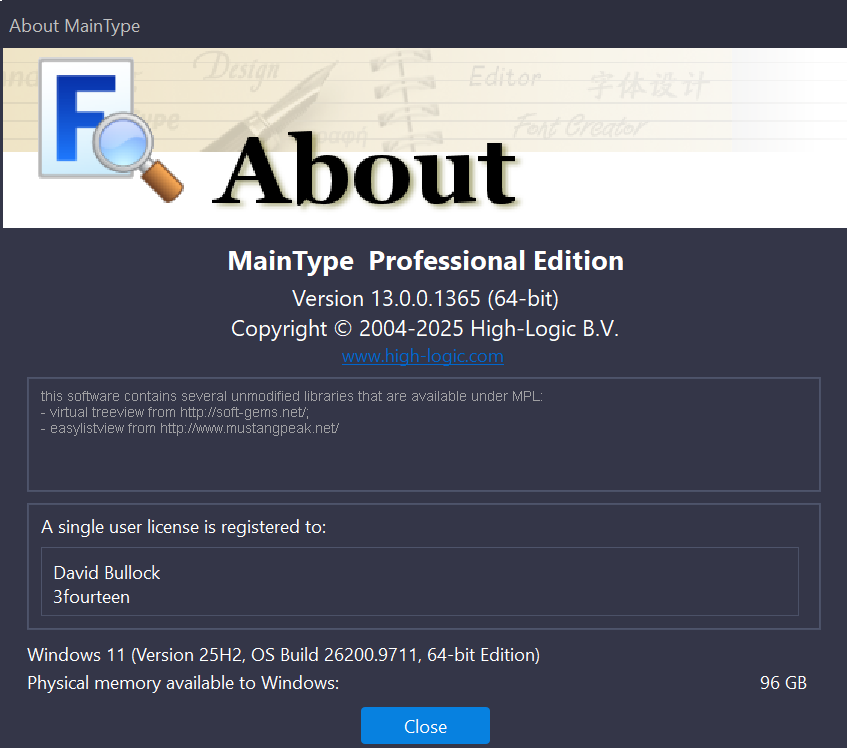
After a fresh reboot, the panel still shows fonts as loaded when they are not… once I choose to load any, all fonts shown as loaded reset… anybody running into this issue?
Video showing what happens after opening MainType, going to Projects Group… showing fonts as loaded, selecting a font and choosing load, which resets all shown loaded fonts… then loading a few fonts.
Thanks for sending the fonts. I’ve tested them here, and they work fine.
I suspect another font utility on your computer is interfering with MainType.
MainType gets information about loaded fonts from Windows. However, if another utility unloads fonts without properly notifying Windows, MainType may still show them as loaded.
When you load a font in MainType, it requests an updated list of loaded fonts from Windows. At that point, MainType discovers that those fonts are no longer loaded and updates their status accordingly.
This explains the behavior shown in your video.
Do you have any other font management utilities installed or running? If so, could you temporarily disable them and see if the problem persists?