Make sure you have the latest beta version of the program.
It is now very easy to create Outline fonts with the Glyph Transformer option. In the transform dialogue you move transformations that you wish to use into the right-hand window, and remove those you don’t wish to use.
 Save your font with a new *.ttf name
Use AutoNaming to rename the font
Select the Hollow transformation
Experiment with the settings for one selected character until you are satisfied. There is no undo, so you have to close without saving, and reopen your file each time.
Apply the transformation to all characters.
I did this in a minute or two with the Serif version of Garamond.
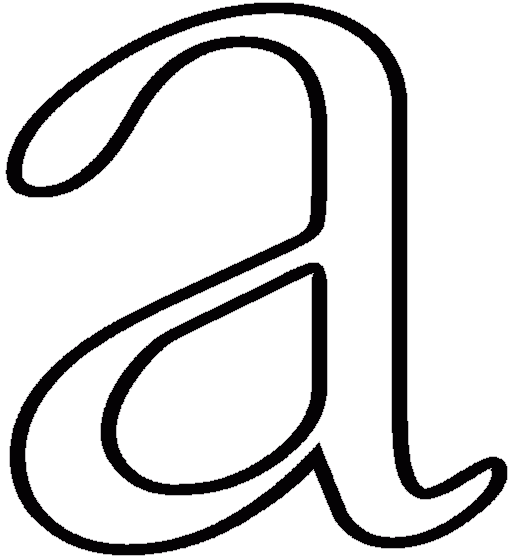
It will take a lot of practice to get exactly the right effect, and each font will be different, but this feature has tremendous potential.