This post in the FAQ explains how to do it for all versions.
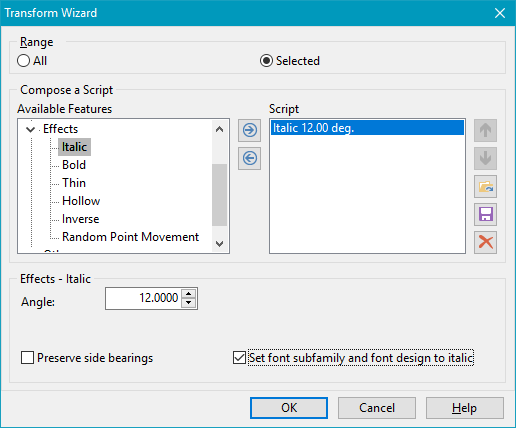
If you have the Standard or Professional edition, a Transform script can change regular to italic and modify the relevant fields automatically.
If you don’t want to slant any glyphs, just select the space character, then run the script. Otherwise, select only those glyphs that need to be oblique, then run the script.