Arabic Lam Alef and Contextual Alternates (calt).. How to substitute?

Hello

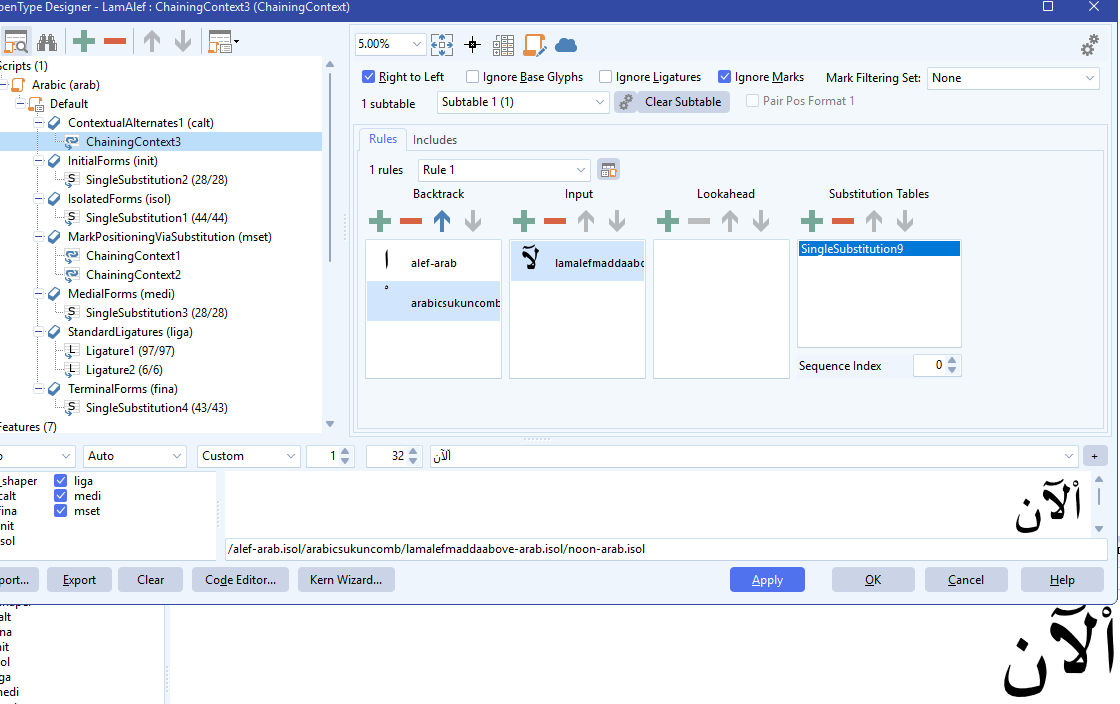
I want to substitute a Lam Alef with another one in a specific mark occurrence using Contextual Alternates (calt) like this:

lookup ChainingContext3 {
  lookupflags RightToLeft;

  context ("alef-arab" "sukun-arab.isol") "lamalefmaddaabove-arab.isol";
  sub 0 SingleSubstitution9;
}

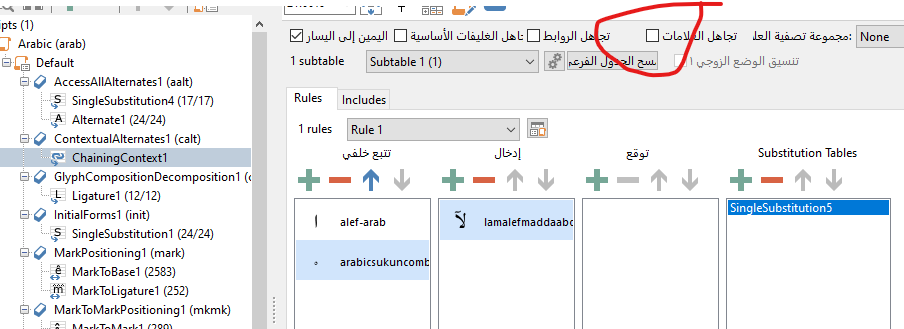
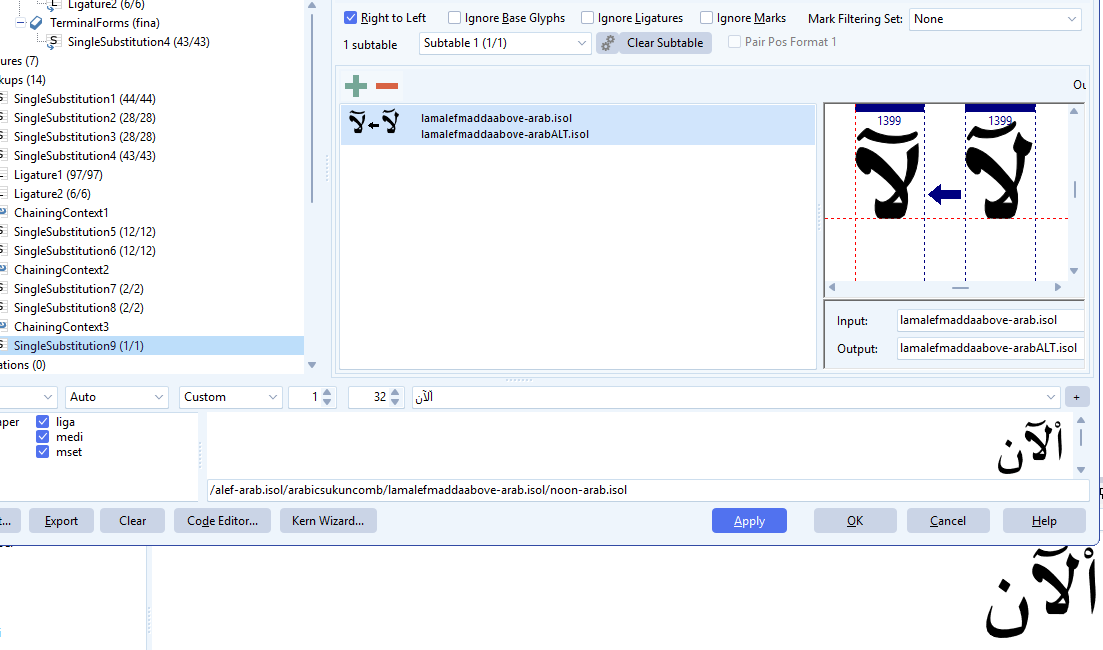
I added the substitution table as follows:

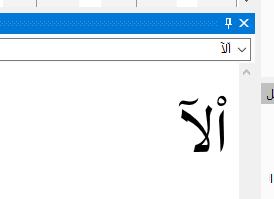
But nothing changed in FC?

Any help please.

Thanks

Maybe alef-arab and sukun-arab.isol have been replaced by a ligature before calt is triggered.

Does the Proofing dialog reveal anything?

1 Like

Hello @ErwinDenissen and thanks for replying. In Arabic, the Lam Alef is a ligature of Lam.init and Alef.fina, is that the reason? i.e. no possibility to substitute a ligature?.

No, the Alef and Sukun are both independent, there’s no occurrence of ligature between them.

Do show us a screenshot of the Proofing dialog, so we better understand the problem.

Or even better, isolate the issue in a reduced font project and send that to us.

1 Like

Deselect the checkmark as shown in the image.

قم بإلغاء علامة التحديد كما في الصورة

1 Like

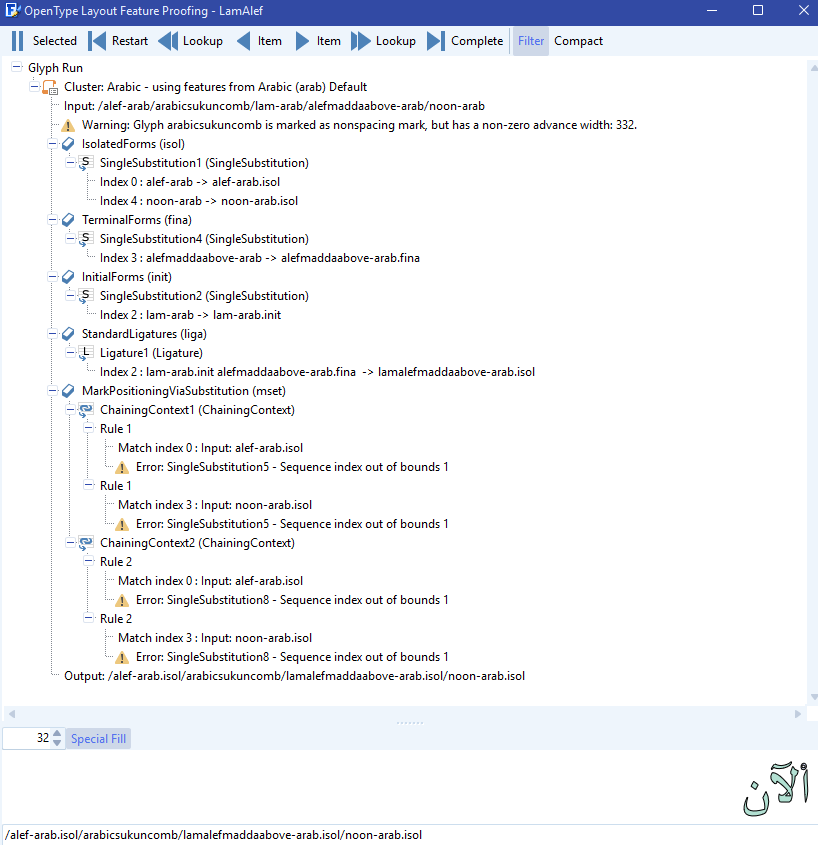
@ErwinDenissen Please take a look at the Proofing log:

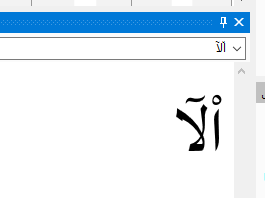
@munir4ye I checked “Ignore Marks” but nothing changed:

@munir4ye This is also my Substitution Table:

The calt feature comes after isol, fina, and init have been processed, so in your case alef-arab has already been substituted by alef-arab.isol, hence your chaining context rule is never matched.

1 Like

@ErwinDenissen So there is no possibility to substitute ligature glyph?

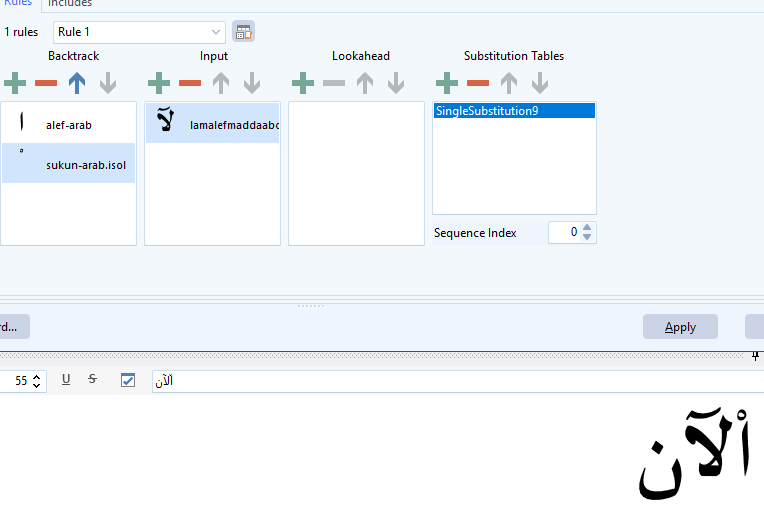
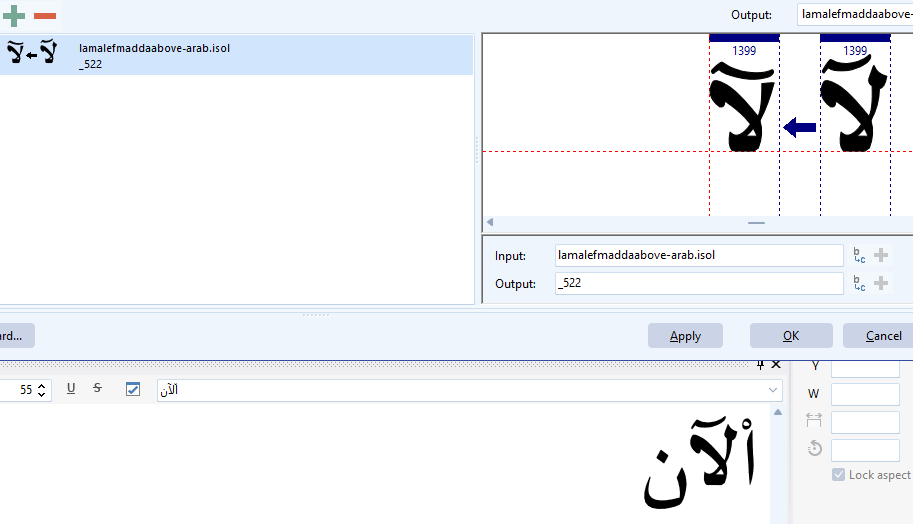
Since alef-arab is replaced by alef-arab.isol, I think it should work if you put that in your rule.

1 Like

جرب هذا الملف

Try this file

Majalla.fcp (56.4 KB)

1 Like

@ErwinDenissen That’s was truly the obstacle! Alef-arab is being replaced in the font without I know!. My gratitude to you :folded_hands:
@munir4ye I opened your file and it works perfect, thank you so much, I also noticed that in the substitution table you checked “Ignore Marks”, I unchecked it and still the substitution works well, what do you think?.

1 Like

Good luck, and I prefer keeping the checkmark in SingleSubstitution4.

1 Like

Setting Ignore Marks on a Single Substitution lookup doesn’t really do anything useful, as it only checks the current glyph and substitutes it. There are no “intervening” marks to skip.

Where Ignore Marks does matter is on contextual/chaining lookups (Contextual / Chaining Contextual Substitution or Positioning), because those lookups do match sequences and can skip over marks while matching. So if the goal is “apply this rule even when combining accents are present,” put Ignore Marks on the contextual/chaining lookup, not on the SingleSub that gets invoked.

Also note: if you do intend to substitute marks, then Ignore Marks would prevent that, so it can be actively wrong in that scenario.
1 Like

Thank you so much @ErwinDenissen and @munir4ye for the extraordinary help that solved my problem and the useful information :folded_hands:

Best regards.