I created an Arabic font using FontCreator (version 15), and I exported it as an OTF file.
Everything works fine — the Arabic glyphs are included and mapped correctly.
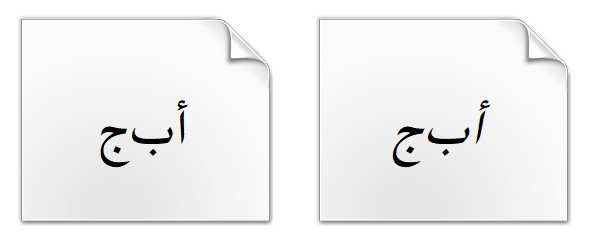
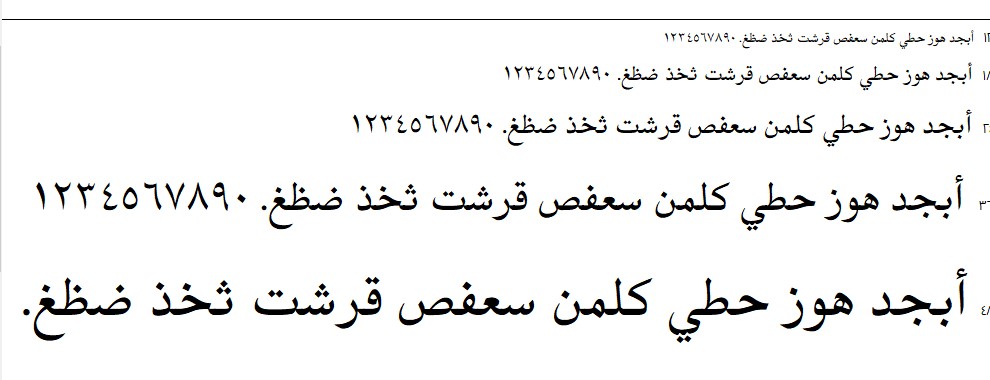
However, when I double-click the exported font in Windows (to open the install/preview window), I only see Latin text like “The quick brown fox…” — the usual Arabic preview like:
أبجد هوز حطي كلمن سعفص قرشت ثخذ ضظغ
…does not appear.
Even though my default script is set to Arabic, the preview text shown is always English.
Is there a way to make Windows show an Arabic sample in the install window?
I’m not sure what you’re referring to with “default script,” but it doesn’t affect the Windows font preview. Windows uses the code page character ranges to decide what sample text to show. If Arabic isn’t included there, it will default to Latin.
It sounds like your font may not include enough Arabic characters for the “auto-calculate ranges” feature to detect it.
Here’s how to fix it:
Open the Font Properties panel.
Go to the Font tab.
Uncheck Update character ranges on export.
Manually add Arabic to the supported character ranges.
That should make Windows show the Arabic preview text.