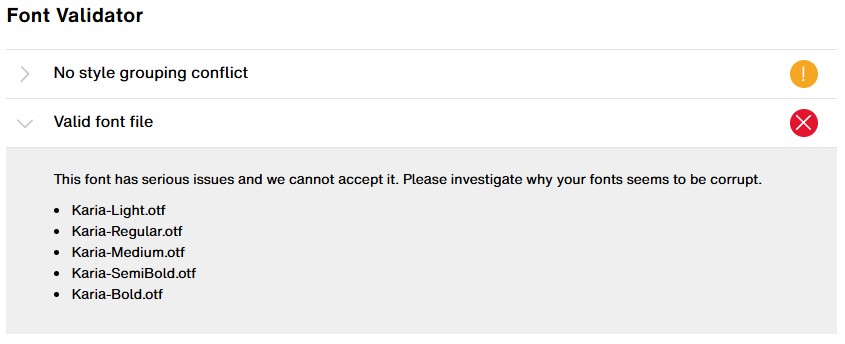
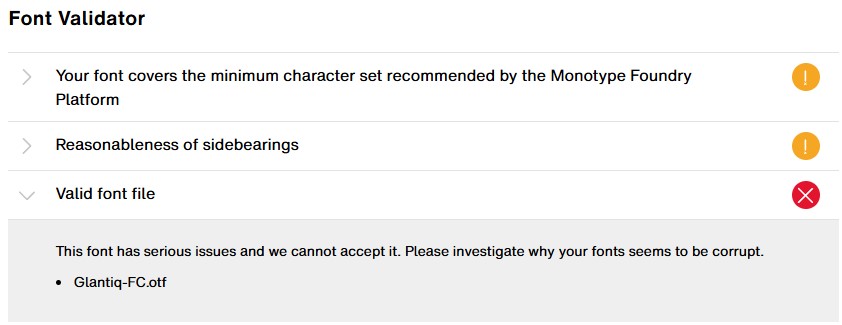
Recently, I’ve tried to upload my font to MyFonts but keep getting an error notification. One thing I noticed is that the error only happens on fonts that are exported from FontCreator. I have other fonts that are made with FontSelf, and when I tried to upload those fonts, it was fine (no error popped up).
To make sure if the problem related to fontCretor. I took one of my working fonts created and exported from FontSelf, opened it up in FontCreator, and exported it. When I tried uploading that newly exported file to MyFonts, it gave me the exact same error.
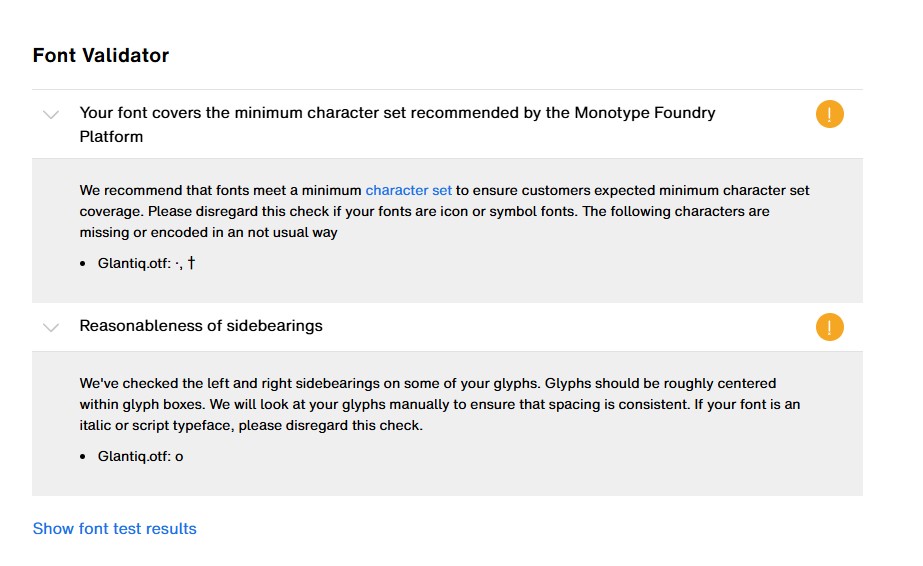
It’s not that error I’m talking about. It’s the red error, the “Valid Font File” error. It’s only happens on the font that are exported from FontCreator.
Thank you for sending the font files. There are no serious issues I can see, so I suggest to contact Monotype Foundry Support, as they handle MyFonts font submission and rejection issues:
Then let us know your findings. Sometimes their upload validator is incorrectly flagging issues, but it is also likely we need to make a change in FontCreator.