Hi all,
I’m quite new to font creation and am mainly using it to get some custom glyphs into a music engraving program. I’ve surprised myself by getting as far as I have on my own but I’ve run into a bit of an issue I can’t seem to find the solution to. (I suspect I don’t have the correct vocabulary to even search for the answer.
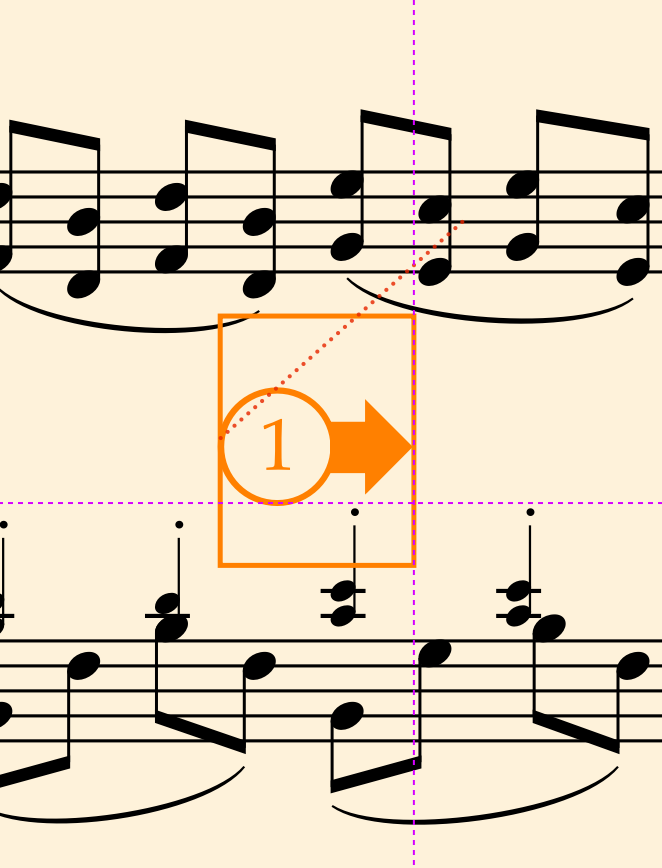
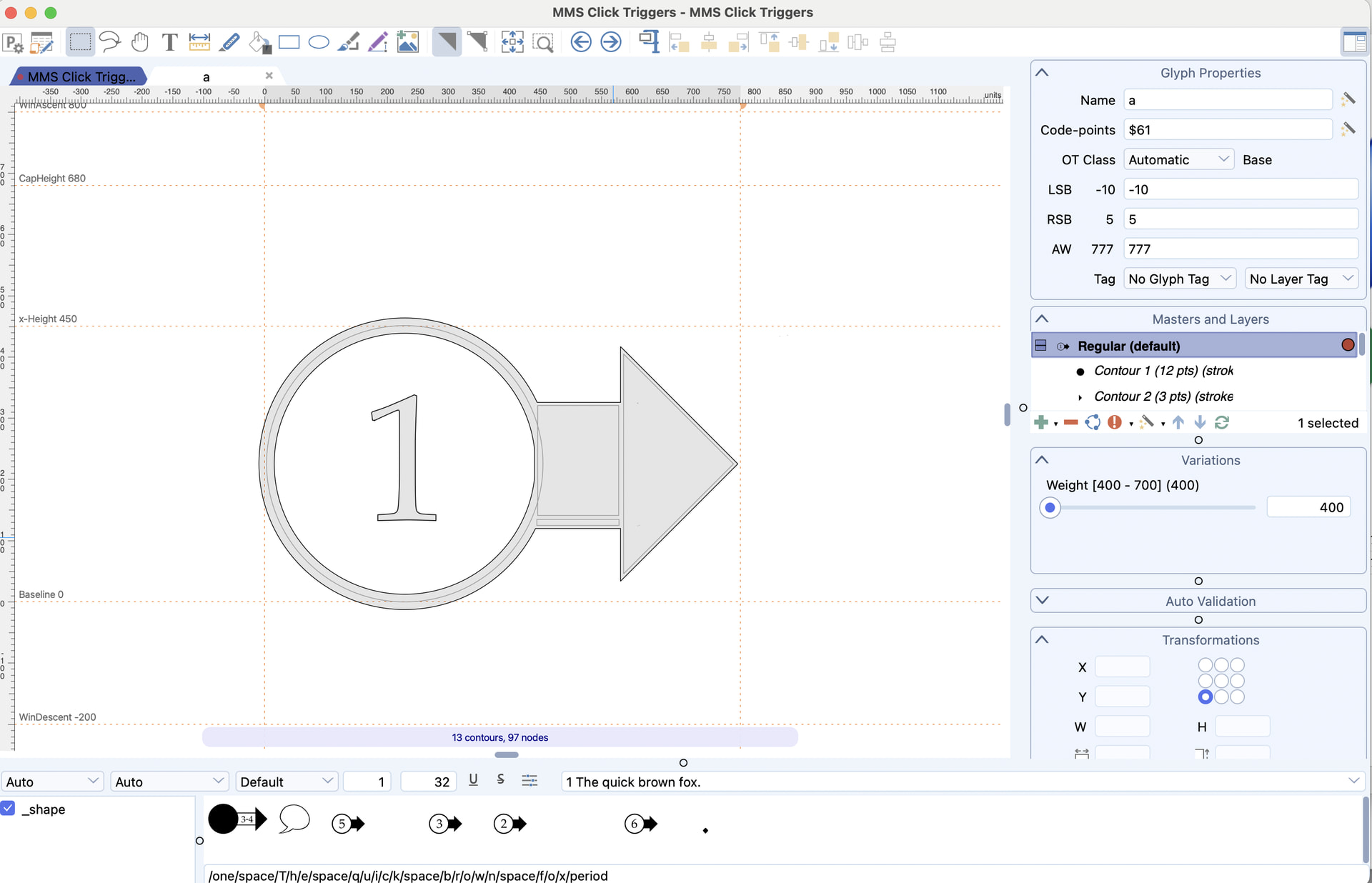
I have built a few glyphs that are quite wide and I’ve been able to change the width in Font Creator but the amount of white space above/below them is excesive. It forces line spacing around them to be extra wide and I’d love to avoid that.
Is there a setting to change that? I’m attaching pictures (and have put a border around the glyph in use to show the issue). Even just giving me the proper language to search the user manual would be very much appriciated!
Thanks!