Dear all,
I’m looking for a software to create single-line fonts to complement the ones I use with my CNC machine.
FontCreator 16.0 normally includes this feature. However, before I buy it, I want to test it using the trial version. But I don’t see the option in the settings.
Below, in the right part (1) what i should have. In the left part (2) what i see. The option is missing
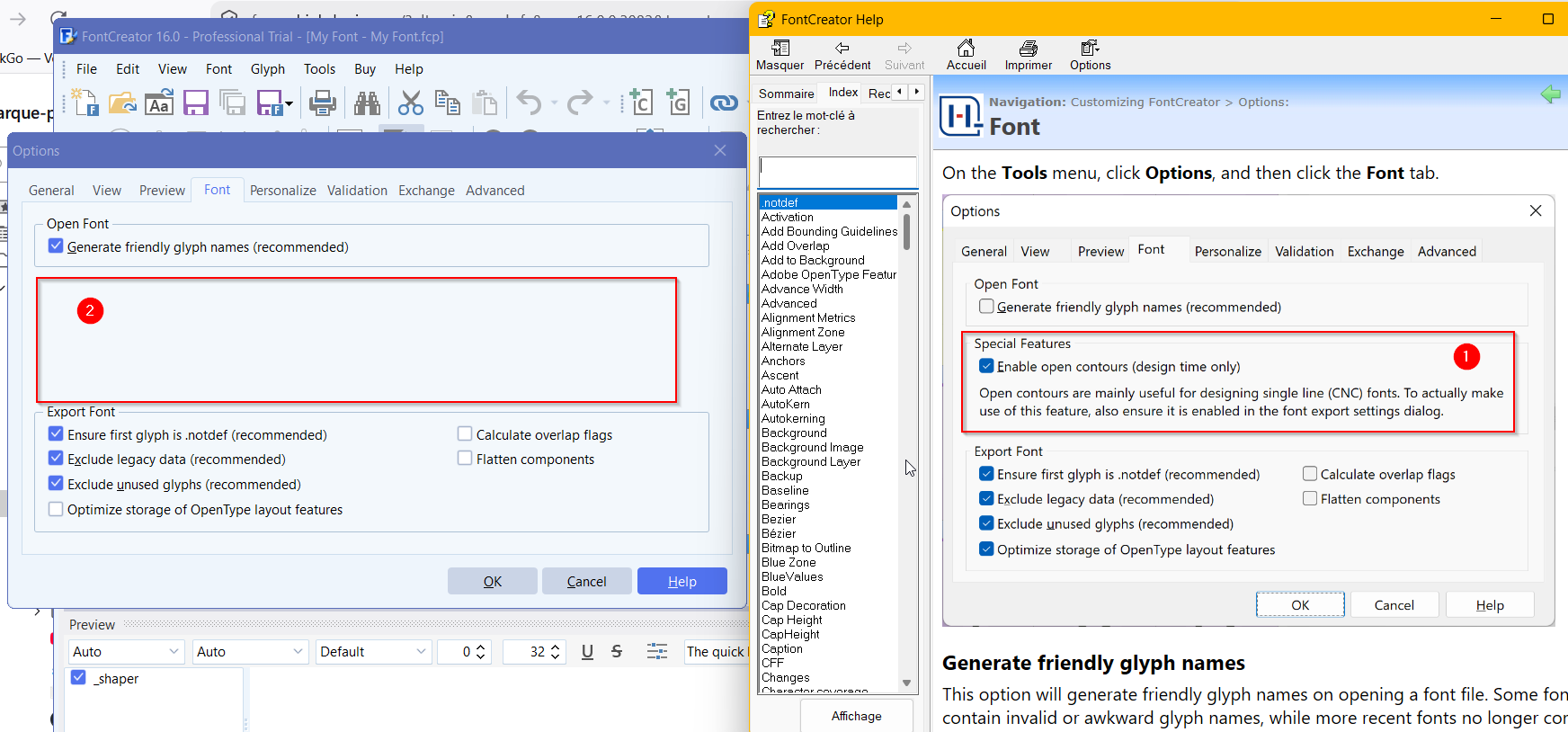
Is this fonctionnality missing in the trial version ?
In witch commercial version is it available (essential or only in professional) ?
In advance thank you for your help.
BrunoM