Sure, that would be great.
I can now easily reproduce what seems to be a strange state. I think if I continued to work with it, it would get worse.
I opened the ‘z’ glyph and superimposed on it the ‘a’ glyph. That works every time.
I double-clicked a red contour to produce what is shown on the full-screen screenshot.
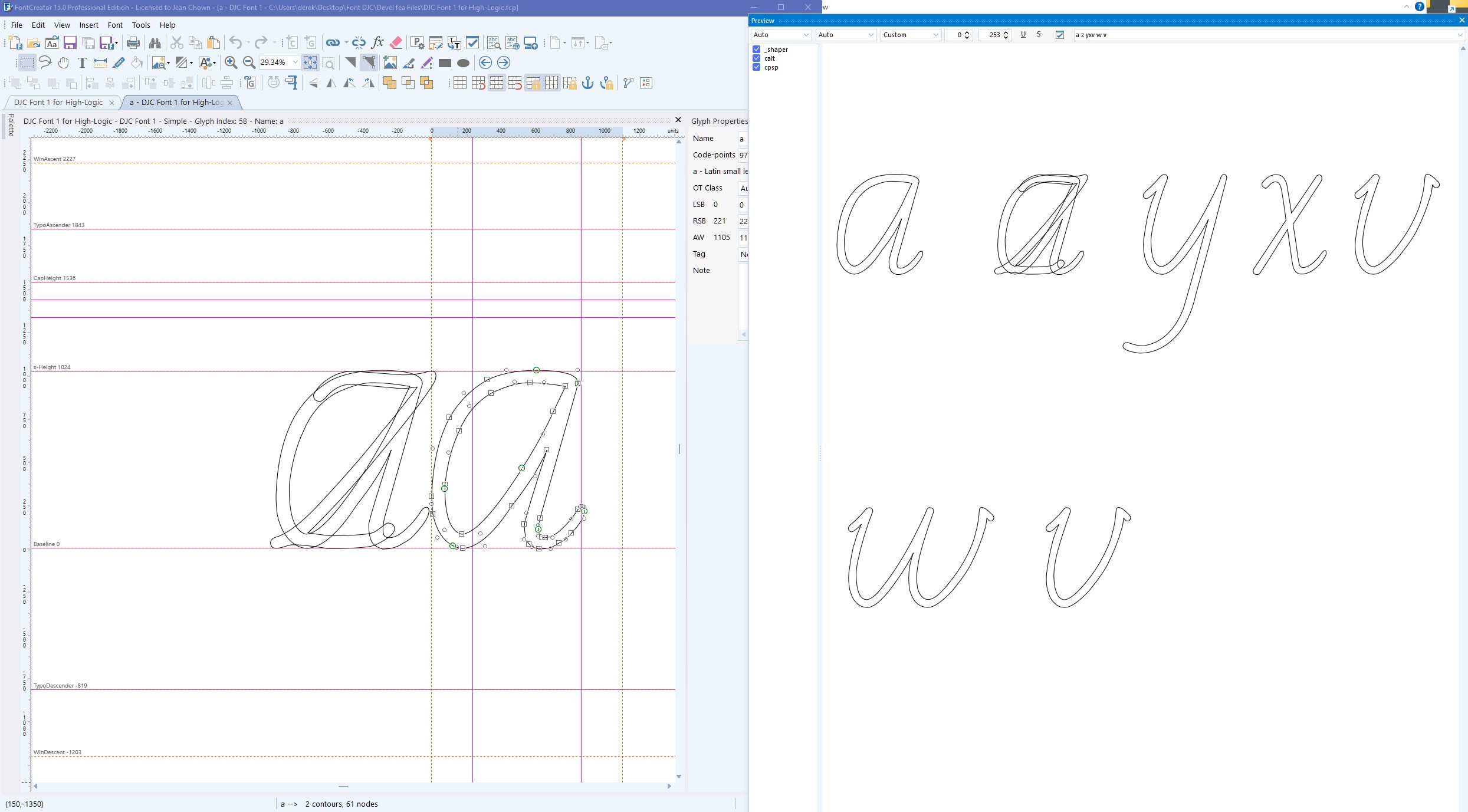
I saved the project file, but when I re-opened it, FontCreator had returned to normal.
Looking at the full-screen screenshot, the tab shows ‘a’ instead of ‘z’, which I wouldn’t expect.
The ‘a’ glyph with the control points shown does not appear in the Preview panel.
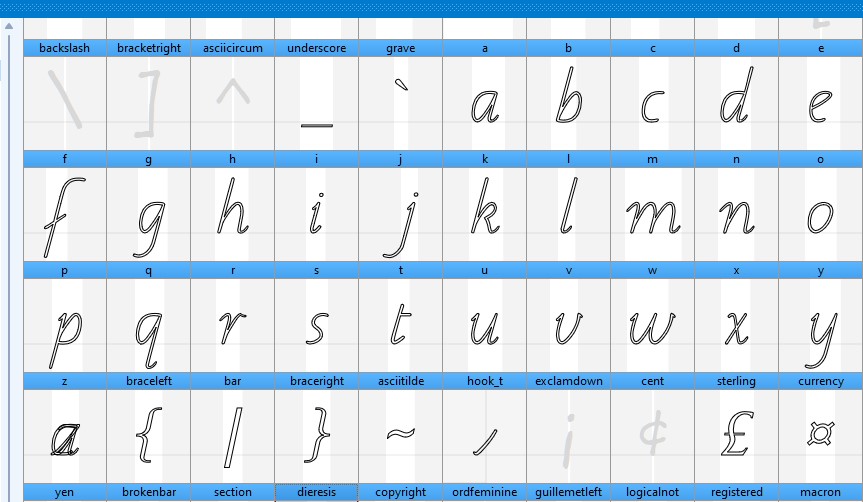
The small screenshot shows part of the ‘Validation panel’. Both the ‘a’ glyph and the ‘z’ glyph appear exactly as I would expect.
There doesn’t seem to be any point in sending you the project file unless you cannot reproduce this condition.
CORRECTION
I didn’t mean “Validation Window” - I meant “Font Overview”.
(I misread the picture in the Manual’s “Getting started” section.)
If you want the software to be idiot-proof, I’m your man, it seems.
I don’t see any problems. You have a character “z” that contains outlines from both “a” and “z” or am I missing something?
This is all new to me, but three things seemed odd or counter-intuitive.
-
I’m editing the ‘z’ glyph, but the tab changes to ‘a’. I’ve now discovered why.
-
The first ‘a’ glyph superimposed on the ‘z’ shows up in the preview, but the second ‘a’ doesn’t. I now know why.
-
When the project is saved and re-opened, it displays something different. The second ‘a’ glyph no longer appears. Well, obviously, the editing panel is not saved in the project file. Is that right?
However, I gained a better understanding when I superimposed another glyph, and found that the tab letter changed depending on where I clicked on the image. The ability to edit more than one glyph in the same editing panel was contrary to my expectations (and requirements). Therefore, I must have skimmed over that information in the manual.
Sorry.
I totally understand the Text tool can be confusing, but if you get used to it, it is a very powerful feature.
- Indeed, that panel is not stored. You open numerous glyph panels and it might be confusing to try to restore them.