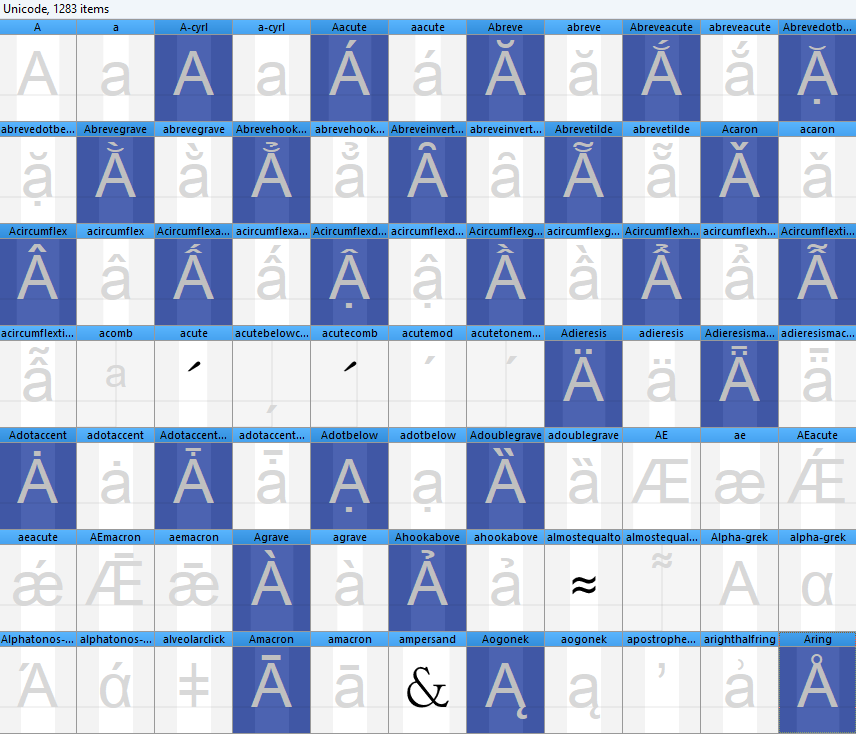
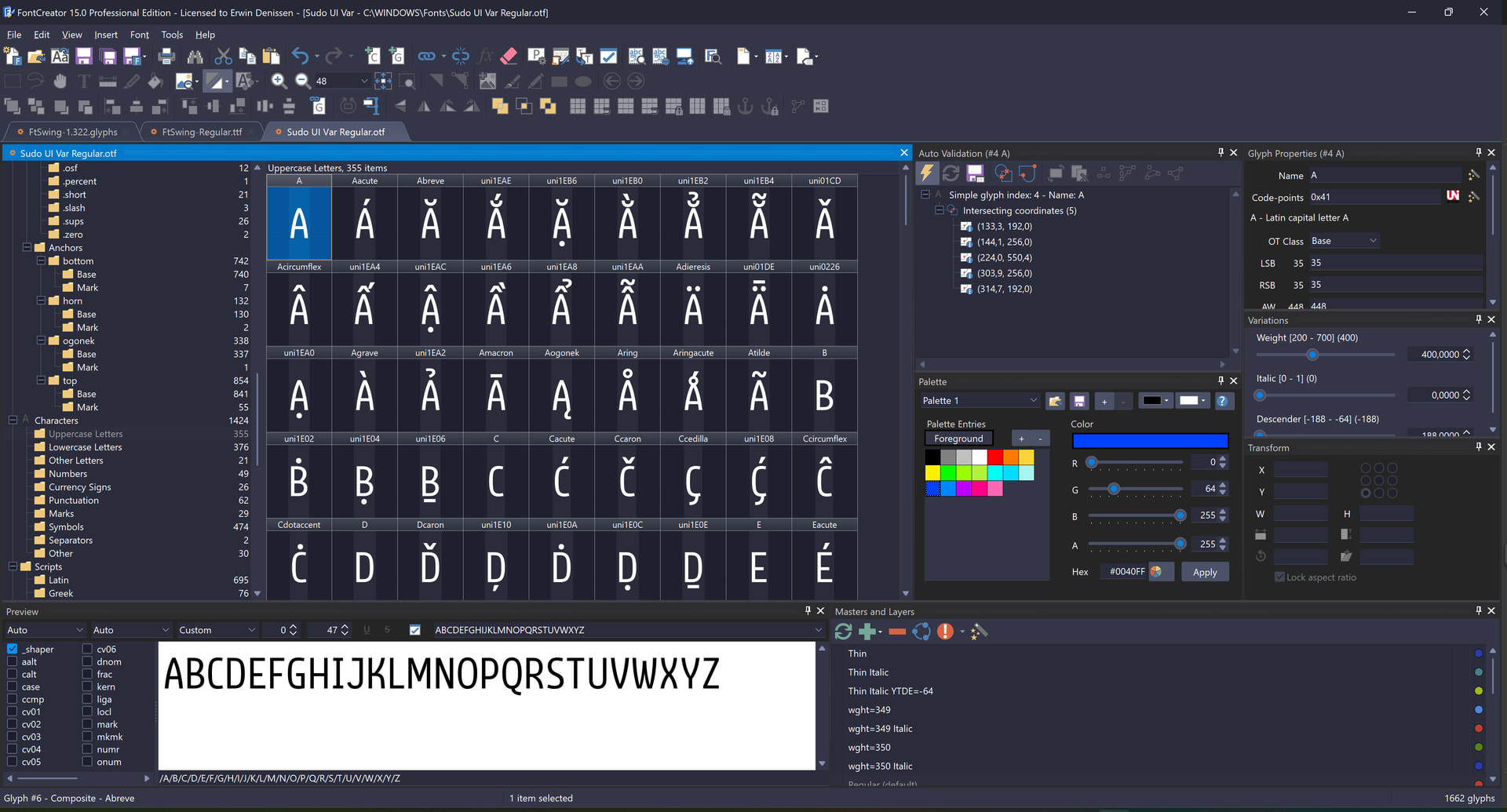
I am working with the wdth axes, and have noticed that some glyphs aren’t surviving the transformations without having errors pop up in the Right Side Bearing (RSB) and character width (AW).
I would like to propose a warning flag that tells us when a layer has a different bearing value than the Master. This would make it easier to target bearings that need matching to the Master.
Composites are definitely the worst culprits for this one.
Even better: a shortcode that lets us match a layer’s bearing to the Master, kind of like base(), but it works across layers. So the Expanded version is set to have the same bearing as the Regular version, no matter how you apply a transformation to the glyph.
The shortcode you have provided provides some assistance, but it’s labour intensive: you need a custom code for each individual source glyph. Whereas with base(), I can select 100 glyphs and turn on the functionality, with your shortcode shown here we would need to sort by alphabetical, no grouping, and go glyph group by glyph group (A, then a, then B, then b) writing a custom shortcode for each source glyph. You couldn’t even shift-click because the alphabetical sorting goes AaAaAaAaAaAaAaAa: you’d have to Ctrl+click and select each individual glyph:
The way you sort is up to you, you can also just click the Characters → Uppercase Letters to avoid mixing upper and lower case characters for selection.