How do I change the order of glyphs?

The glyphs I’m working on are for cartographic purposes so they don’t represent letter characters and therefore, any one of them may appear at any position. However, the project manager for this work I’m doing, would like the glyphs in a particular order and has shared with me the order that she’d like the glyphs to be sorted into and that’s what I’m about to work on.

I’ve done a bit of testing and all I’ve been able to do is to cut and paste, which, as you can imagine, is very time consuming. I’ve tried to drag them around but that doesn’t seem to work.

Is there a better way to resort them?

You don’t have to cut and paste them one by one :blush:

Here’s a faster way to sort glyphs into a custom order:

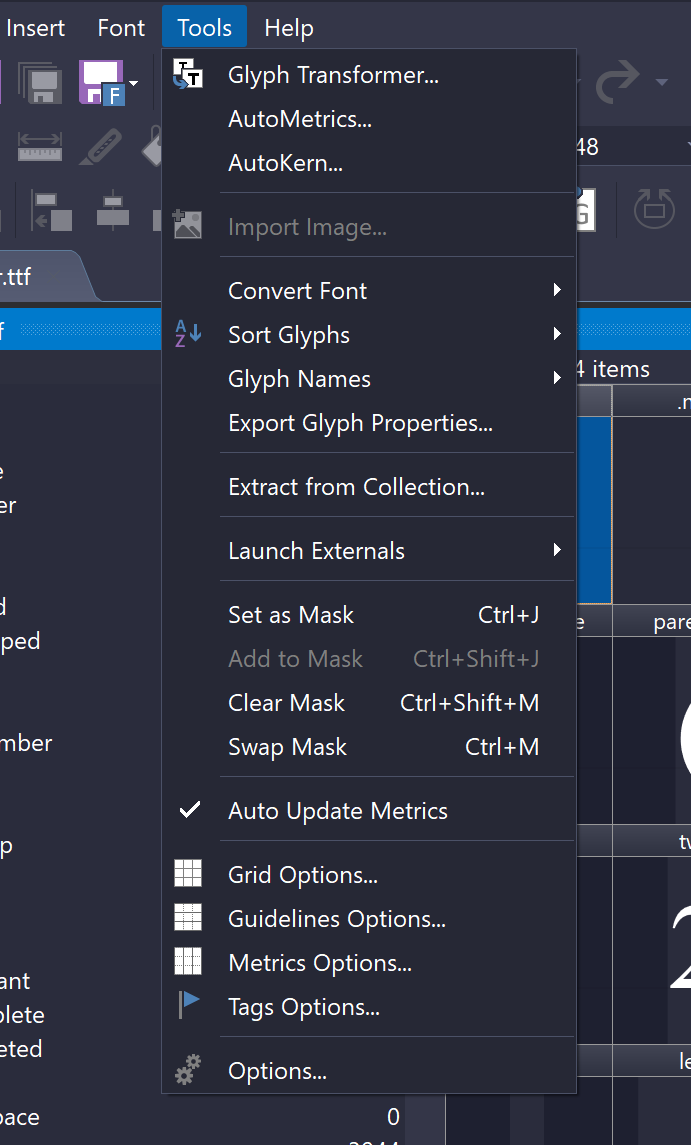
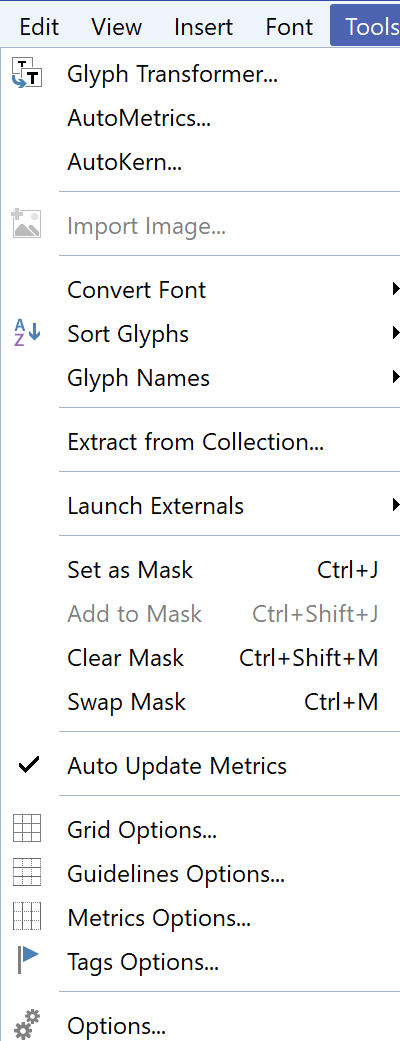
  1. In FontCreator, choose Tools → Export Glyph Properties…

    • Export only the glyph names to a file.
  2. Edit that file (or replace its contents) so the glyph names are in the exact order your project manager wants.

  3. Back in FontCreator, choose Tools → Sort Glyphs → From File… and select that file.

FontCreator will then reorder the glyphs to match the order in the file.

1 Like