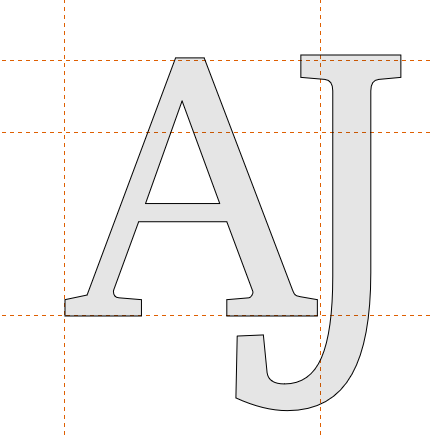
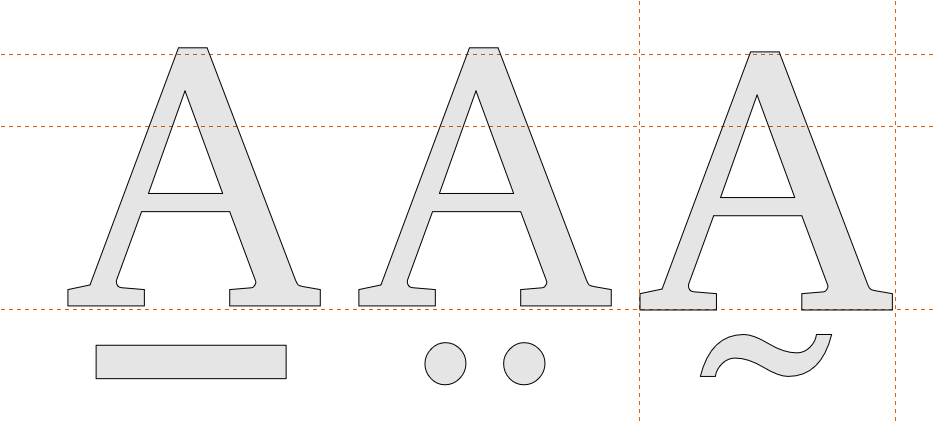
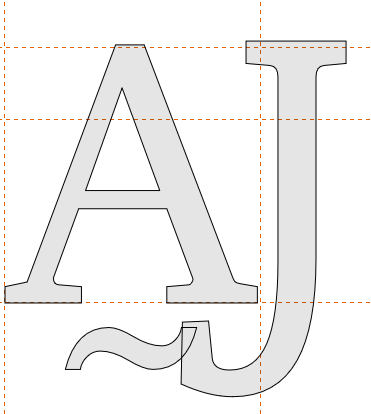
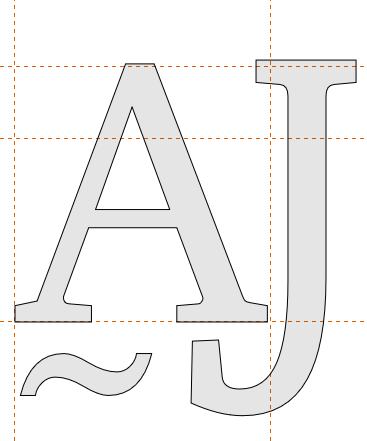
While dealing with the ligature, in the input section, I have 4 components, let’s name them C1, C2, C3, C4) that give me output A, of which the first of the 4 components (namely: C1) is variable and the other 3 are constant.
I want to define that any glyph will be put in the first location (C1) + the other 3 constant components (C2, C3, C4), give me the same output A, without going and define any glyph (for C1) seperately.
Let me try to describe the problem and maybe you may have a solution forthat.
N.B. Since it’s not allowed to put more than 1 picture per messege, so I have to multiple my messeges in order to illustrate the problem and make it visibly understandable.
I have a constant ligature (which is J and A together).
this is not really a ligature substitution issue. You do not need to replace glyphs; you only want to move the combining mark in a specific context.
For this, use Chained Context Positioning.
The rule should detect the mark when it occurs between A and J, for example:
A cedillacomb J
and then apply a small horizontal positioning adjustment to cedillacomb, for example by moving it slightly to the left.
If there are several marks below A, put them in a glyph class, for example:
@MarksBelowA = [cedillacomb dotbelowcomb ...]
Then use a chained contextual positioning rule like:
A @MarksBelowA J
and apply the positioning adjustment to the mark class, not to A or J.
A negative X placement value will move the mark to the left. The exact value depends on your font, so you will need to test and adjust it visually.
If the mark is already positioned with anchors, make sure the contextual positioning lookup is applied after the normal mark positioning, so the mark first attaches to A and is then shifted left only in this specific context.