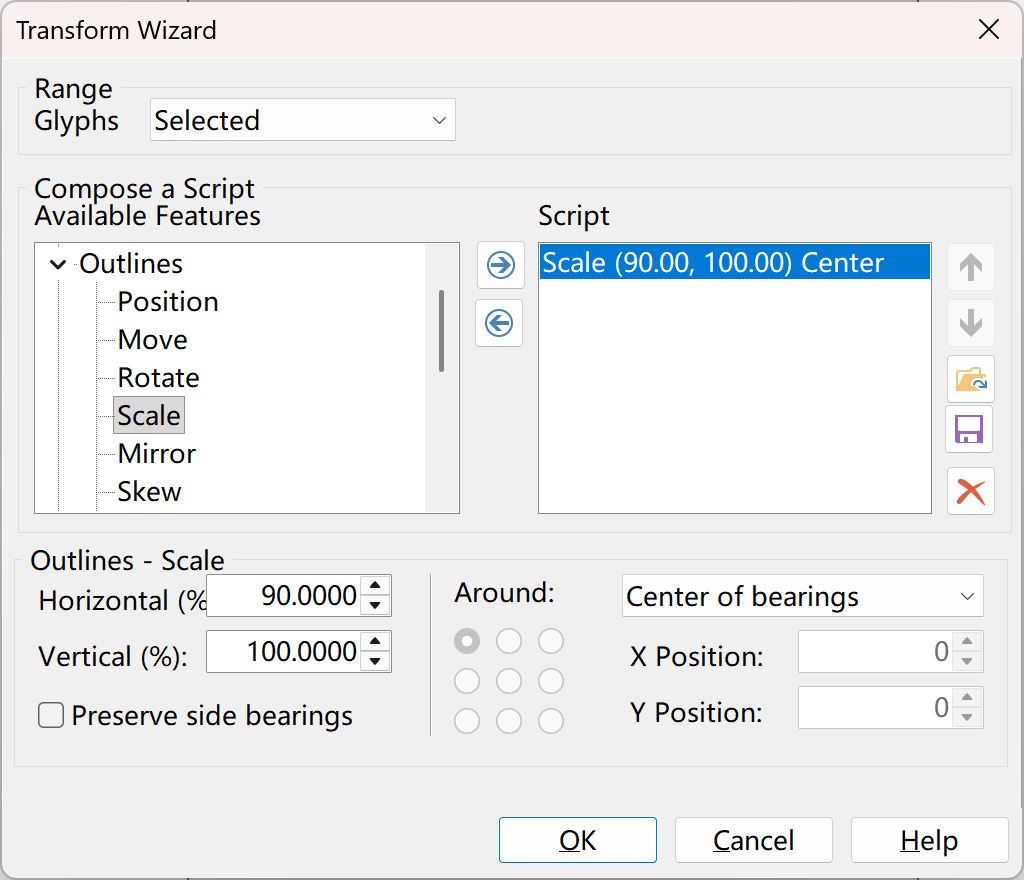
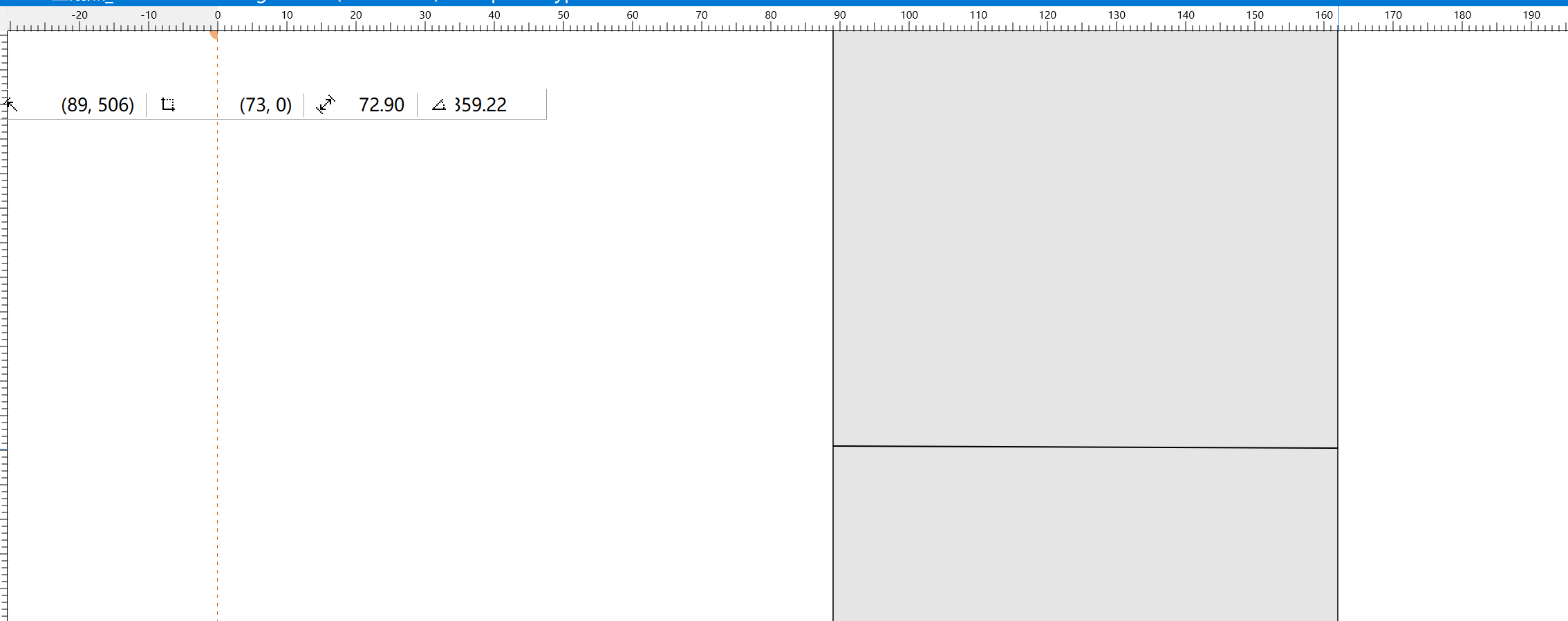
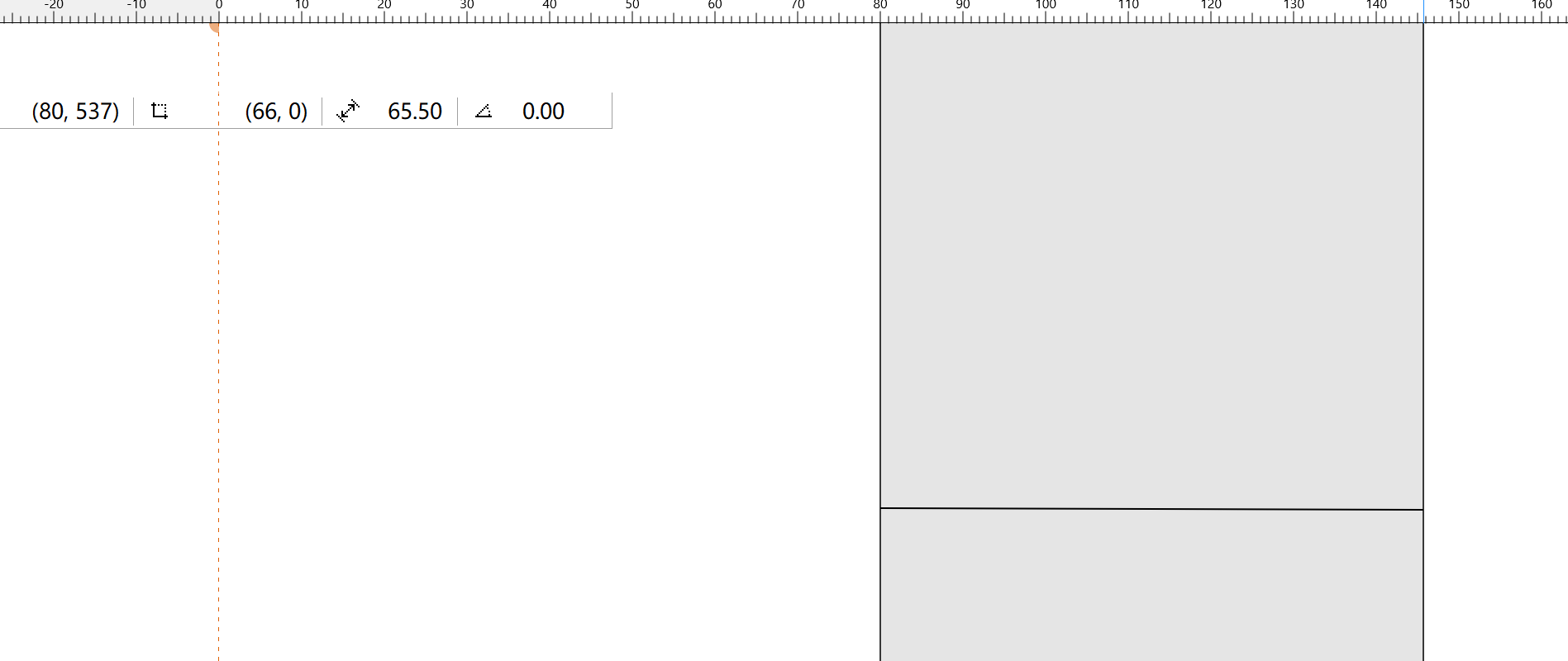
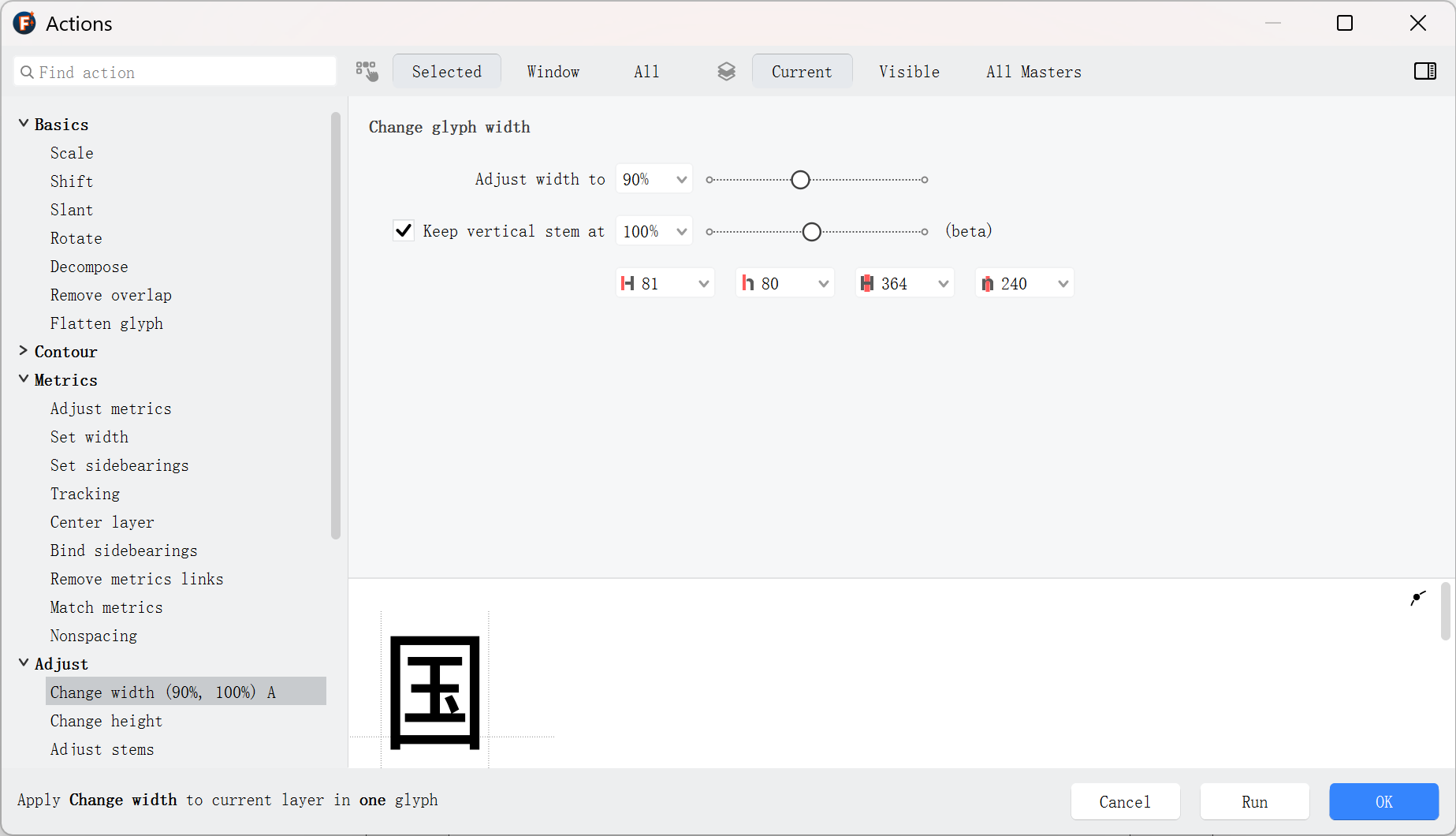
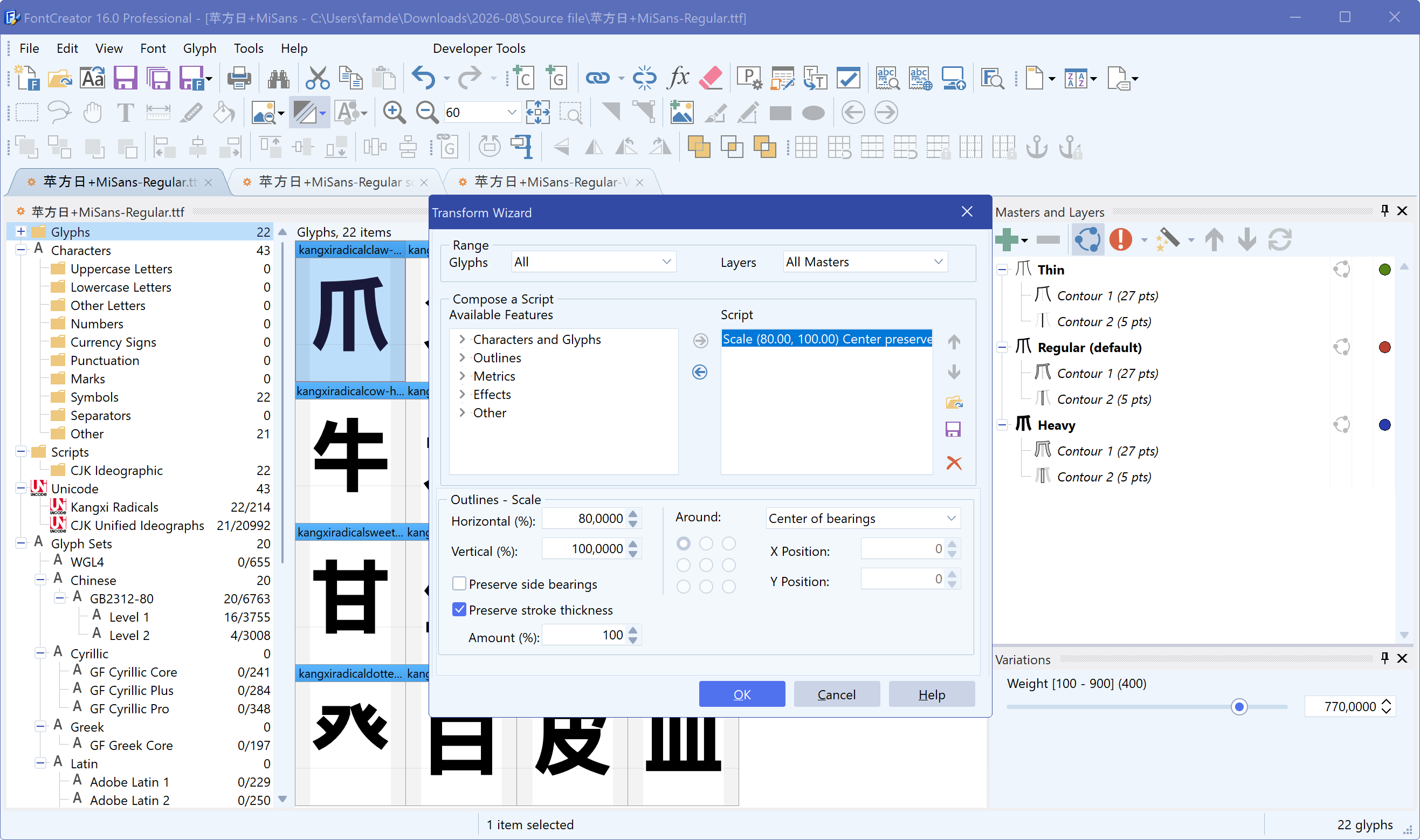
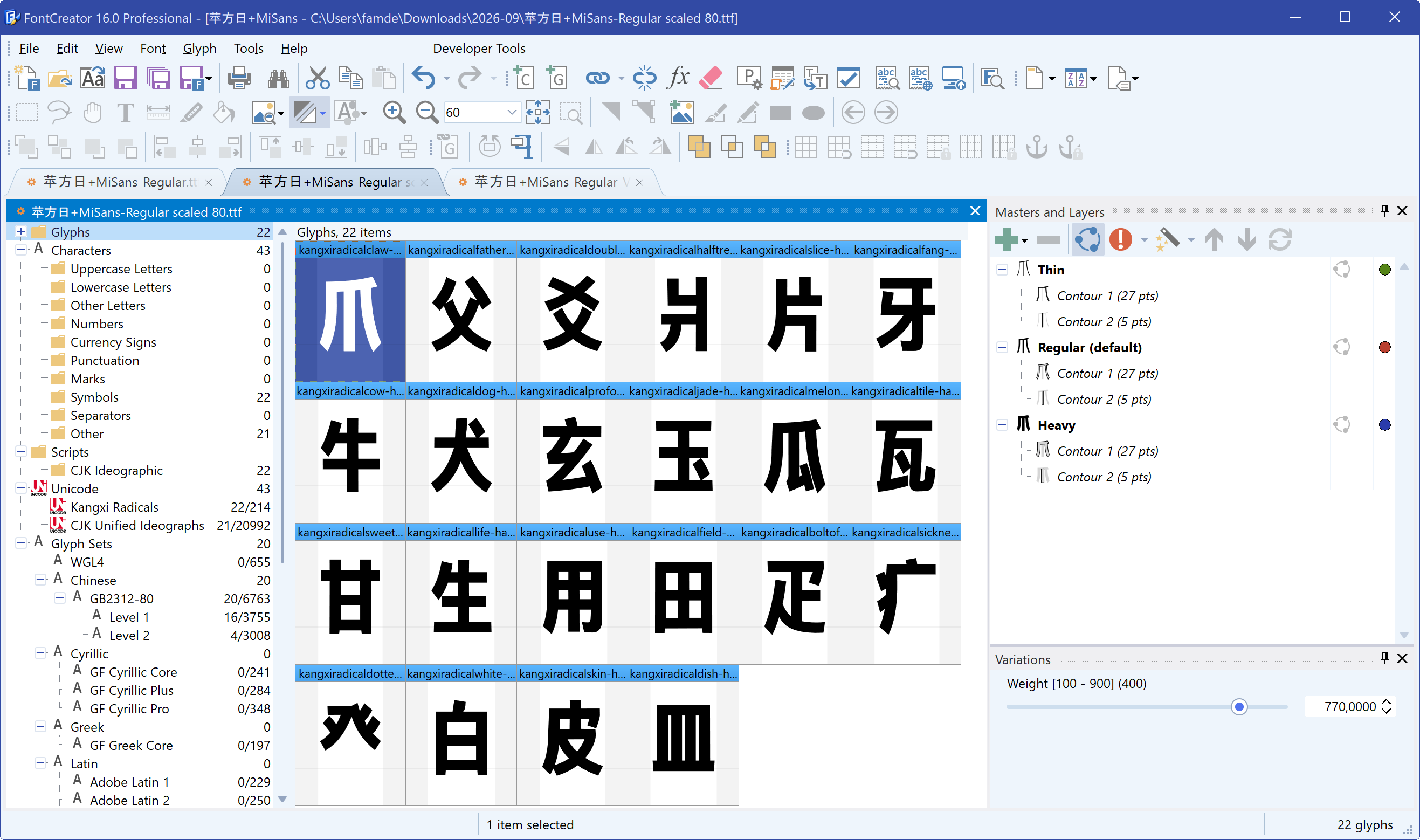
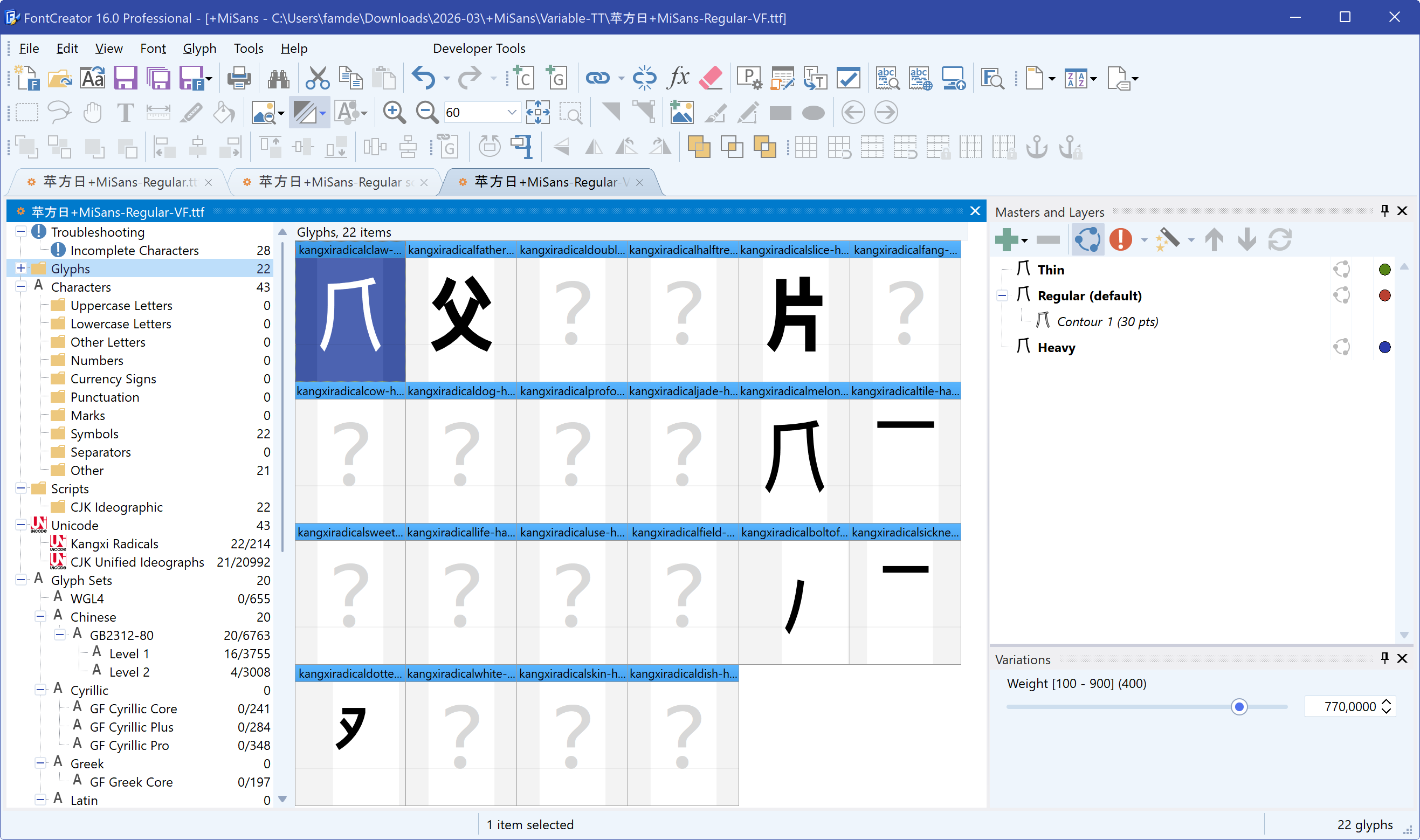
Hello, how can I keep the stroke width unchanged after scaling a font? The current scaling script changes the stroke width. For the example of only scaling horizontally, the stroke width should remain unchanged after scaling.
Can it keep stroke width unchanged when scaled, just like FontLab does? I think when scaling only in one direction, the stroke width should stay the same. Thank you!
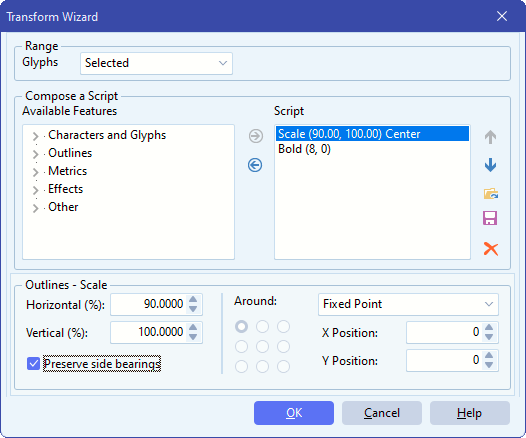
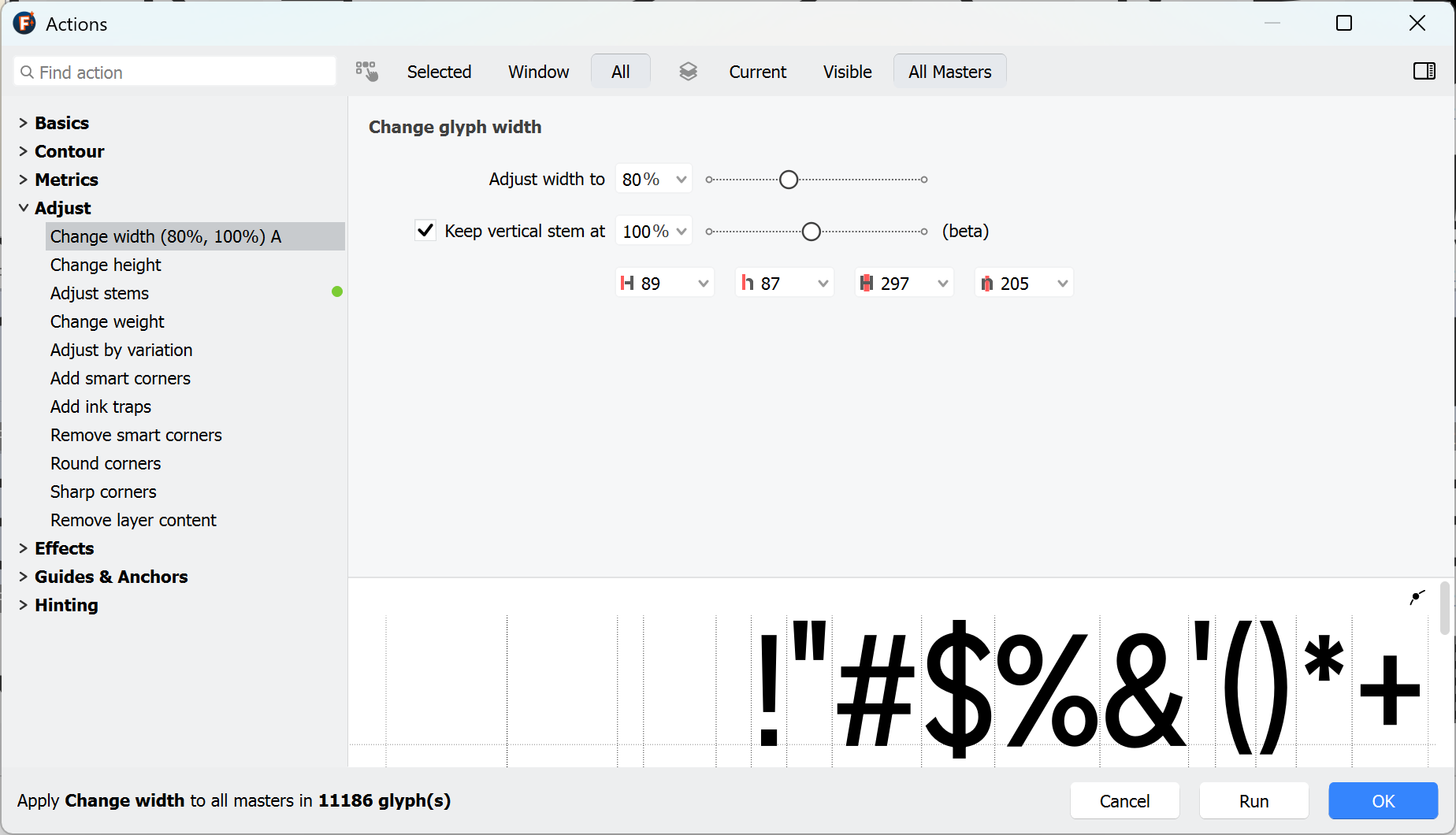
You need to use two glyph transformations. In my example, the stroke width was 166 before scaling. As expected, after scaling down by 90% that becomes 149, so I need to make it bolder by 16 funits, or 8 x 2.
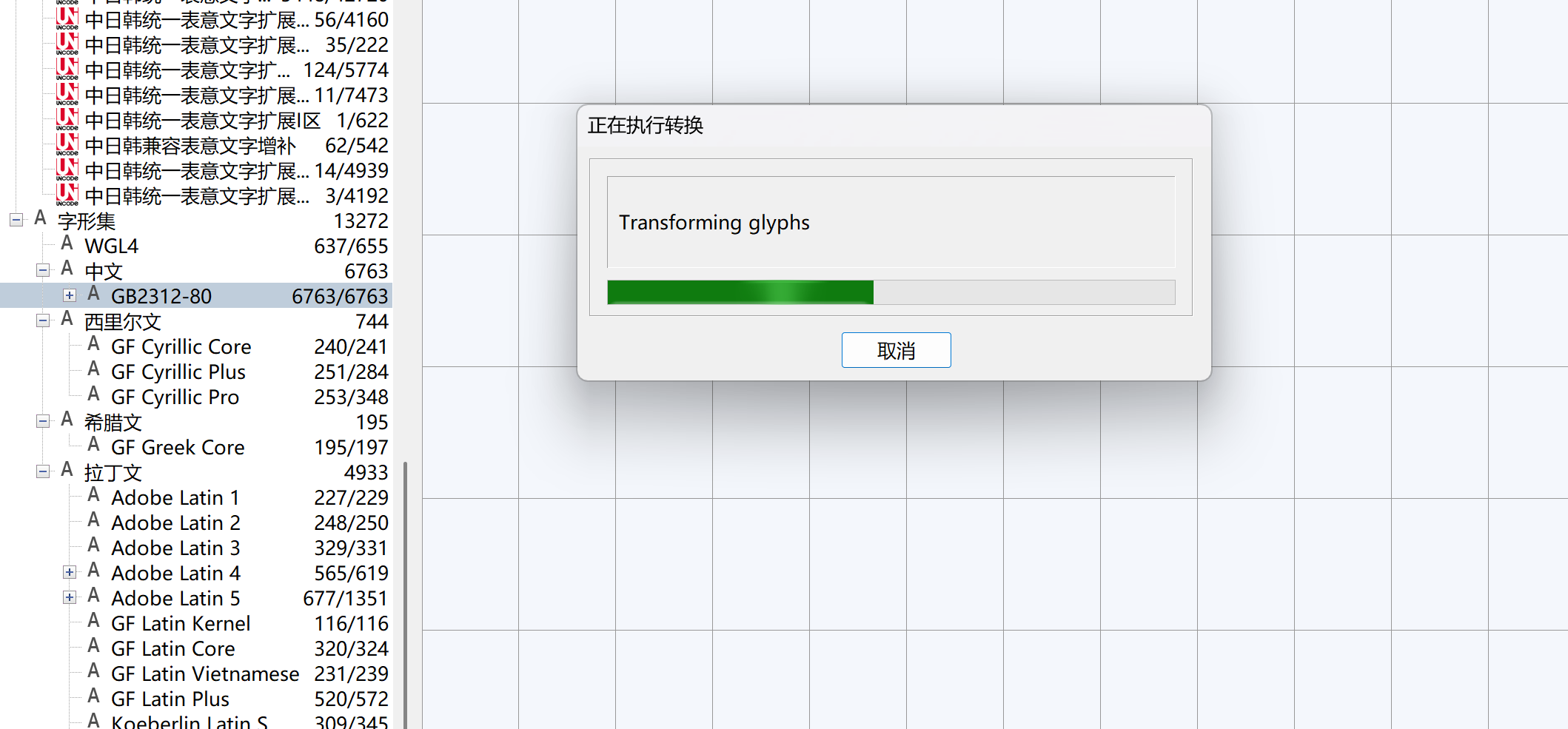
Thank you so much! However, there’s an issue: the script has been running for over an hour and still hasn’t finished processing the large character set with more than 40,000 characters. Could you please help fix this? Thank you!
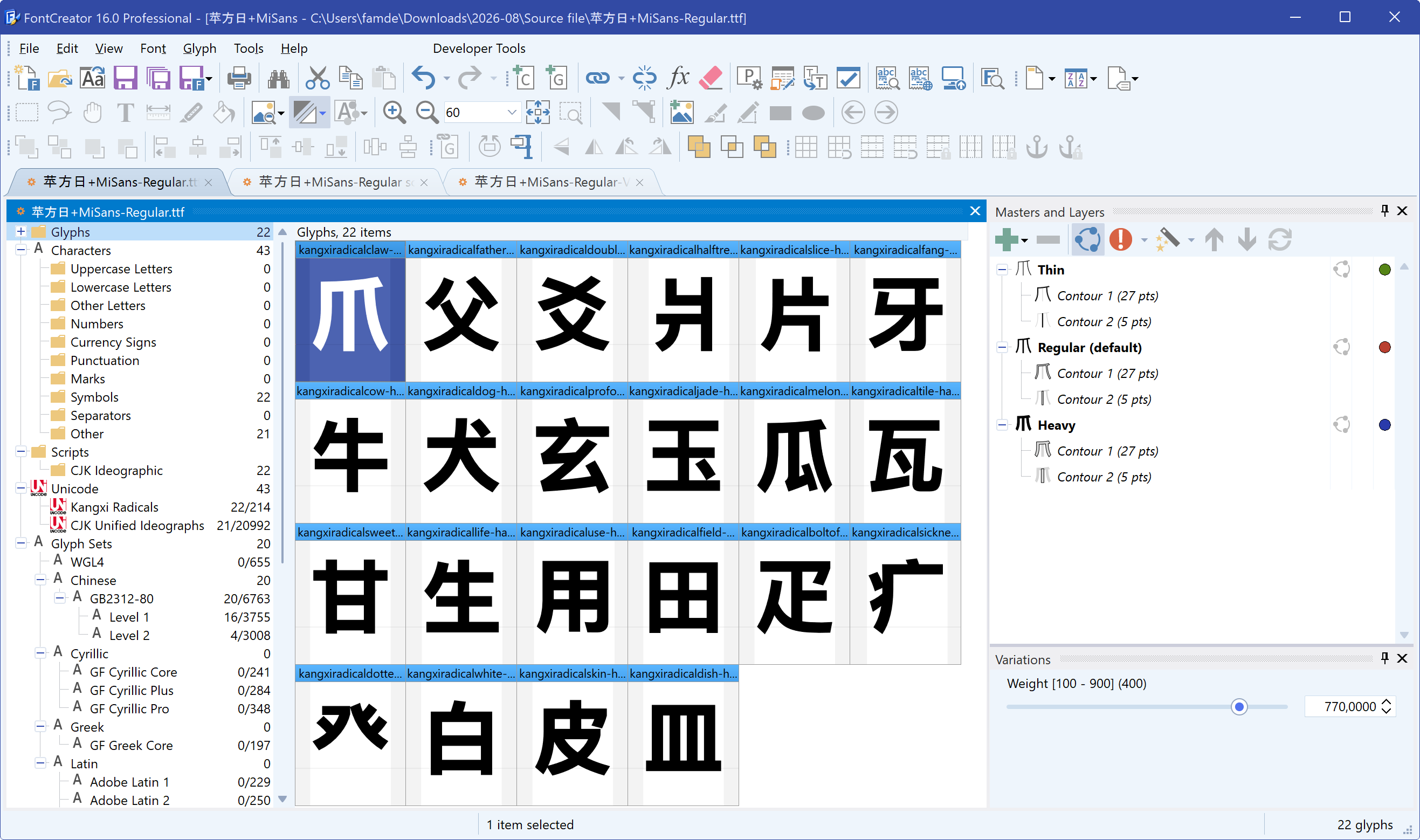
I tried scaling 6,766 Chinese characters, and after 30 minutes, the progress was only 50%. For variable fonts, selecting all layers makes the process even slower. I hope over 40,000 characters can be scaled in just a few seconds. Could you please optimize this? Thank you!
Scaling that many glyphs in just a few seconds is unfortunately not realistic. FontCreator has to analyze and process the geometry of every glyph, and with variable fonts this may also need to be done for multiple layers.
We can take another look at the process, but I do not expect that it can be reduced from many minutes to just a few seconds.
If processing speed is more important than the geometry-aware scaling, you can use the old Scale feature instead, which is much faster.
Scripts for other things like bolding, thinning, and rounding corners can process more than 40,000 characters in just a few seconds. Is scaling really unable to do that? Can it be optimized as much as possible? Even a few minutes would be acceptable. The current time is too long. It takes more than two hours to finish processing. Thank you very much!