I need to transform a character’s outline in the component form, but I don’t know how to do it
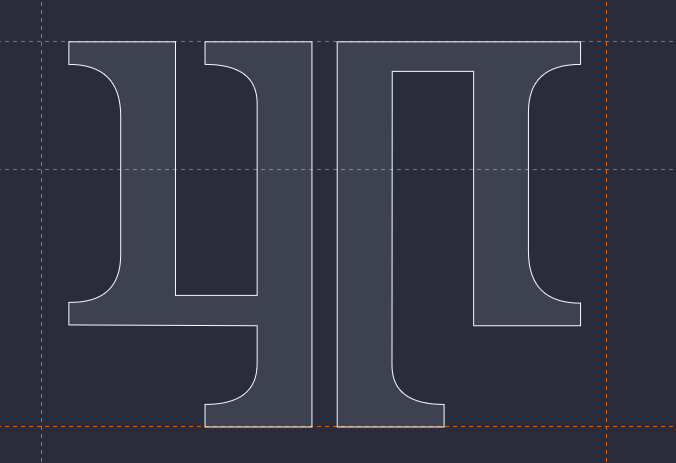
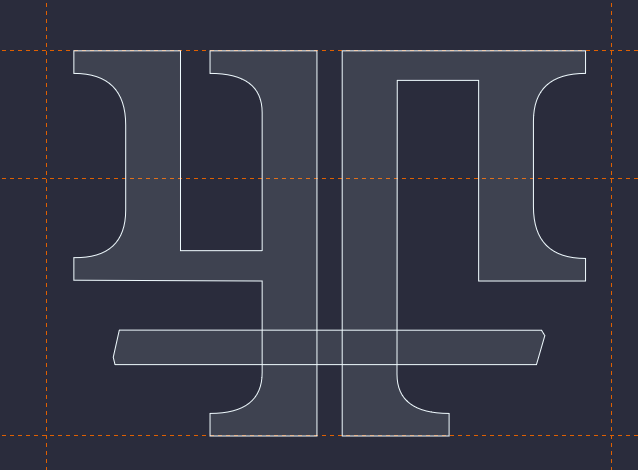
Do you want to scale a component or do you want to edit the outline?
I want to edit the outline, but keep the edited glyph as a component link.
Either:
- Double-click the component; or
- Right-click the component and select Jump to Component; or
- Right-click the component and select Open in New Window
But that’ll also alter the original component as well, right? I need to keep both characters to use separately, and component links would be very convenient to handle hundreds of hieroglyphs.
If you don’t want to alter the original glyph, because it is also used in other glyphs, then right-click and select Decompose Components.