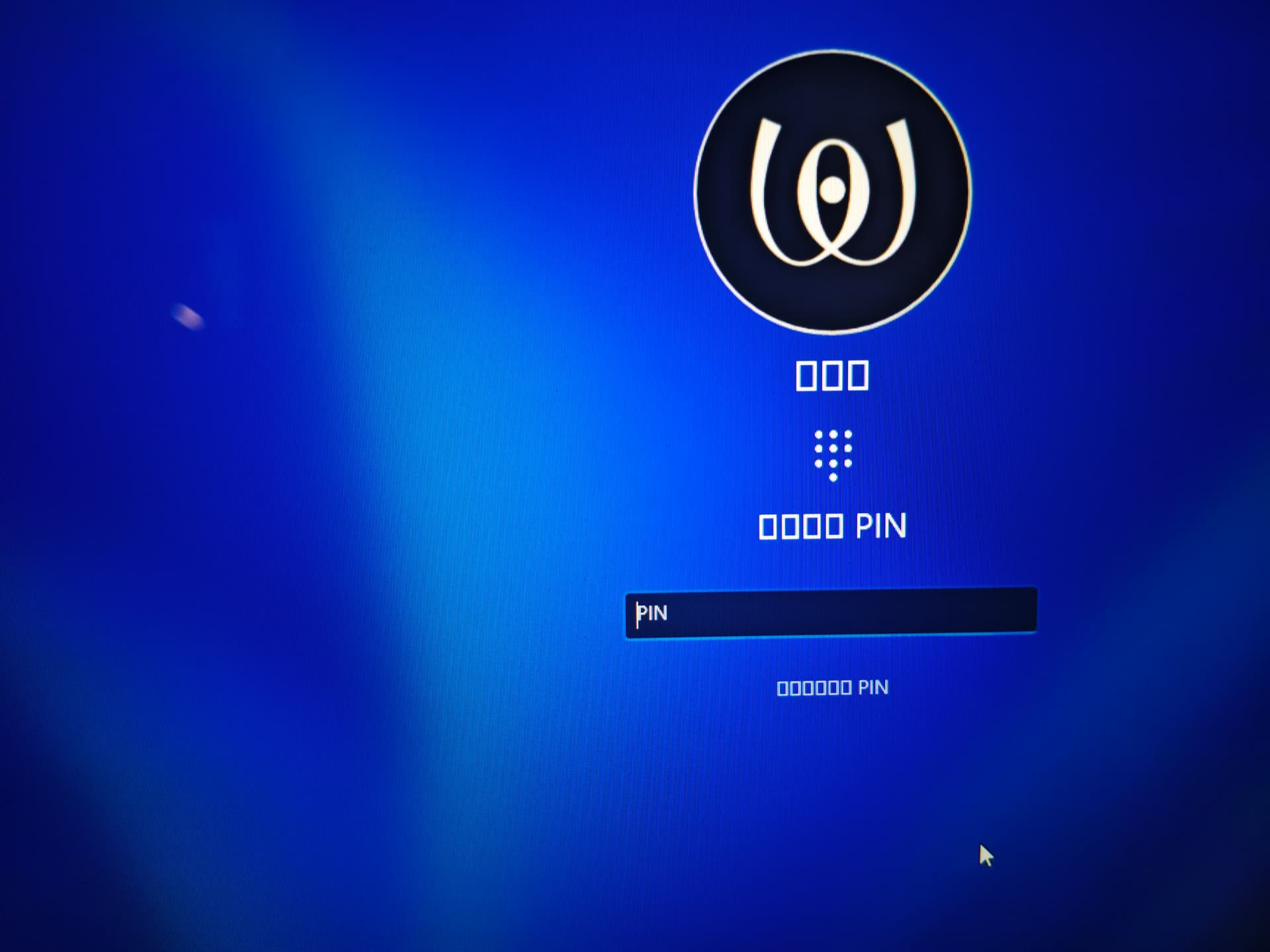
As shown in the figure, how to solve this problem? Thank you.
Sorry for the inconvenience. Please try these quick steps:
-
Refresh the Windows font cache
Open File Explorer → go toC:\Windows\Fonts
Leave it open for a few seconds, close it, then restart Windows. -
Restore default font settings
Control Panel → Appearance and Personalization → Fonts → Font settings
Click Restore default font settings, then restart Windows.
Thank you very much for your answer, I tried all these methods and didn’t solve it, so I reinstalled the system.ʕ•ٹ•ʔ