I’m exporting a font and the position of the dots in Word is not correct. (In InDesign it is correct.) I should point out that when I had version 11 of the software, there was no problem, and only now that my version is 15, there is the problem. I would appreciate the help.
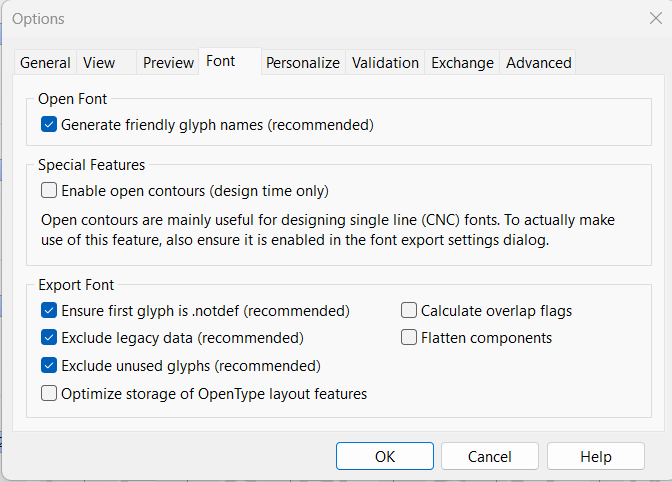
In FontCreator 15 we added an export option that can optimize (compact) OpenType layout features. While this produces totally valid OpenType data, some applications (including MS Word) don’t always handle this advanced optimization correctly.
Please try this first:
- Export the font again.
- Open the Options dialog and go to the Font page.
- Toggle Optimize storage of OpenType layout features, then export and test again in Word.
If that doesn’t solve it, please send us:
- the font exported with v11 (working),
- the font exported with v15 (problematic),
- and the FontCreator project file used for export.
With those, we can reproduce the issue and see what specifically triggers Word’s behavior.
1 Like
Thank you for the response and detailed guidance.
- How can I upload files to you without other users being able to download my font files?
- I can’t find where the settings you want me to make are. I export the font and it opens the settings in the attached image. Is there anything I can change there?
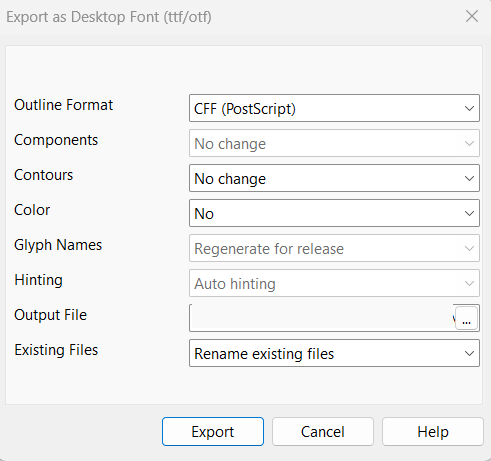
Perhaps regarding what I asked in section 2 above, I understood your intention, and I have marked the settings in the software as in the attached image. However, the problem persists.
Do send the files to:
[email protected]
1 Like
I have received the files and will look into it asap.
A sample text would also help!
What version of Word do you use? Outdated versions might not be able to recognize fonts made with modern technology.
I am currently using:
Microsoft Word voor Microsoft 365 (Version 2511 Build 16.0.19426.20218) 64 bits, released December 16 2025.
1 Like
Thank you very much!
I also attached 2 images of the text to the email, one image is called V and it looks correct, which is what is exported in version 11 of the software, and the second image is called X, and it is incorrect, which is what was exported in version 15.
I will send a Word file in the email as well.
Regarding the Word version, I have the most recent version of Office 365.
And again, thank you very much!
It looks like the font was exported with FontCreator 15.0.0.2974 (April 25, 2024).
Could you please download and install the latest FontCreator 15 update, then export the font again and test it in Word? This will help us confirm whether the issue has already been addressed in a newer build.
1 Like
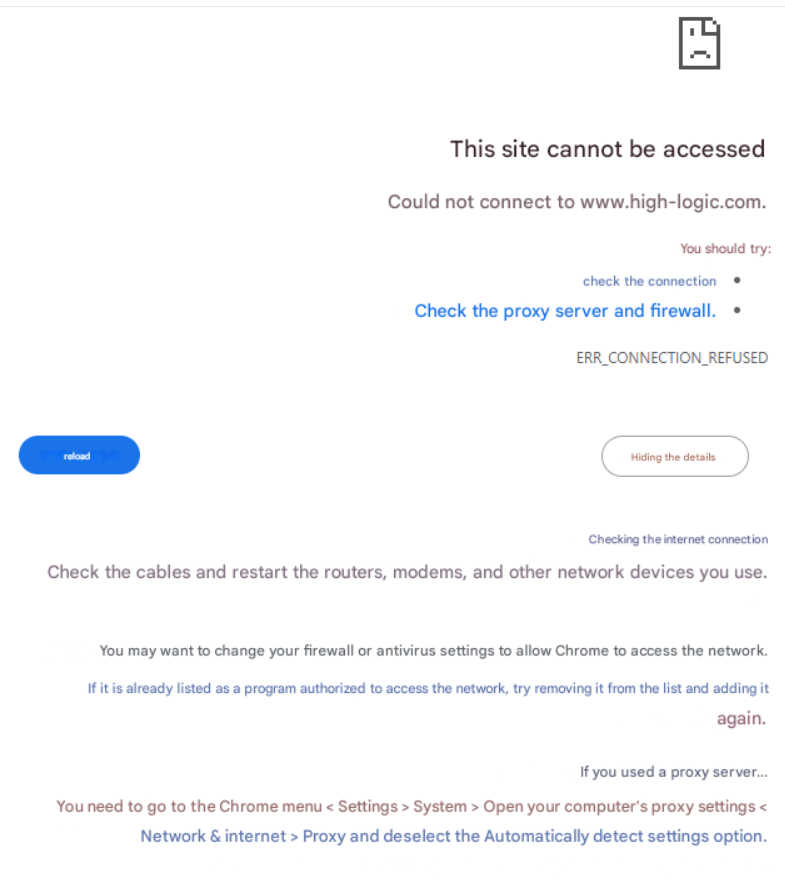
I can’t access the link on the website to the software.
Is there a problem with the links? It shows me the following message.
I checked the details you provided, and I’m not able to verify that you’re using a licensed copy of FontCreator. In that situation I can’t provide support or access to updates/downloads.
If you do have a valid license, please contact us again using the email address used for the purchase and include your order reference.
1 Like