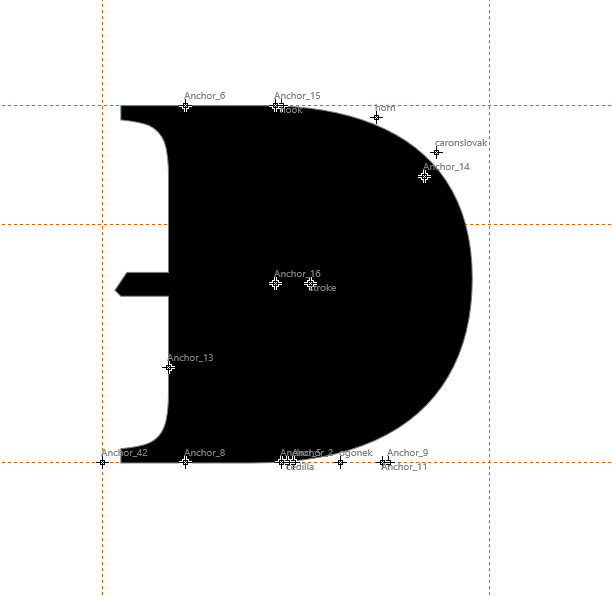
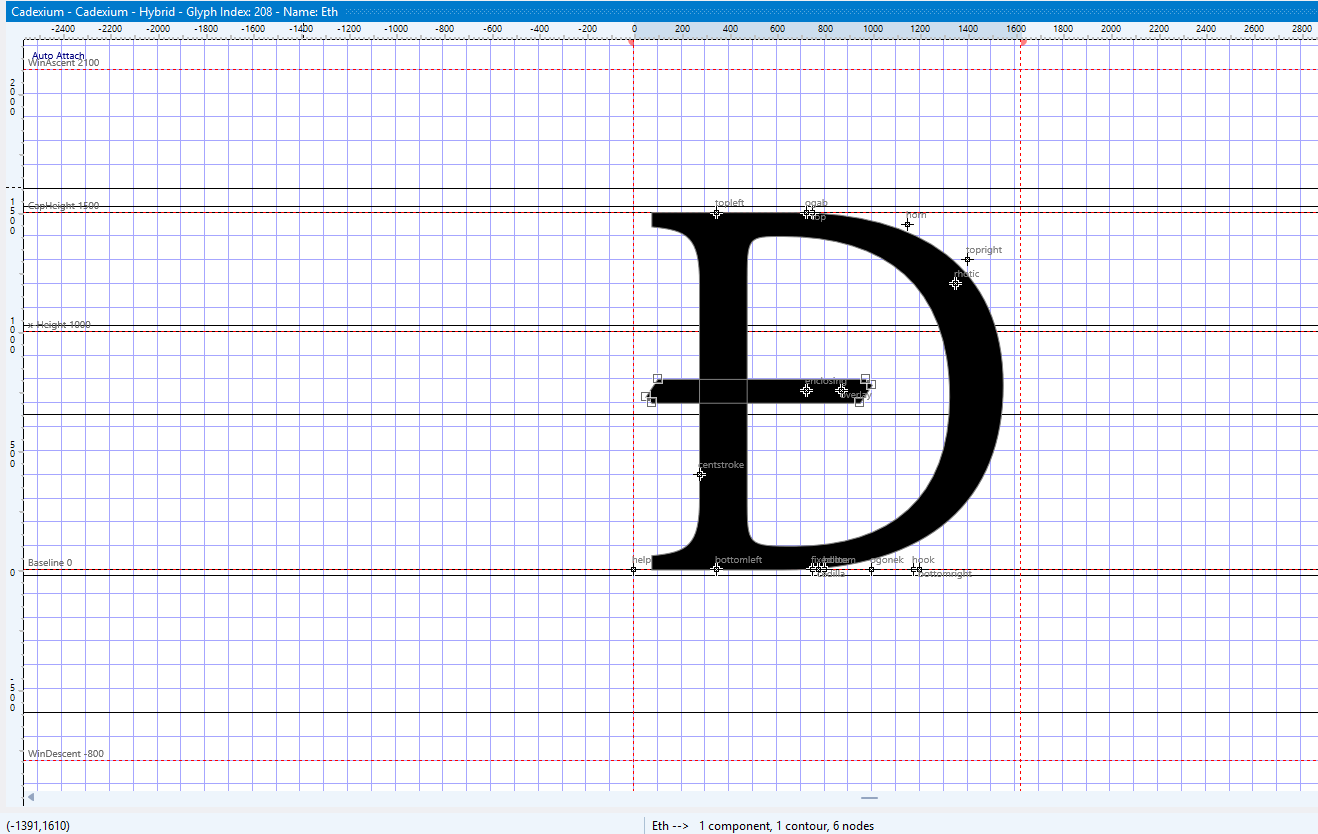
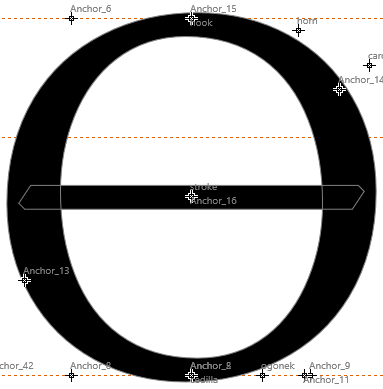
I have a font I export with the “Remove overlap” setting (and the “Decompose overlapping and scaled”), and the font has some hybrid glyphs that overlap. However, the exported version has some contours missing, as shown in the images below
^ in original fcp file
^ in exported ttf
Fully composite glyphs like O barred, while retaining the holes, do not have the overlap removed (update: it seems the glyph was not decomposed despite having “decompose overlapping and scaled” set)
U bar is hybrid but has no counterclockwise contours so it gives me what i want
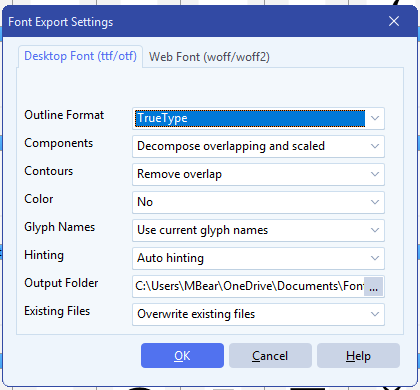
the export settings, and the font files in question
Cadexium-Regular.ttf (1.2 MB)
Cadexium.fcp (3.4 MB)
Unrelatedly I see some options are grayed out when I switch to CFF curves, is this intentional?
Some glyphs don’t even have the overlap removed (there have been cases where a simple glyph glitches out and deletes some contours when remove overlap is set, I know the union operation isn’t perfect and when those happen I just resolve those manually if it’s a simple glyph as this is rather rare, but here it seems to straight up ignore it)
The components you used are not scaled, so they are intentionally left untouched. Unscaled components with overlaps are common in many fonts, so avoid decomposing them automatically.
Concerning remove overlap
In rare cases the boolean union may remove small contours or behave unexpectedly. When this happens, manual cleanup is usually the safest approach. We continuously improve the algorithm, so it should be better in the future.
Options disabled with CFF curves
Yes, that is intentional. The CFF/OTF outline format has different technical limitations. Some export options only apply to quadratic curves, so they’re disabled when exporting CFF.
1 Like