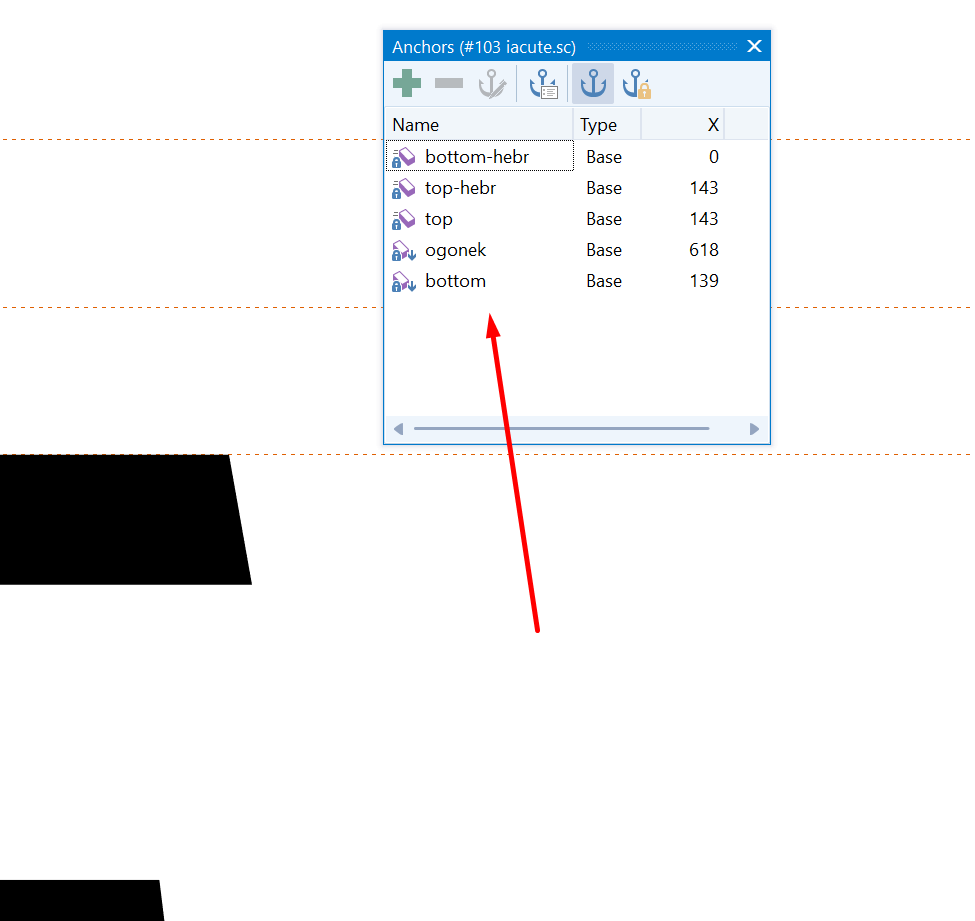
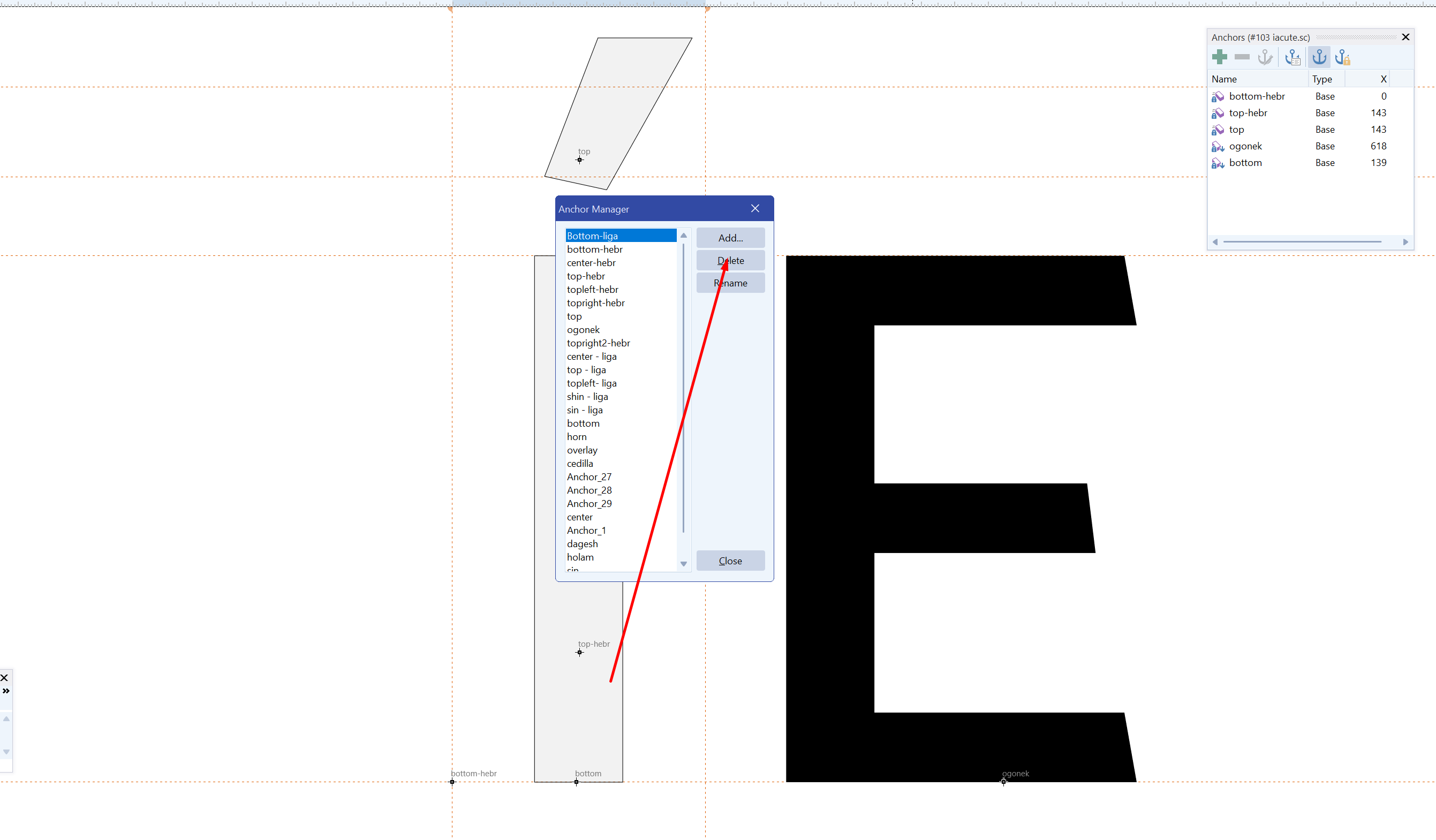
How can anchors be removed properly and safely? It is not currently possible. I would like to point out that this is a flexible project.
Also remove specific characters
How can anchors be removed properly and safely? It is not currently possible. I would like to point out that this is a flexible project.
Also remove specific characters
The lock symbol shows that these anchors are generated by Auto Attach—they’re inherited, not user-defined—so they can’t be deleted one-by-one.
If you really need them gone, first disable Auto Attach for those glyphs (or for the whole font), then edit anchors manually.
How to apply anchors from OpenType Designer to composite glyphs?
Hi,
I’ve defined and precisely positioned anchors (e.g., _top, _bottom) in the OpenType Designer for my base glyphs. However, the composite glyphs that are built from those base glyphs don’t seem to inherit or reflect those anchors automatically.
Is there a way to apply or sync these anchors across all related composite glyphs without placing them manually one by one?
I’ve checked the composite glyph properties but might be missing a step.
Any guidance would be appreciated – thanks in advance!
If I remember correctly, select the glyphs you want to have anchors in the Glyph Overview, right-click, and select Auto-attach.