I’m trying to get these nodes perfectly lined up, but the movement is really snappy even though all the ‘snap to’ features are disabled. For now, my solution is to use the alignment features, but sometimes the position isn’t as precise as I want. Is there any solution to this?
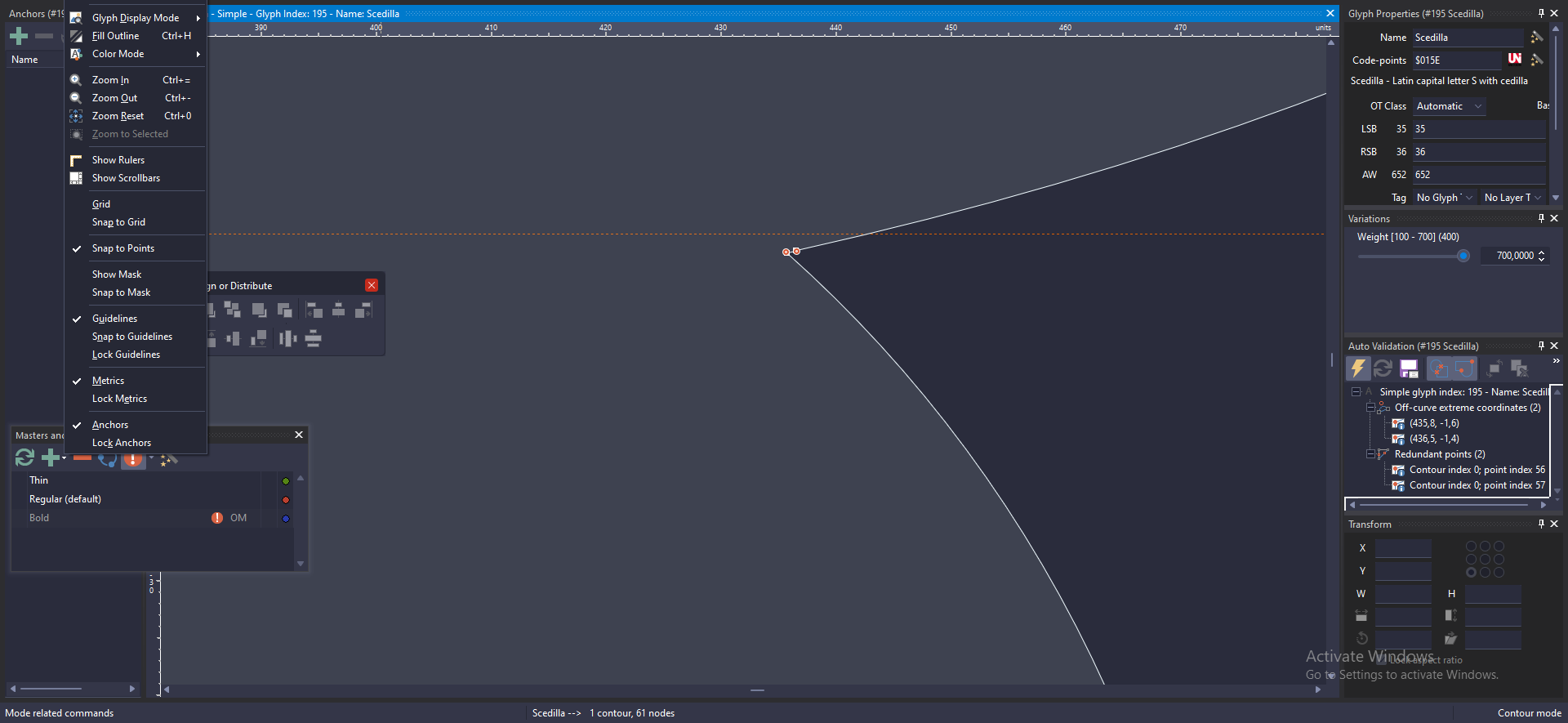
It is not clear to me what you want to achieve and how it fails. Can you provide steps we can use to reproduce the problem?
I have found that if you re-enter both of the nodes’ x and y coordinates in the transform window, they will align, however it may shift one node’s current location slightly outside of what you were expecting.
It would help if you can send a sample font and a clear reproduction procedure so we can look into it.
What I mean is I’m expecting to get a smooth movement when moving an object in FontCreator (like this example from Adobe Illustrator https://www.youtube.com/watch?v=WeATOlGby8Q). But in FC I got this snappy movement that prevent me to moving an object to my desired position (like this https://www.youtube.com/watch?v=5fvSMC6XOaU).
The movement in FC is like when you using Adobe Illustrator and enable “snap to grid” or “snap to pixel” in Adobe Illustration.
You are seeing expected behavior.
Fonts work on an integer grid, so moving a node is always done in whole units, even when all snap options are disabled. That means FontCreator cannot move points as smoothly as Illustrator, where objects can be positioned with sub-pixel precision.
Using the alignment commands is indeed the best approach when you need exact positioning. You can also zoom in further and check the point coordinates to make sure the nodes are placed exactly where you want them.
Also, if coordinates are no longer at integer values, for example after resizing or rotating a contour, you can select the affected nodes, right-click, and choose Round XY Coordinates.
1 Like