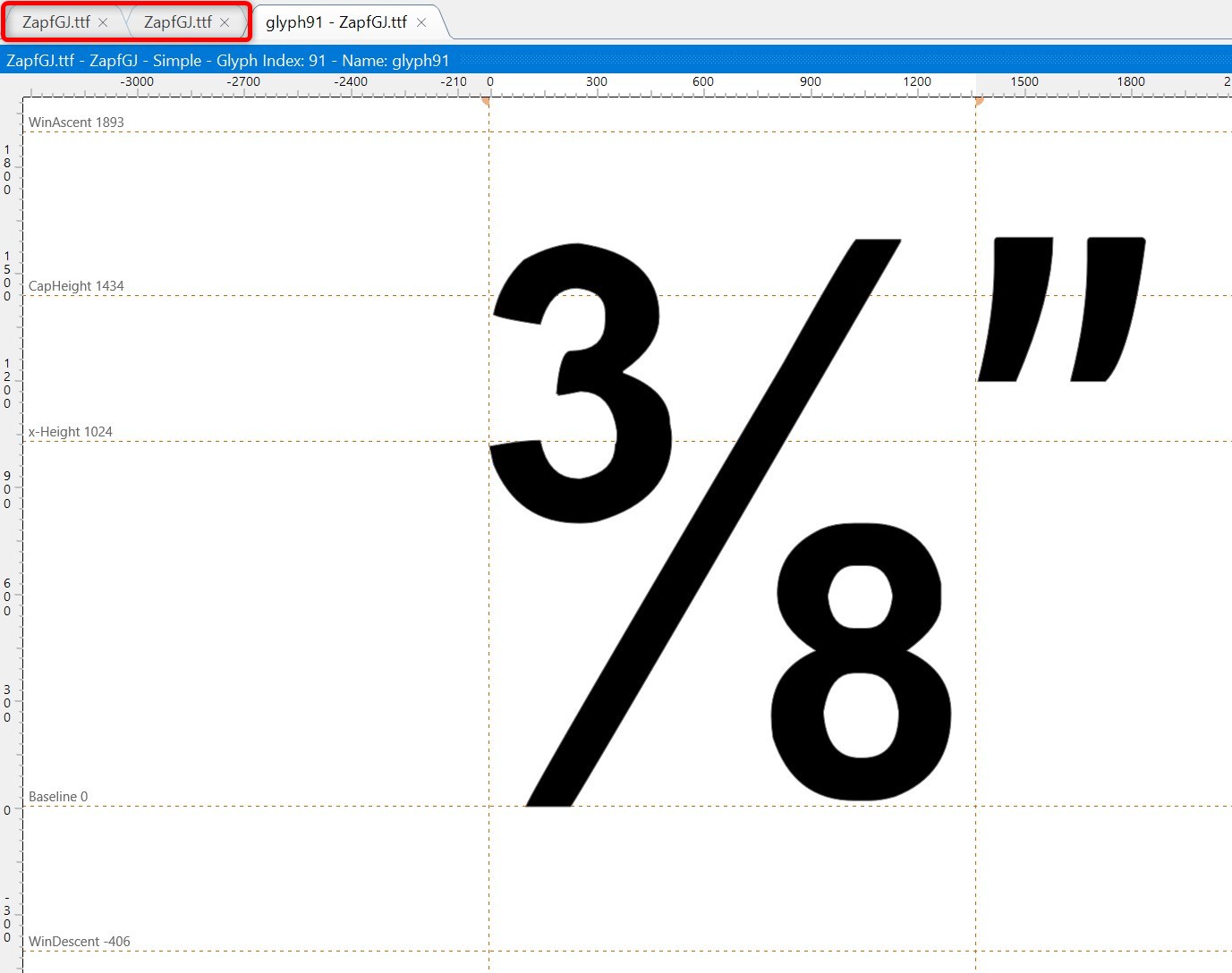
Strangely, the font “ZapfGJ.ttf” is displayed twice in the tabs at the top.
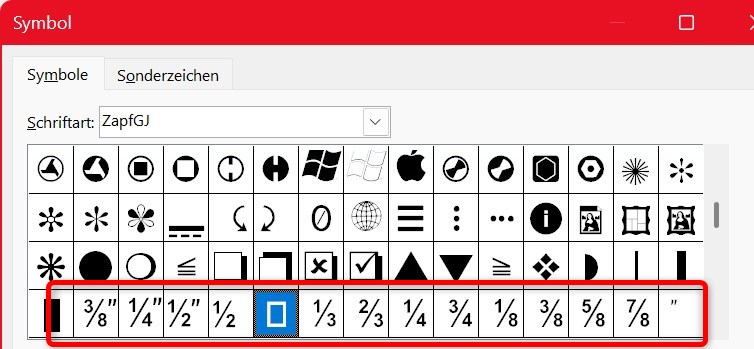
When I insert the new characters into Word, there is character code 127 in between, which I do not see in FontCreator.
First make sure you are legally allowed to modify the font. Some vendors permit internal changes, while others have restrictions. This is outside the scope of our support, but it’s important to verify.
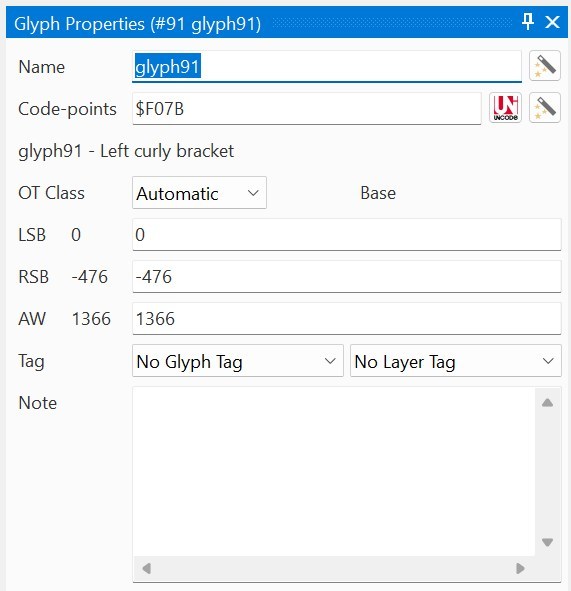
Your font is a legacy Symbol font, and the character you are looking for corresponds to 0xF07F. In Symbol-encoded fonts, everything in the Unicode range U+F000–U+F0FF is treated as a remapped 0x00–0xFF character set. Because 0x007F (decimal 127) is the Delete control character, it will always appear as .notdef. You’ll see the same behaviour in other Symbol fonts like Wingdings.
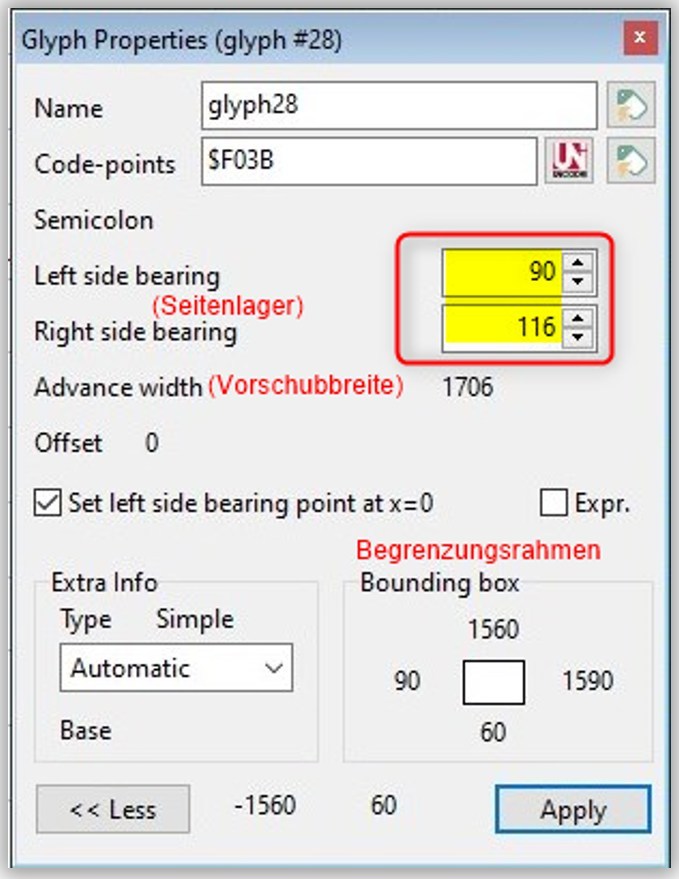
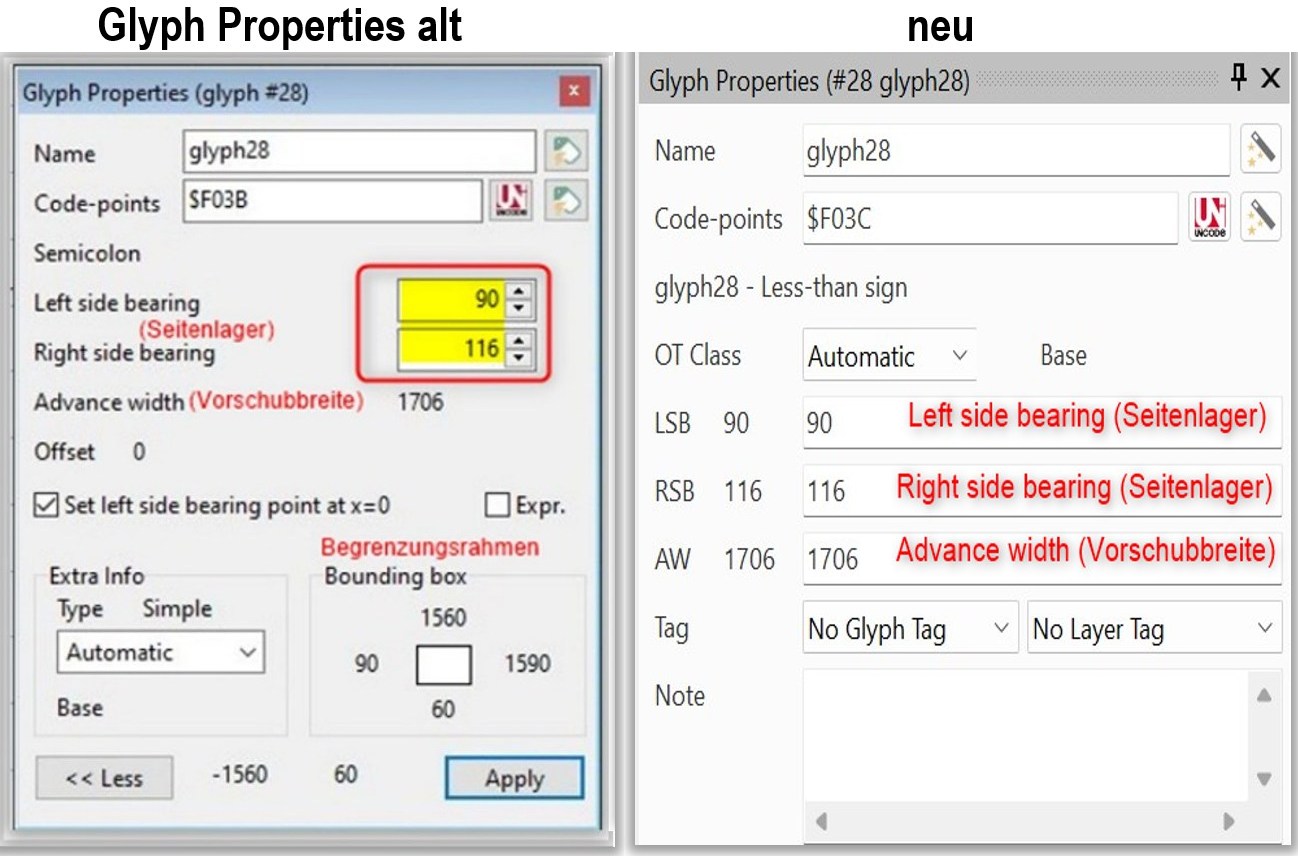
To adjust LSB or advance width, you can drag the side-bearing lines directly in the glyph editor, or use the Glyph Properties panel to enter exact values.
Hi Erwin, thank you very much for your patience and help.
I use this font, which I modified a long time ago to suit my needs and continue to add to, solely for my personal use and believe (hope) that I am not infringing any copyrights.
I have now finally managed to edit the page margins, but the properties page has changed from before, which caused me some difficulties.
Is it correct that when I export the font after editing and insert the new one into Windows fonts, the changes will only be visible in Word, for example, after restarting the PC, or is there a faster way?
I don’t know the license agreement that originally came with the font, and I’m not a lawyer, but it’s safest to remove the font file from your earlier post. It’s generally wise not to share modified commercial fonts publicly.
I understand as the user interface has evolved over time. Once you get used to it, I hope you’ll find it more convenient. One improvement compared to older versions is that you can now select multiple glyphs in the overview and adjust LSB or AW for all of them at once.
Using the Font Install feature in FontCreator usually updates the installed font immediately. Please give that a try and let us know if it works as expected.
Hi Erwin,
Based on your recommendation, I have removed the post with the attached font.
With “Font install,” the font is actually available immediately, which is great.
Thanks again and all the best,
Günther