Version 16.0.3062, macOS 26.4.1
Reproduction
- Use FC to open BabelStoneHanExtra.ttf downloaded from Releases · babelstone/babelstonehan-ufo · GitHub
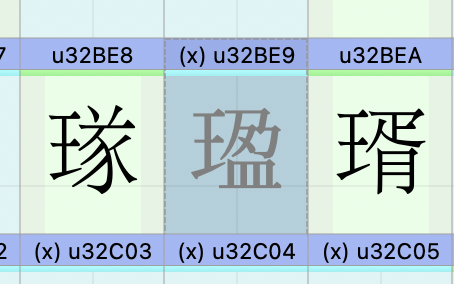
- Double click any character to open the edit tab
- Input the following string “𡟚𡺡” (U+217DA, U+21EA1, U+32BE9) in the input area of the bottom panel
Expected
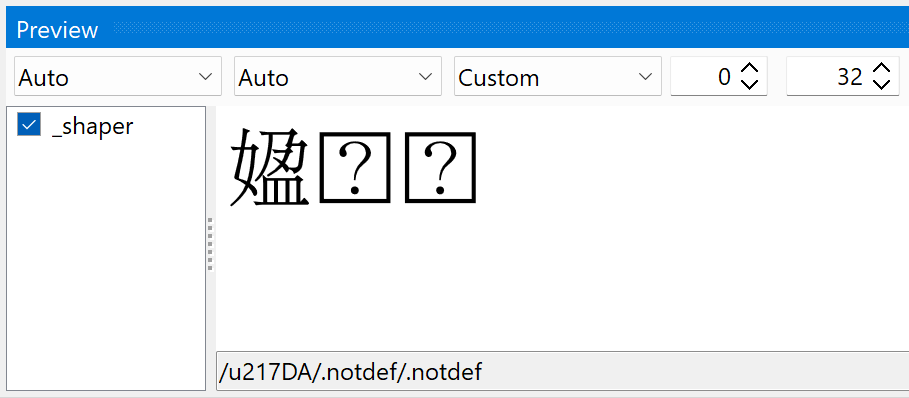
It should render three glyphs whose glyph name are respectively u217DA, .notdef and .notdef, the bottom line should print /u217DA/.notdef/.notdef. As BabelStone Han Extra 17.0.1 only supports the first character.
Actual
It only renders two glyph:
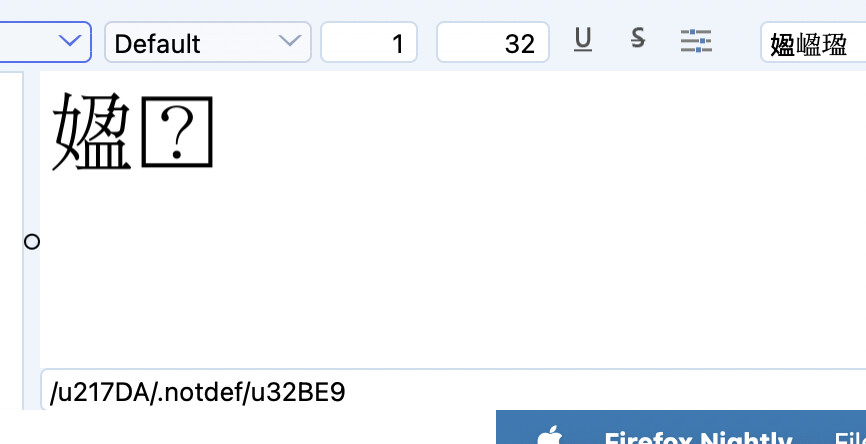
and the bottom line prints /u217DA/.notdef/u32BE9.
Not sure if it is related, but note that macOS 26.4.1 already supports Unicode 17 in filesystem level. touch .txt does not throw illegal bytes. So the OS should not be a constraint here.