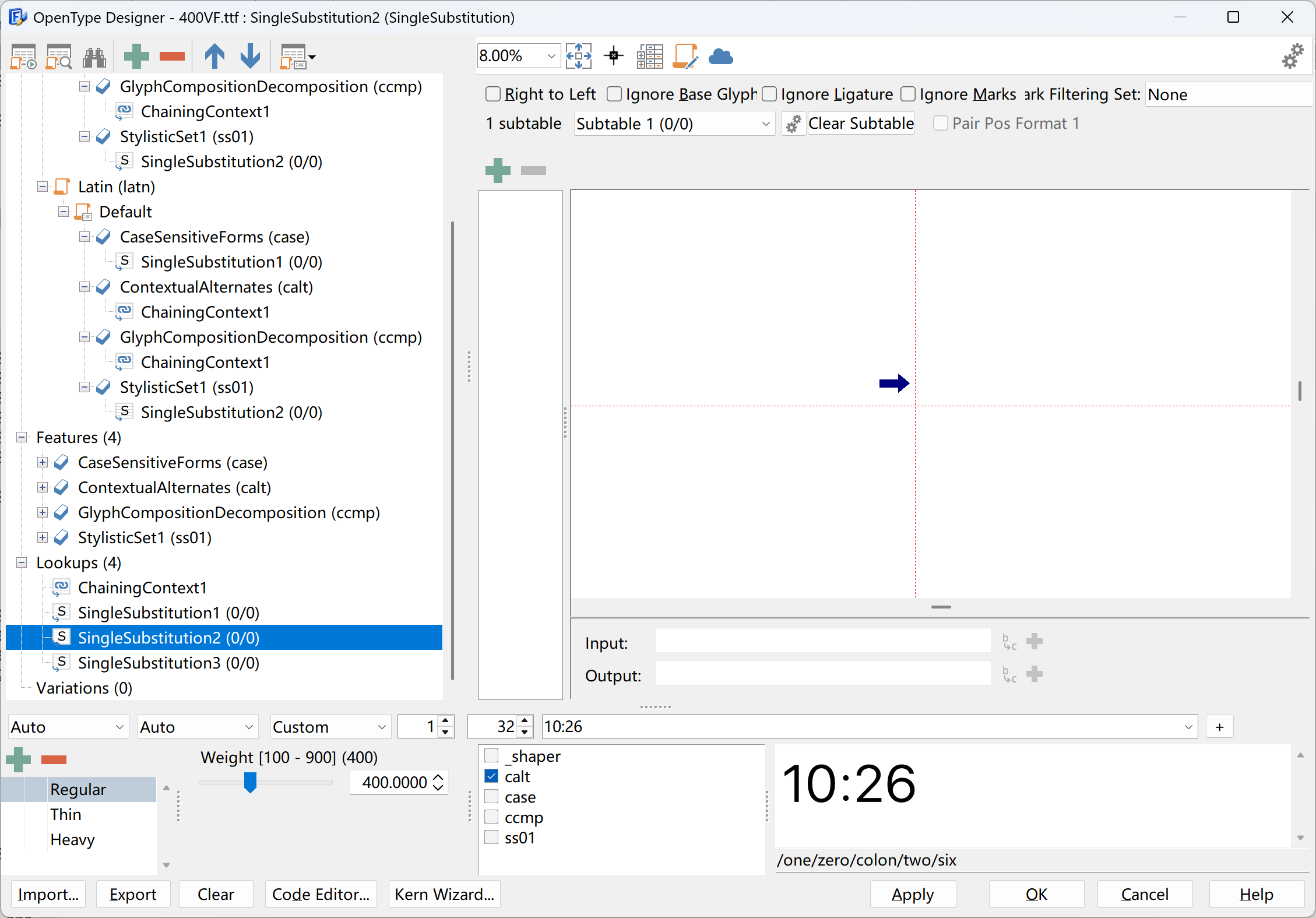
Hello, when using fontcreator15 or version 16.0.3064 to open a font, the OpenType feature disappears. All versions of version 15, 16.3060, and 3064 also disappear. Thank you
FontCreator shows what is inside the font. For some reason your font has suspicious OpenType layout features. How did you get or make that font?
Fonts released by font companies have encountered situations where OpenType features disappear after trying many fonts. Some have lost one of these features, while others have completely disappeared. Using fontlab does not result in this situation
FontCreator is designed to preserve the OpenType layout features that are present in an existing font. Actually our font editor is the only one that preserves all OpenType layout features.
If you have found a font where this is not the case, please send us the font file, along with a short description of which feature is missing and how you verified it. Then I will investigate it.
Without the actual font, it is hard to say what is going on. It could be that the font contains unusual or suspicious OpenType data, but I am happy to look into it if you can provide a concrete example.
Sorry, new users are unable to upload attachments, so I am unable to provide font files as I am in China.
Send to:
[email protected]
Sent, please check,The font feature disappears every time it is imported
I haven’t received it.
Unable to send, the volume is too large and has been returned
Resend successfully, please check, thank you
Thank you for sending the font.
I have looked into it, and the font contains only 180 bytes of substitution table data. That is just enough to hold empty features and lookups, which matches what your initial screenshot showed.
So FontCreator is opening this font correctly; the OpenType layout data is already incomplete in the font file you sent.
To investigate further, please send the original font file as released by the font company, and explain how you ended up with this malformed version. Then I can compare both files and see where the OpenType layout data was lost.
I did not use the OpenType feature of the original font. I added my own feature and conducted a test. When the characters in the font are greater than 32799, the feature disappears. However, in China, there are more than 50000 characters used. Please fix this issue. Thank you, please see the attachment.
Please check your email.
Thank you for providing the other file and some more background information. There is indeed a bug in FontCreator. We wil look into it and release an update soon.
2 Likes
Thank you both for persevering and looking into this issue. My Kurinto fonts have variants that support Chinese characters, so this certainly would apply to what I am doing!
We’ve just released an update (16.0.0.3069) that fixes this issue.
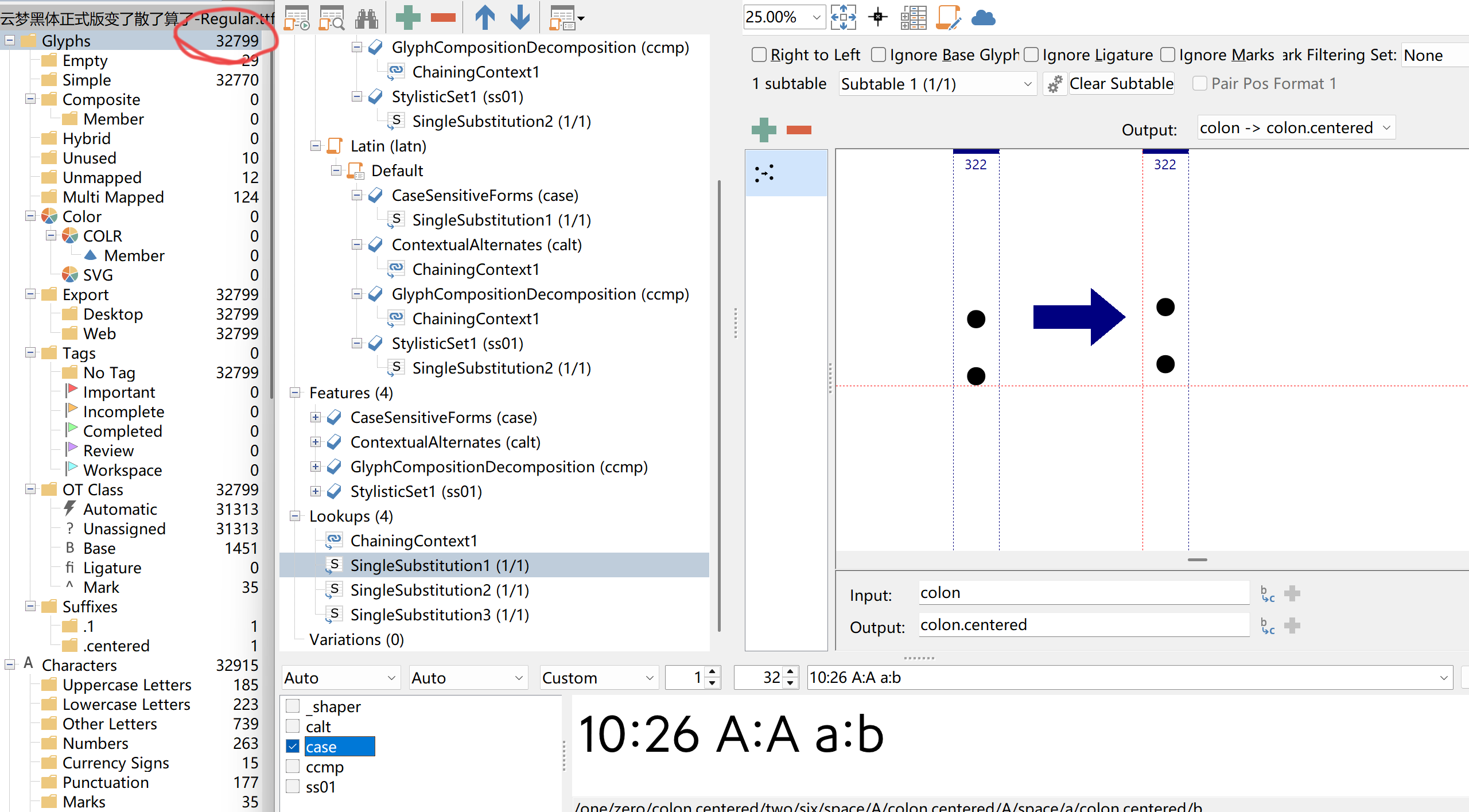
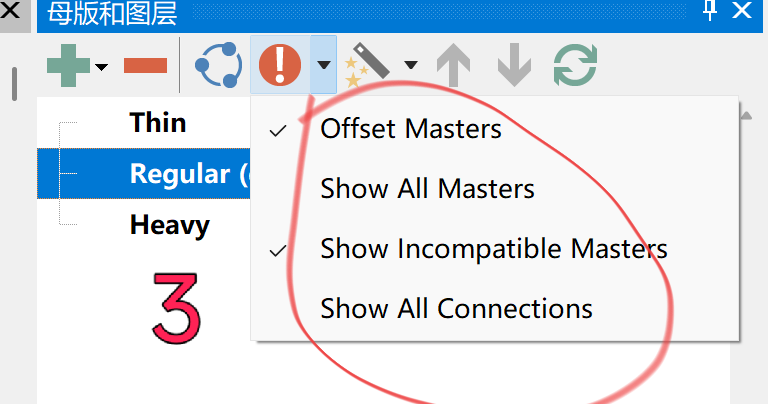
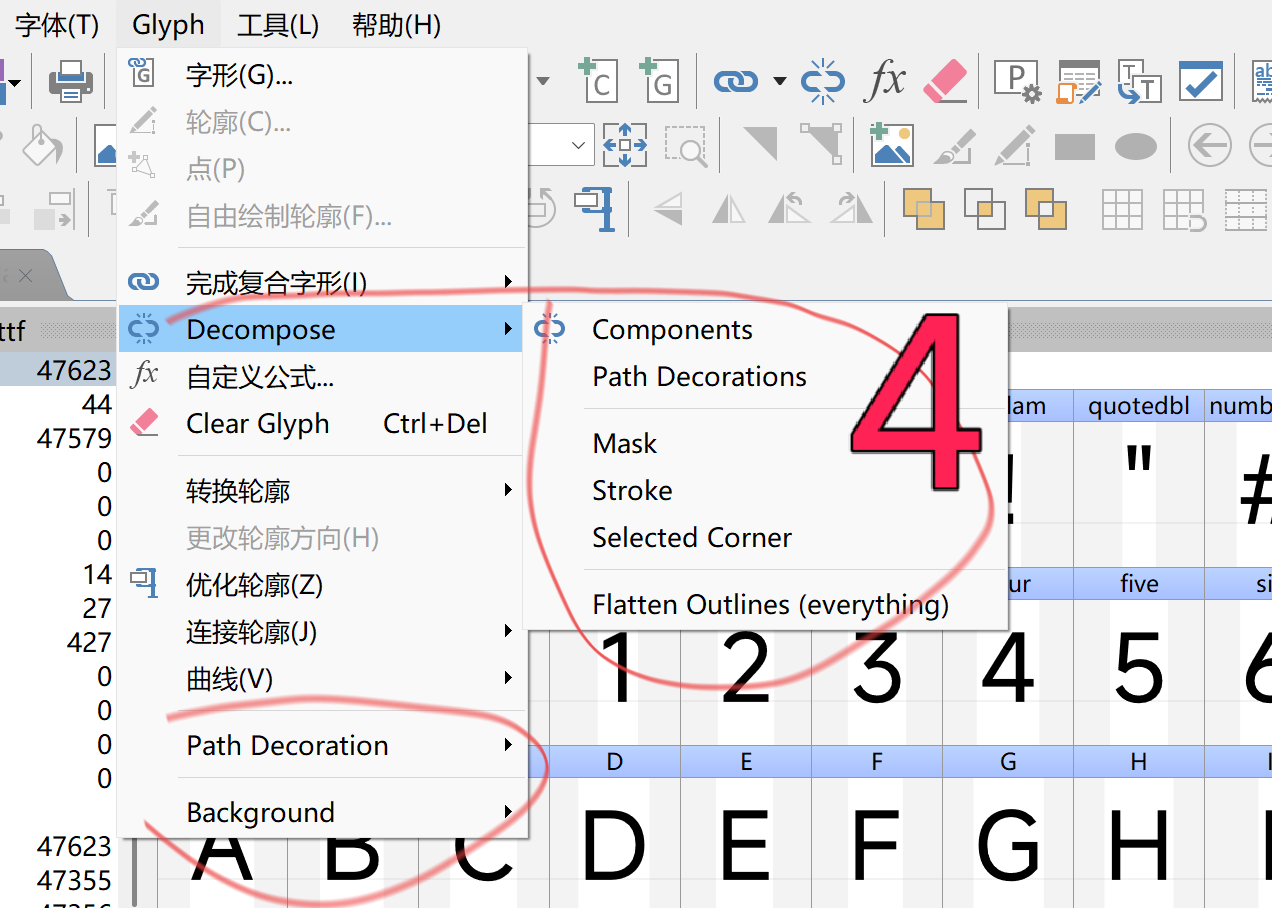
Hello, there is still a situation of OpenType feature loss in version 3076, as indicated by the red circle in the following figure. Figure 1 shows the version with added features, and Figure 2 shows the version that was reopened after saving. Some parts do not have Chinese language, as shown in Figures 3 and 4. Thank you! I am Chinese and do not understand English. I hope to have a Chinese version that displays comprehensive information. Thank you
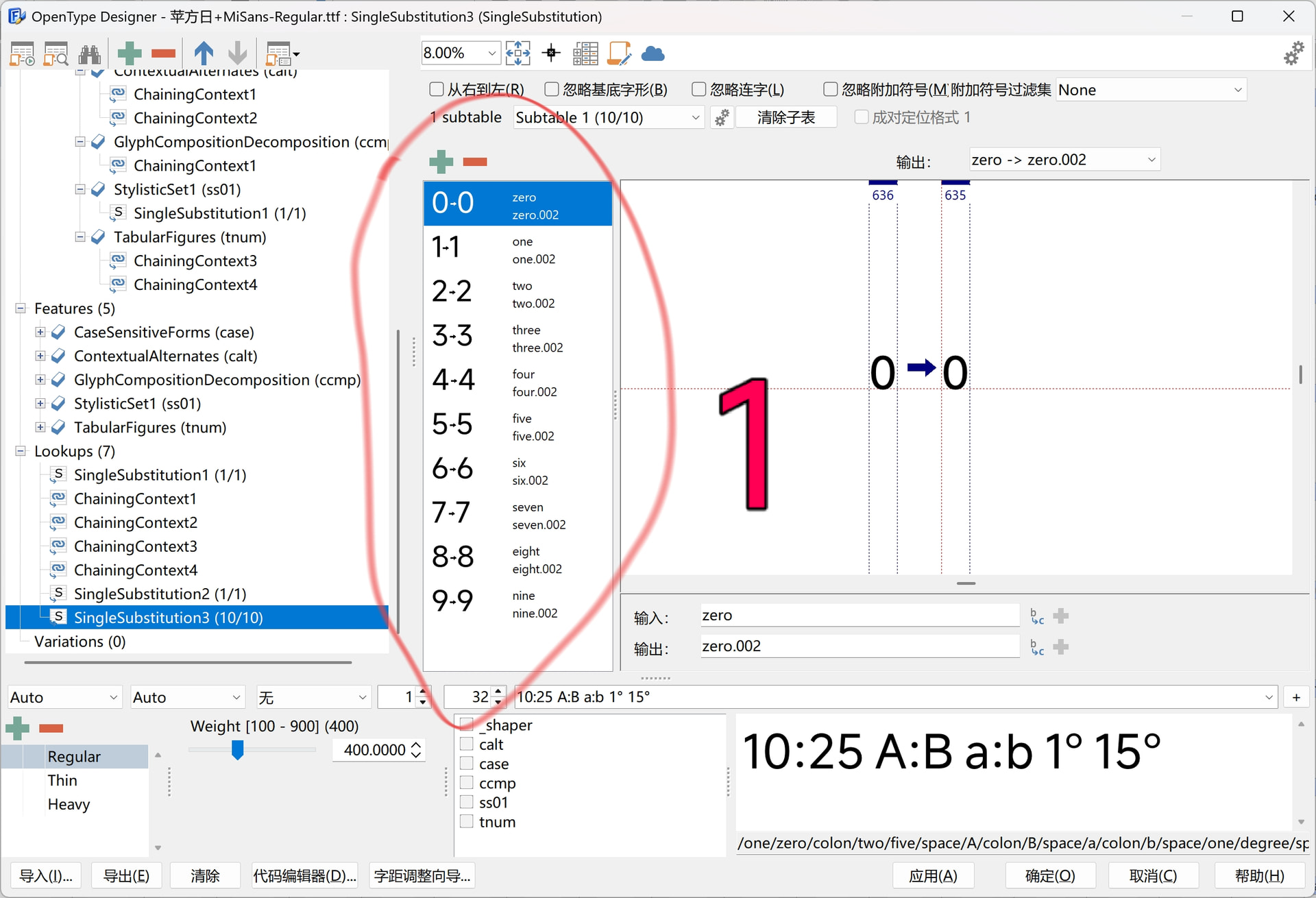
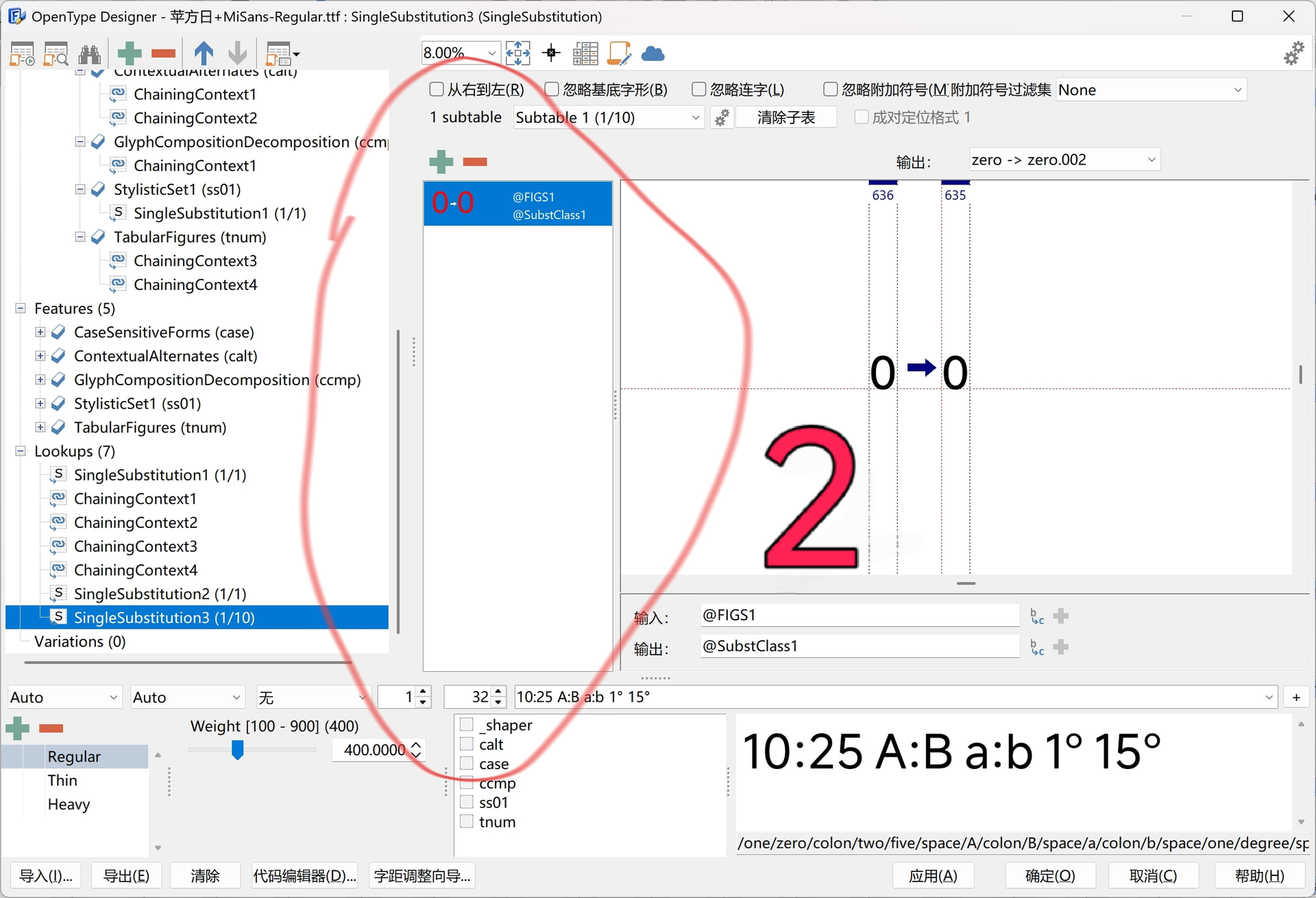
FontCreator works fine concerning the substitutions, it just groups the glyphs into a glyph class.
Translations will be updated during the next upcoming updates.
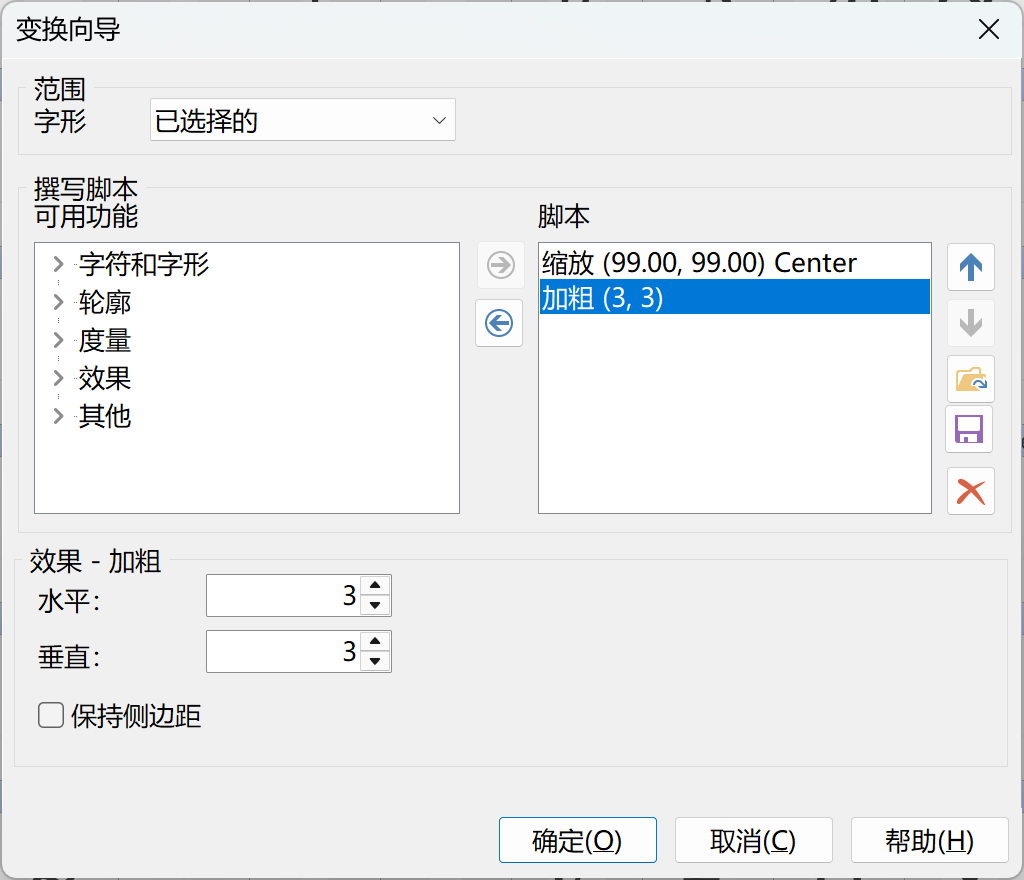
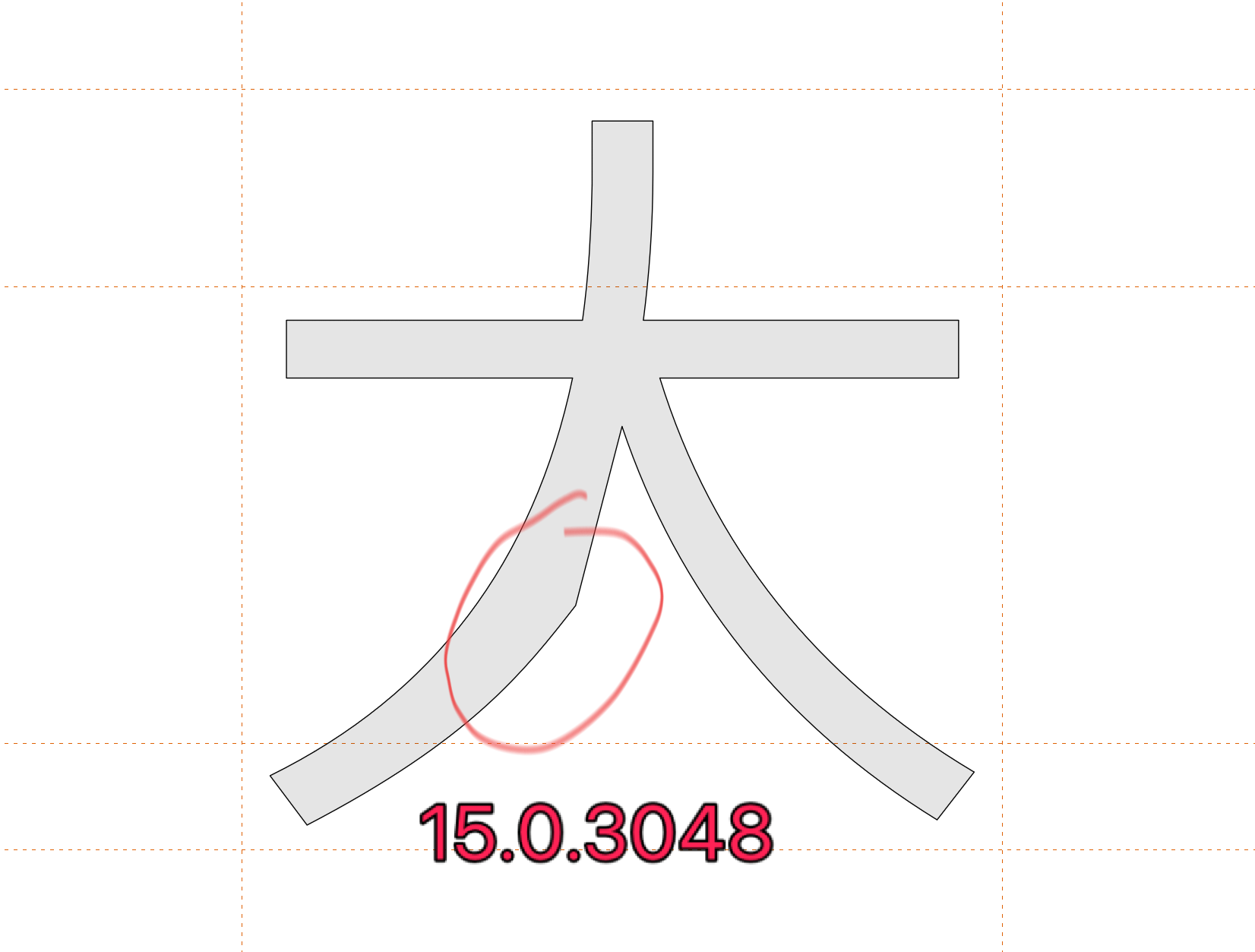
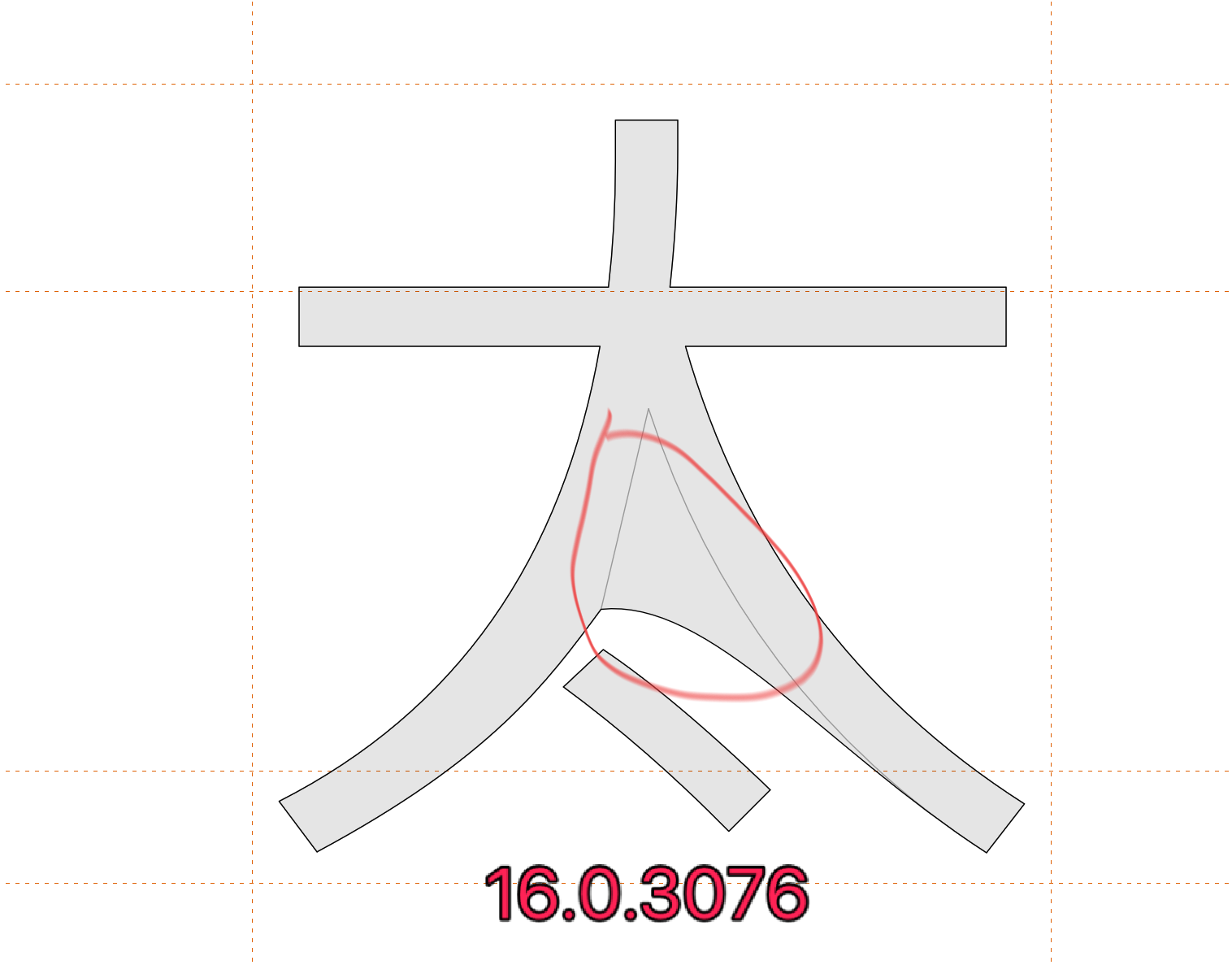
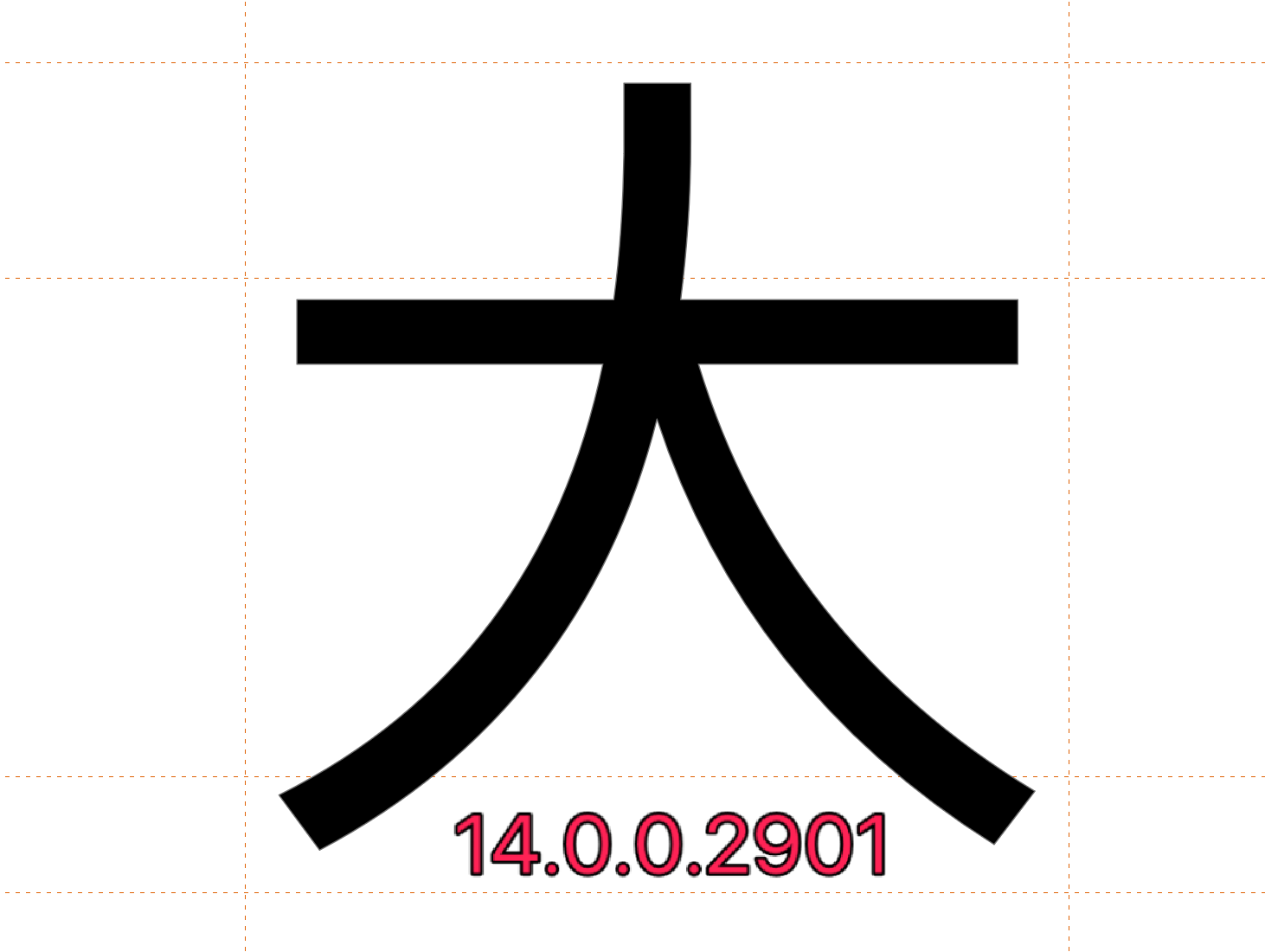
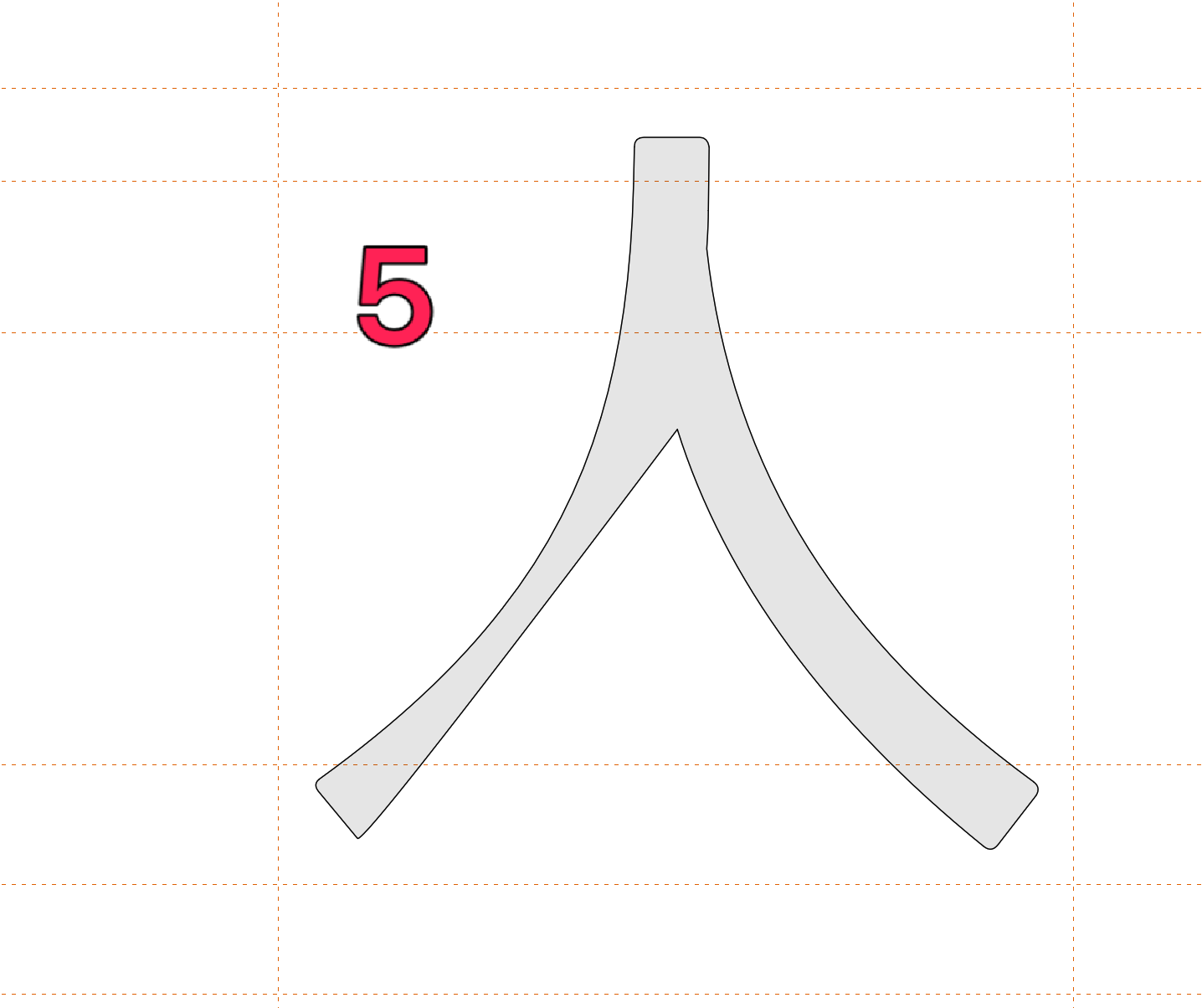
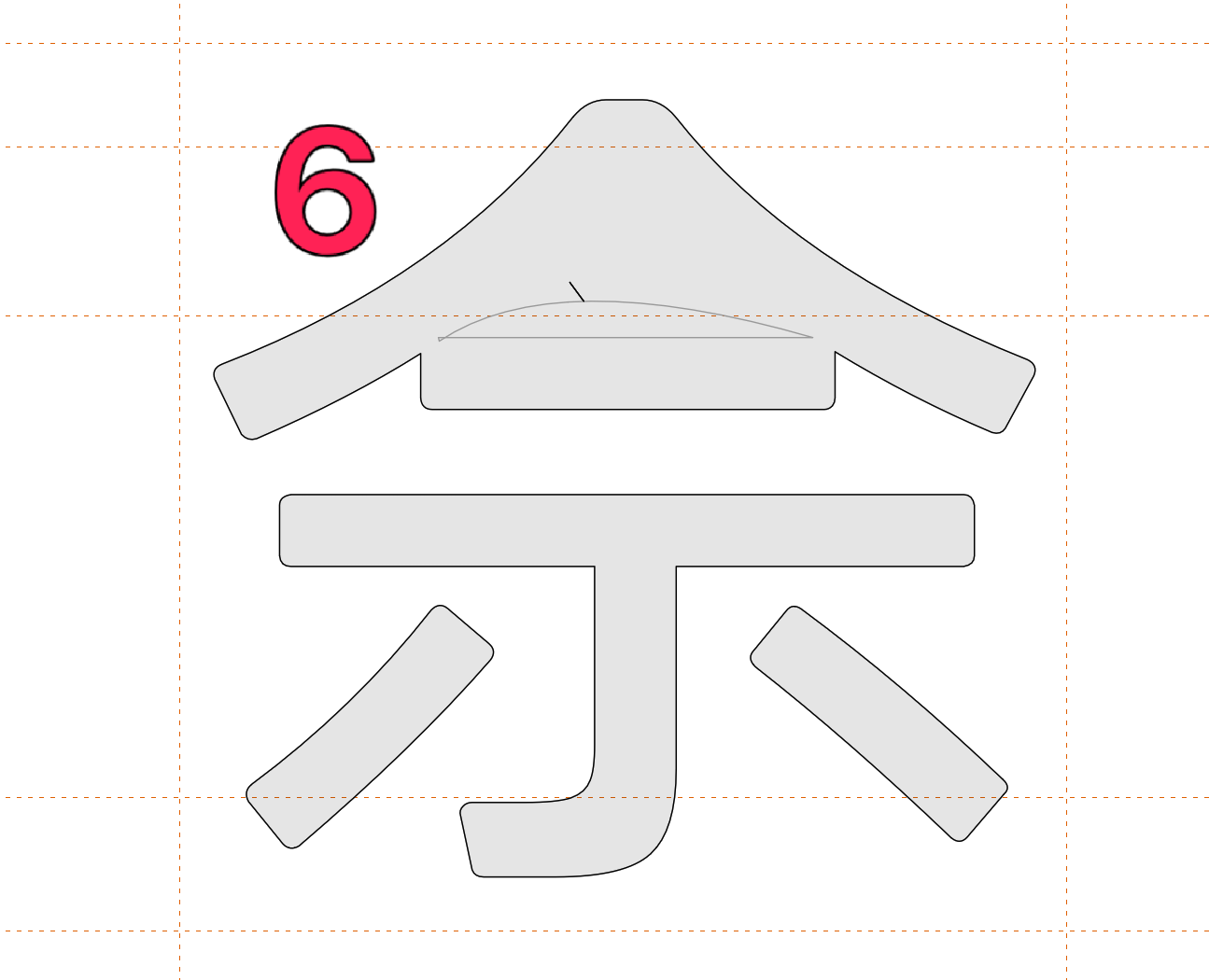
Hello, many versions 15 and 16 may damage the font when bolded. Only version 14 is normal. Exporting the postscript font as Truetype after bolding can also cause font damage, as shown in Figures 5 and 6. Another issue is that when using glyph converter scripts, fonts will disappear. Thank you.
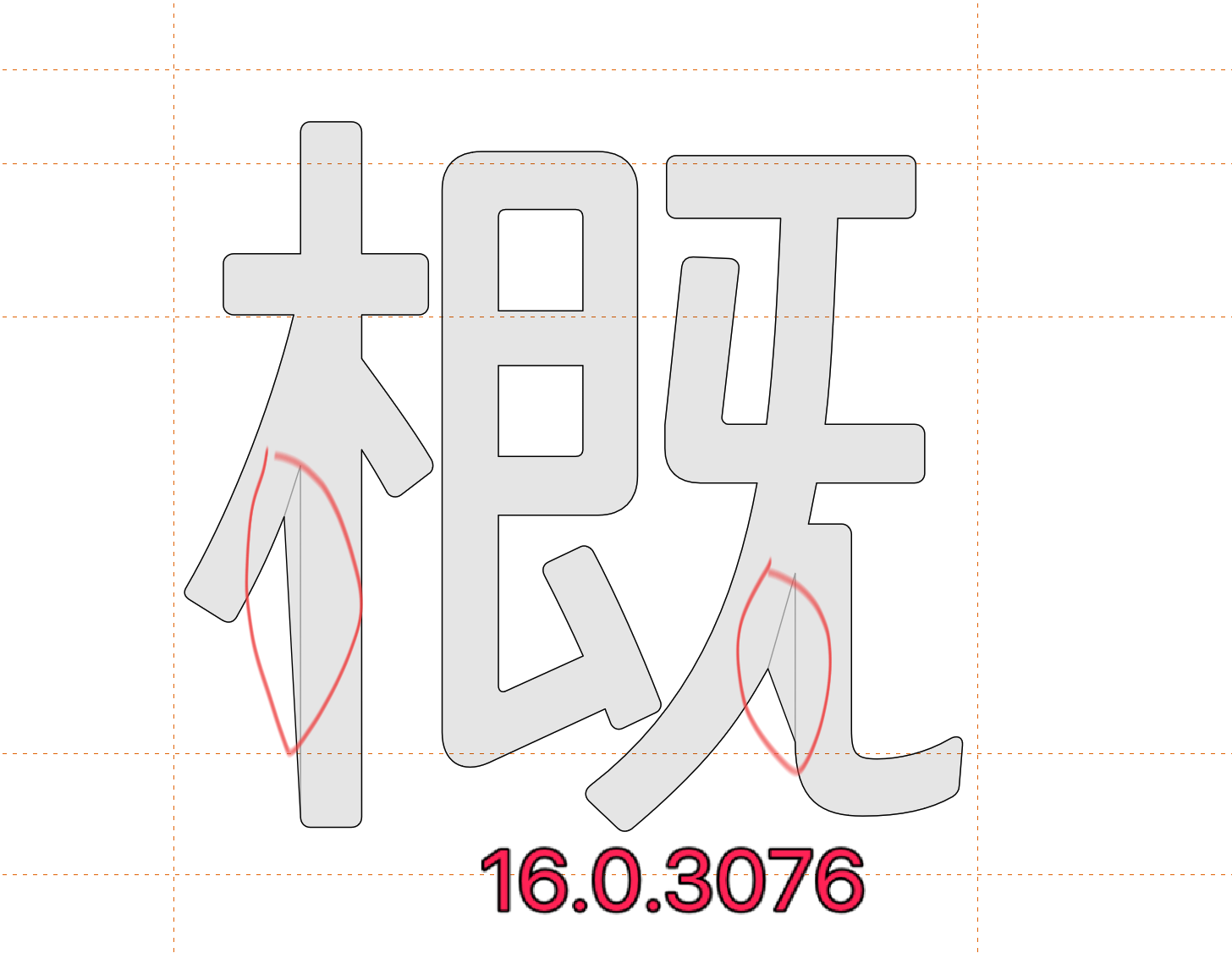
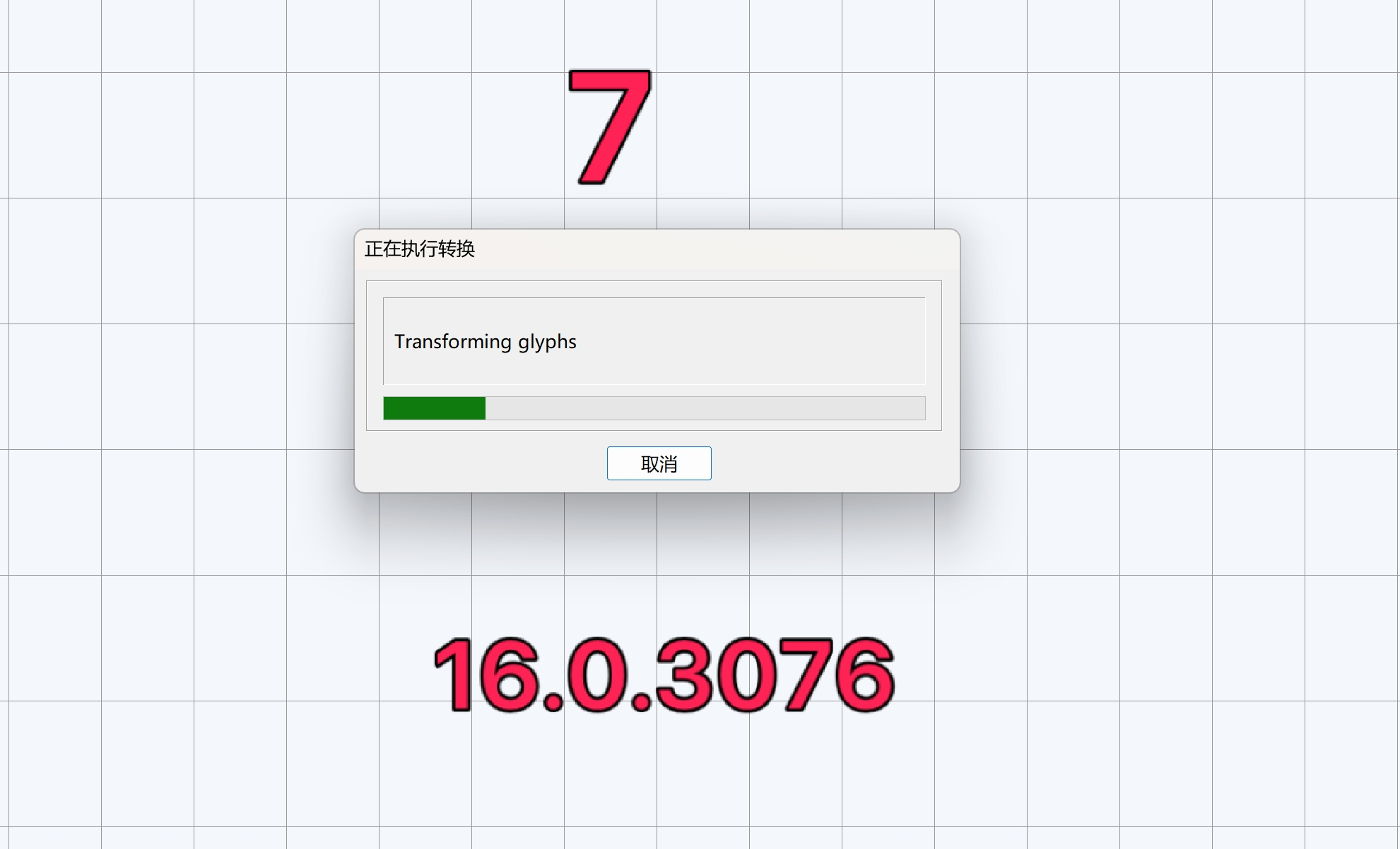
Send a sample font project to us along with a transform script, so we can reprodcue the issue.
[email protected]