Using the formula from right to left

Hello everyone.
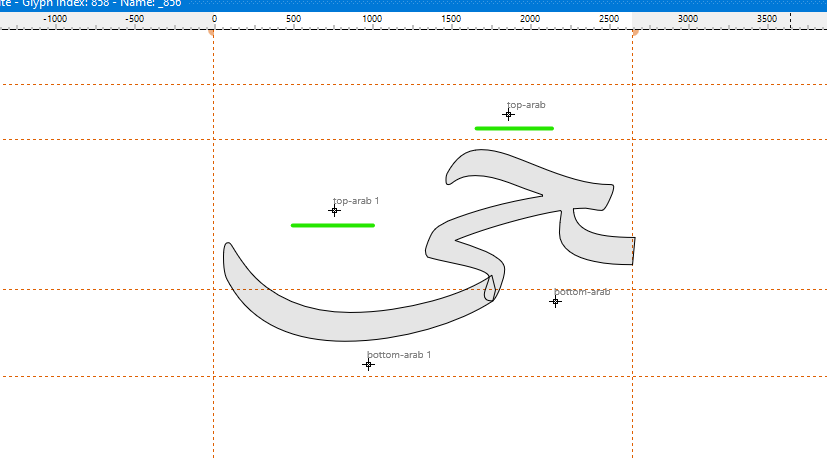
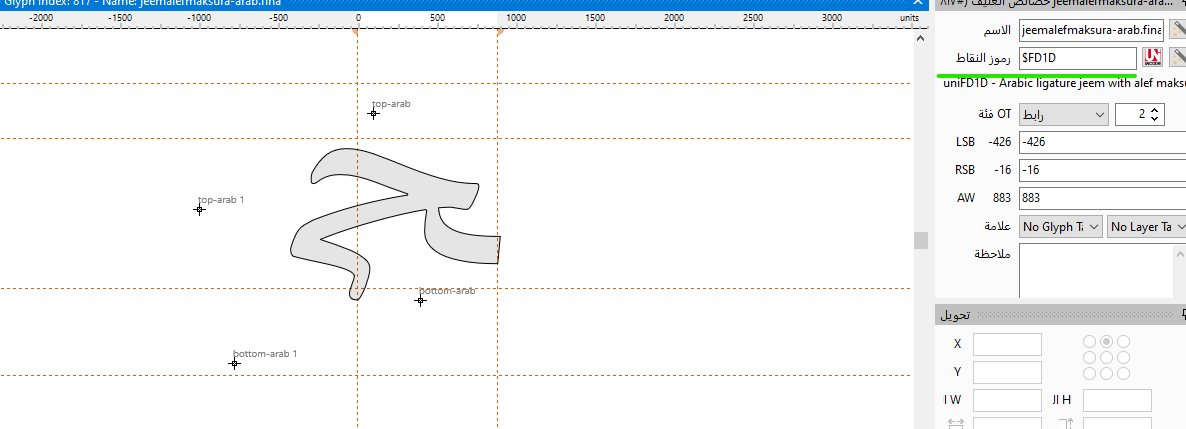
When using a formula and inserting an Arabic glyph first,
the format is from right to left, for example:
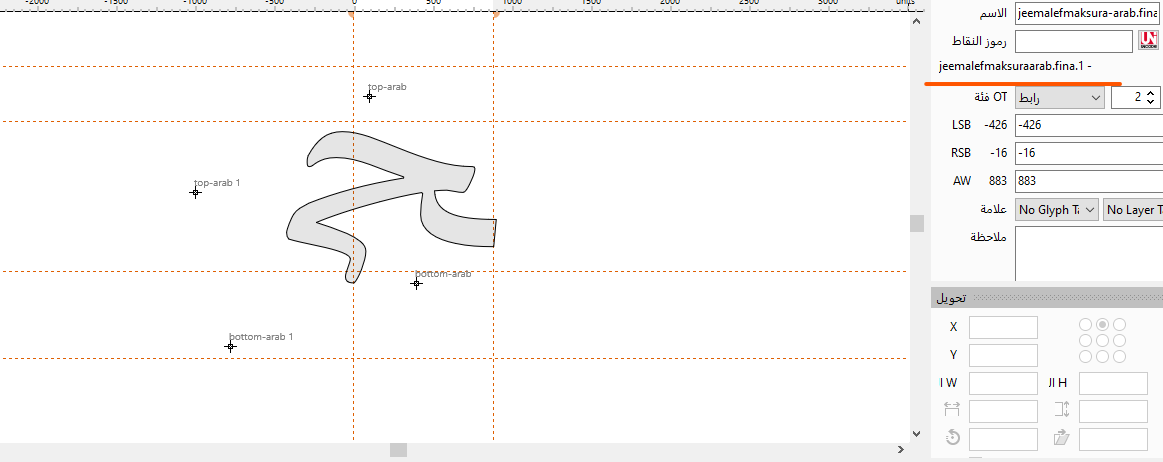
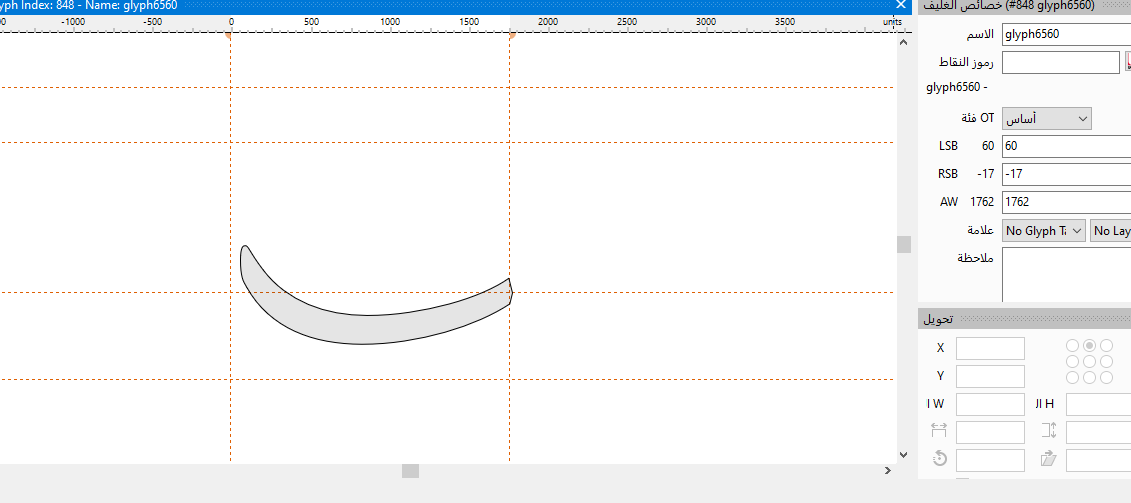
jeemalefmaksura-arab.fina+glyph6560

When initially using glyph,
it does not contain Arabic code
that follows a left-to-right direction, for example:
jeemalefmaksura-arab.fina.1+glyph6560

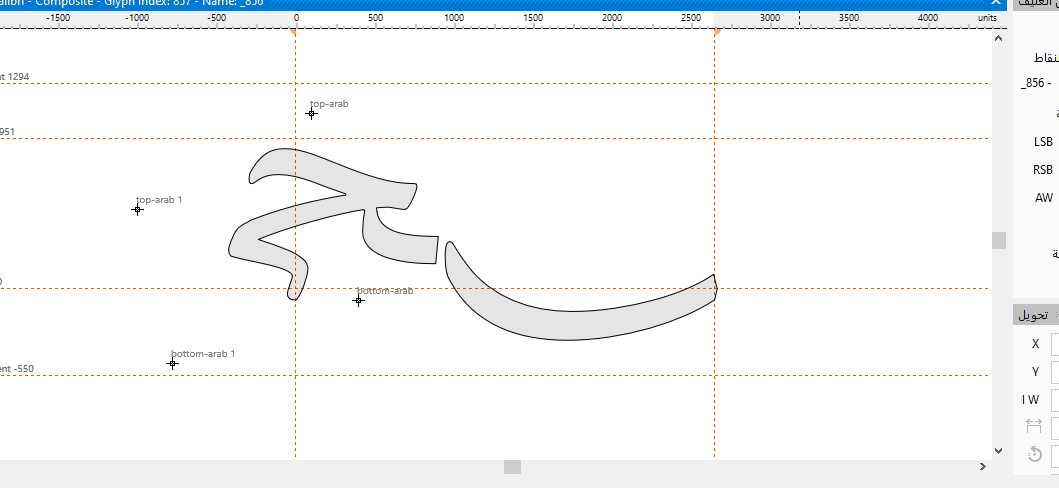
If you reverse the equation, for example:
glyph6560+jeemalefmaksura-arab.fina.1
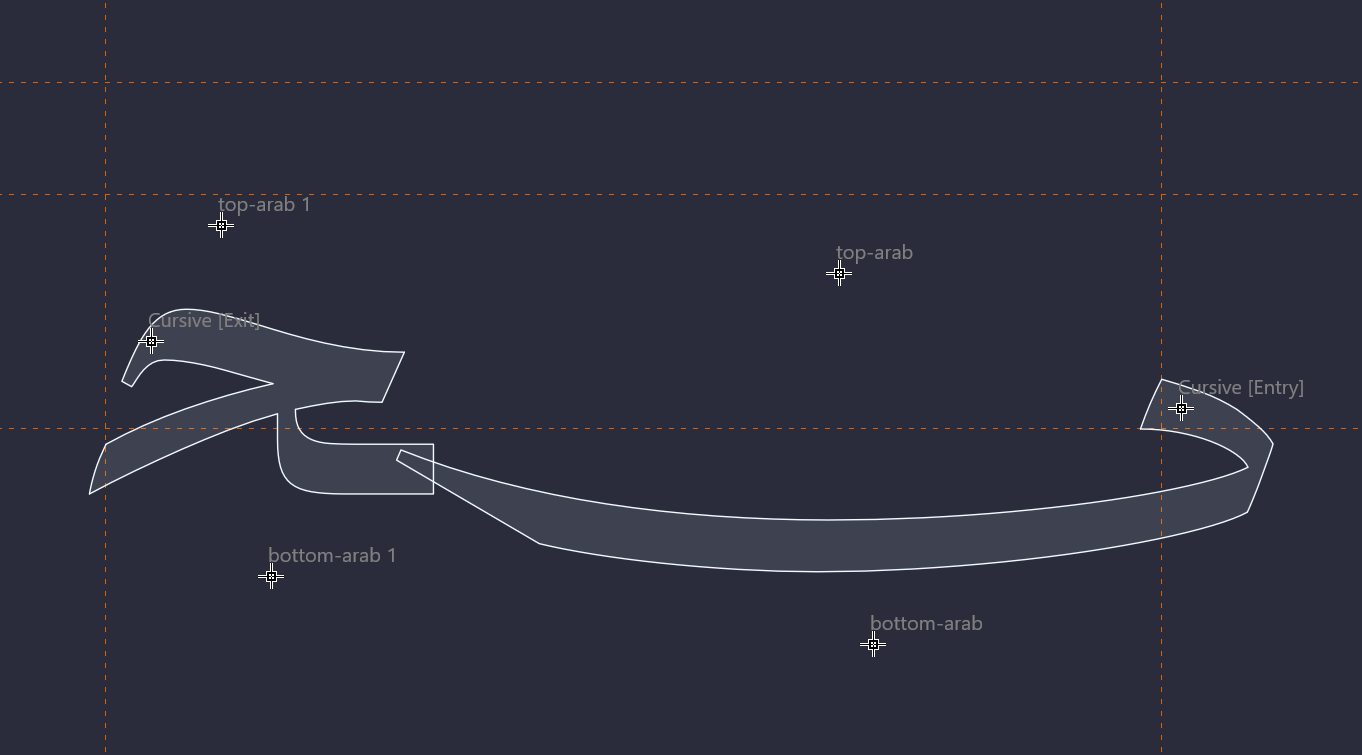
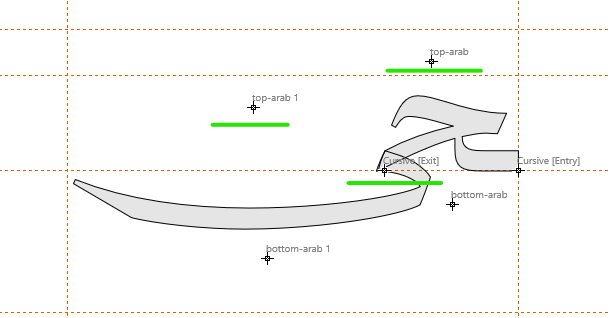
Anchors are not arranged correctly

Any advice? Thank you very much.

Can you send us reduced font project that illustrates the problem?

That’s not a problem.
It’s just how to control the formula so that the glyphs are displayed from right to left.
If I reverse the formula, it should also reverse the anchors.
top-arab >< top-arab.1

Majalla5.fcp (69.9 KB)

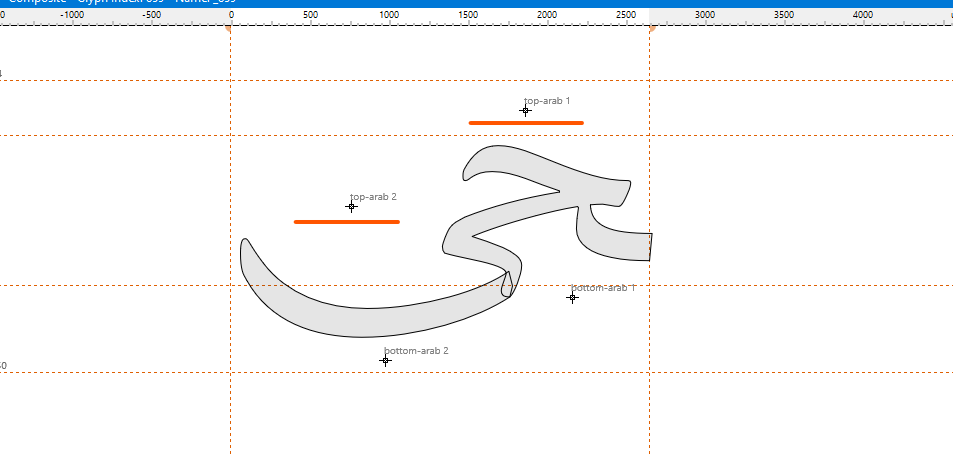
I now understand. We will try to make improvements.

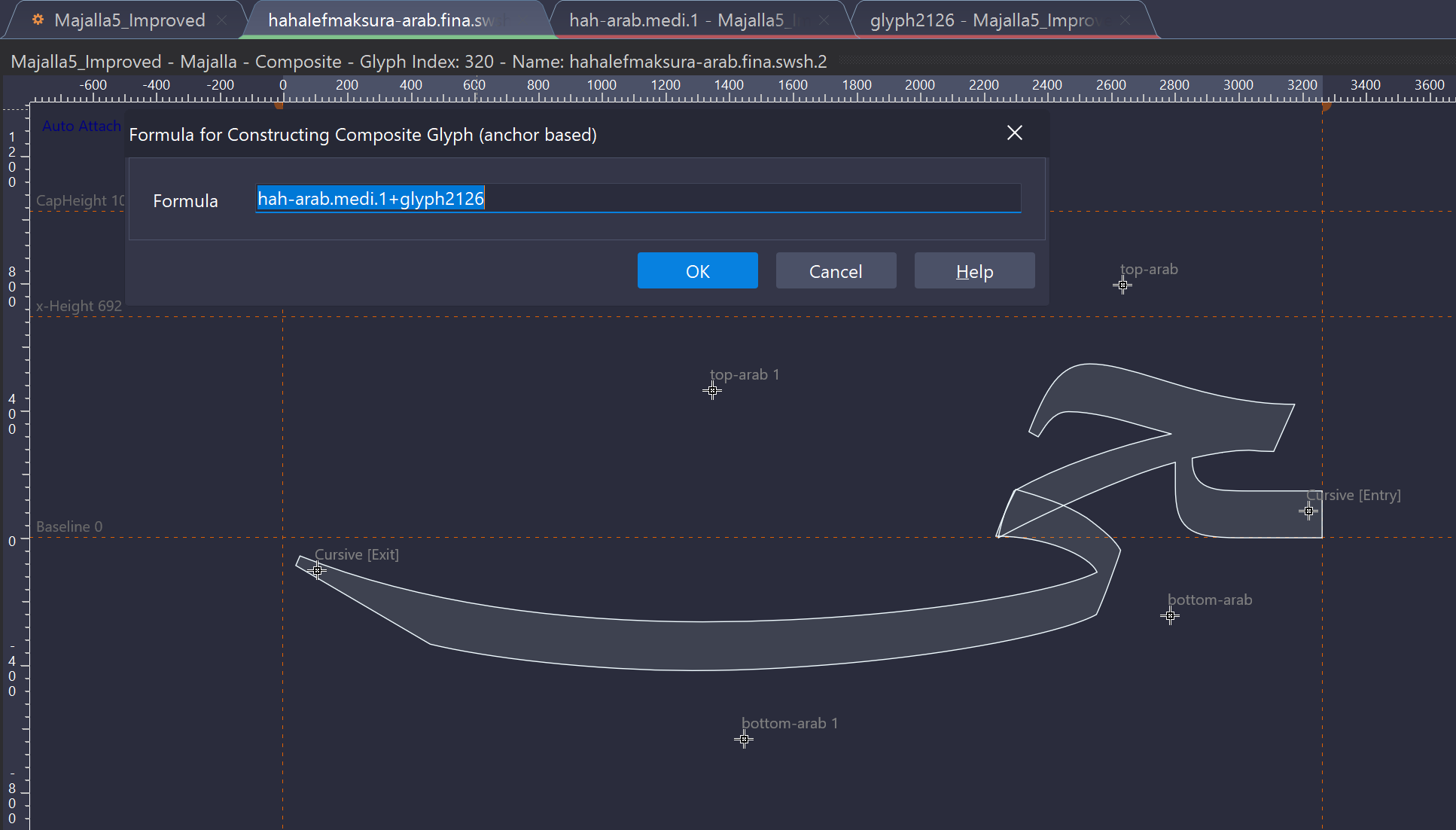
For example for:
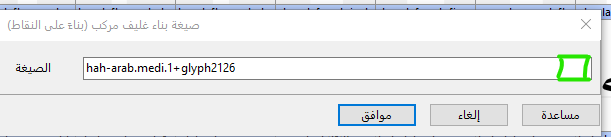
hahalefmaksura-arab.fina.swsh.2 = glyph2126+hah-arab.medi.1
we aim to have it behave like:

Thanks, my friend.
I didn’t understand the example in the image; it doesn’t seem correct.
Adding Cursive = Exit = Entry solved the problem, but it needs more work.
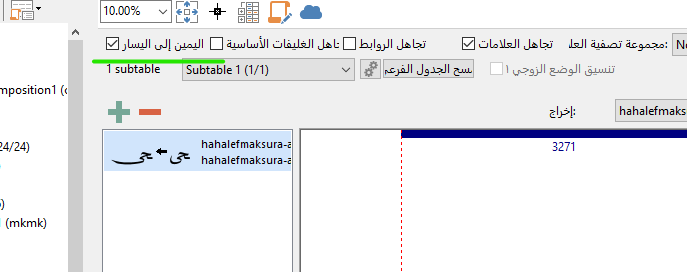
My suggestion is simply to add a button to the Formula,
swept from right to left, similar to the one in OpenType.

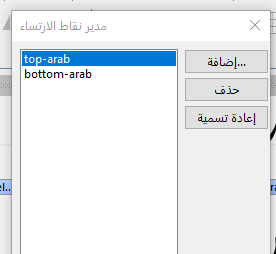
Note: Why doesn’t Cursive appear in the Anchors list?

I had the glyphs reversed.

We will try to make it work like this:

Note: the Cursive anchor class is special and always available, so it isn’t shown in the Anchor Manager.

Thank you, my friend