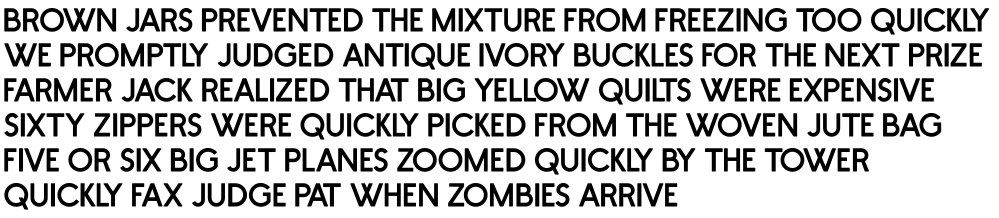
I bought Fontcreater a while back and have religiously updated it, but never actually used it to create / design a font so here goes. I think this might be because the software looks daunting with references to scripts / tables / tags / classes and who knows what I’ve yet to discover …
This is going to be a good project to introduce me to the programme and I will have lots of questions that might not be covered in the manual (a task I’ve yet to embark upon). As a designer, I have some knowledge of kerning, x-height, line height, etc so I’m hoping the journey will prove to be pleasurable and perhaps semi-familiar.
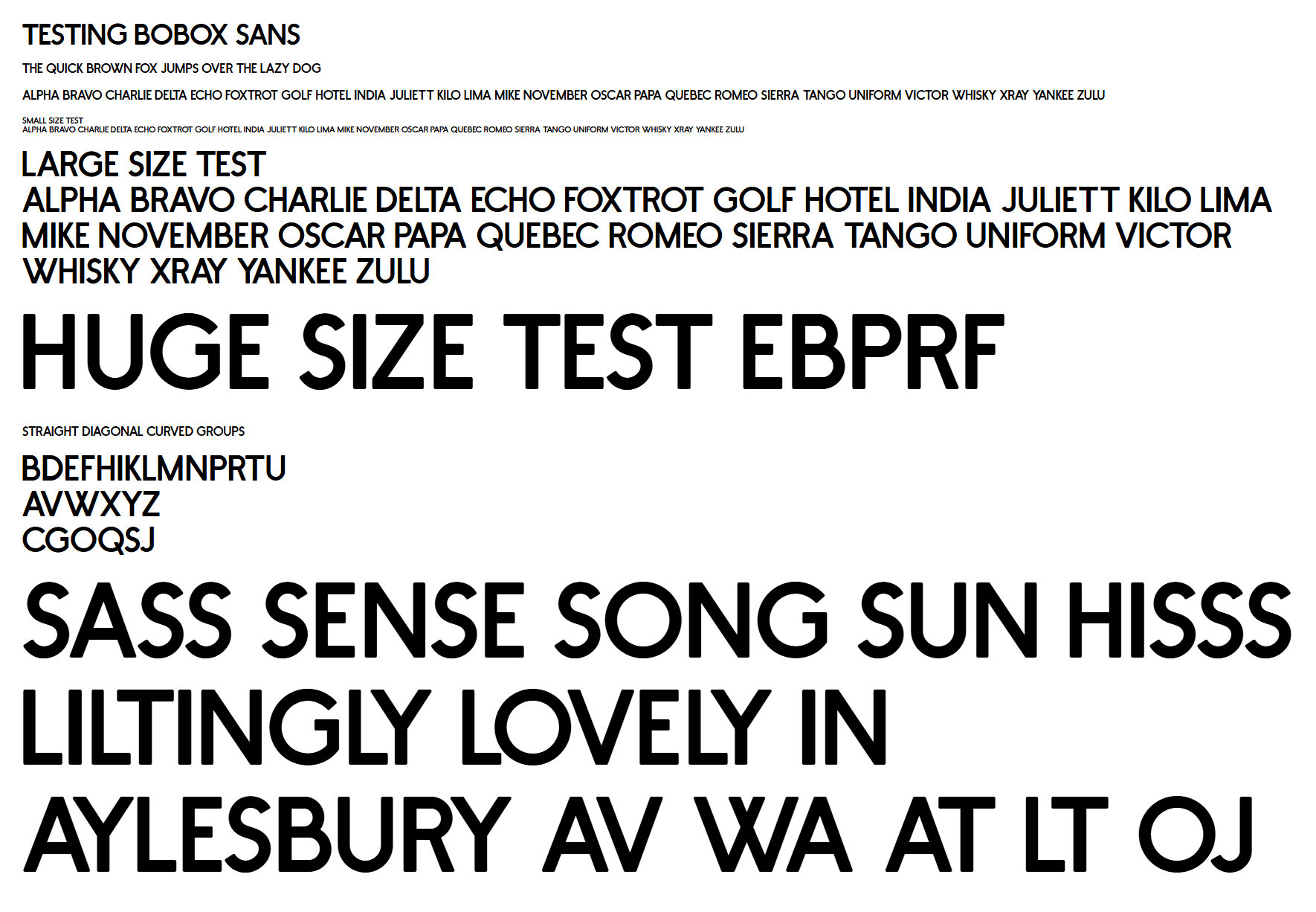
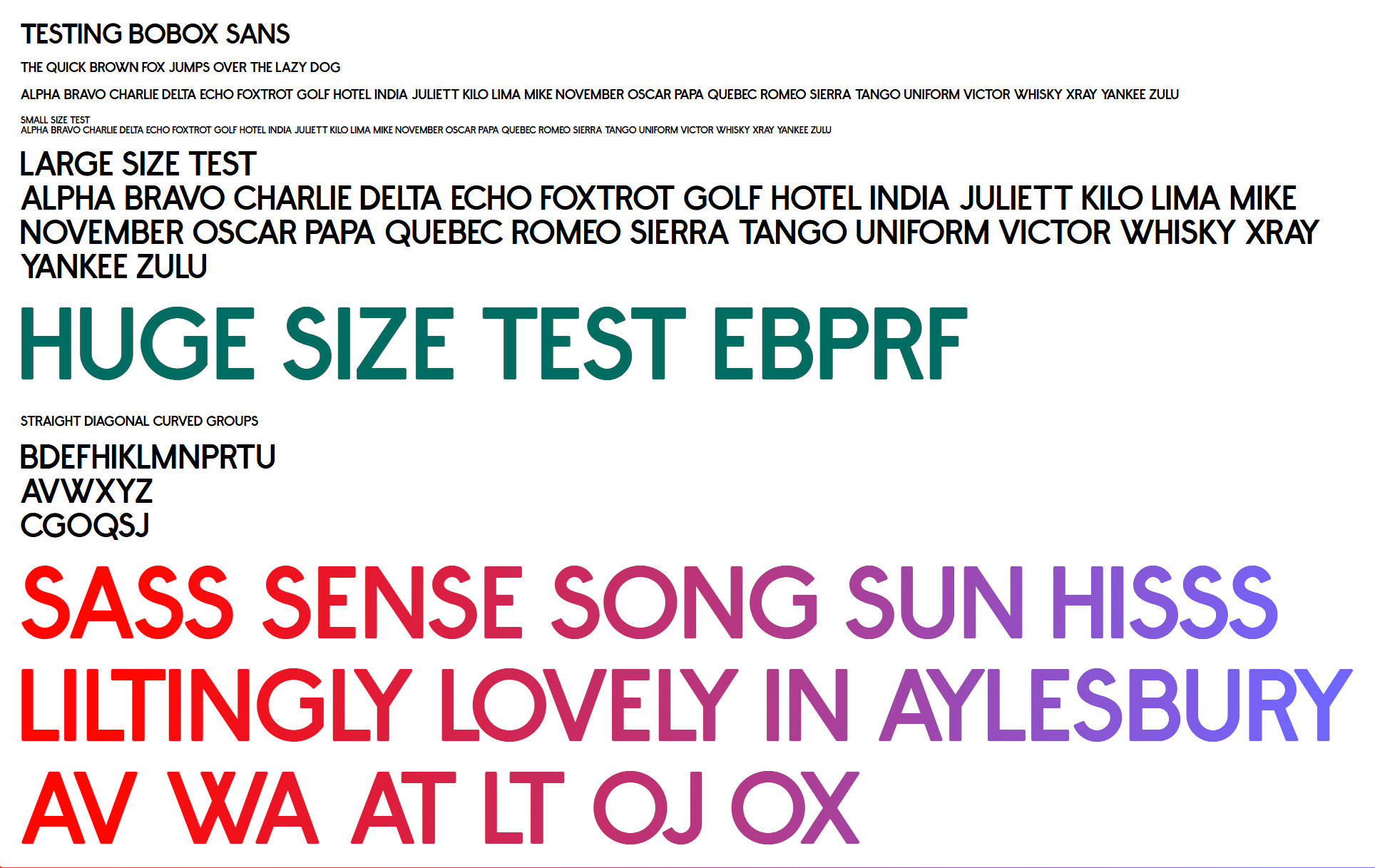
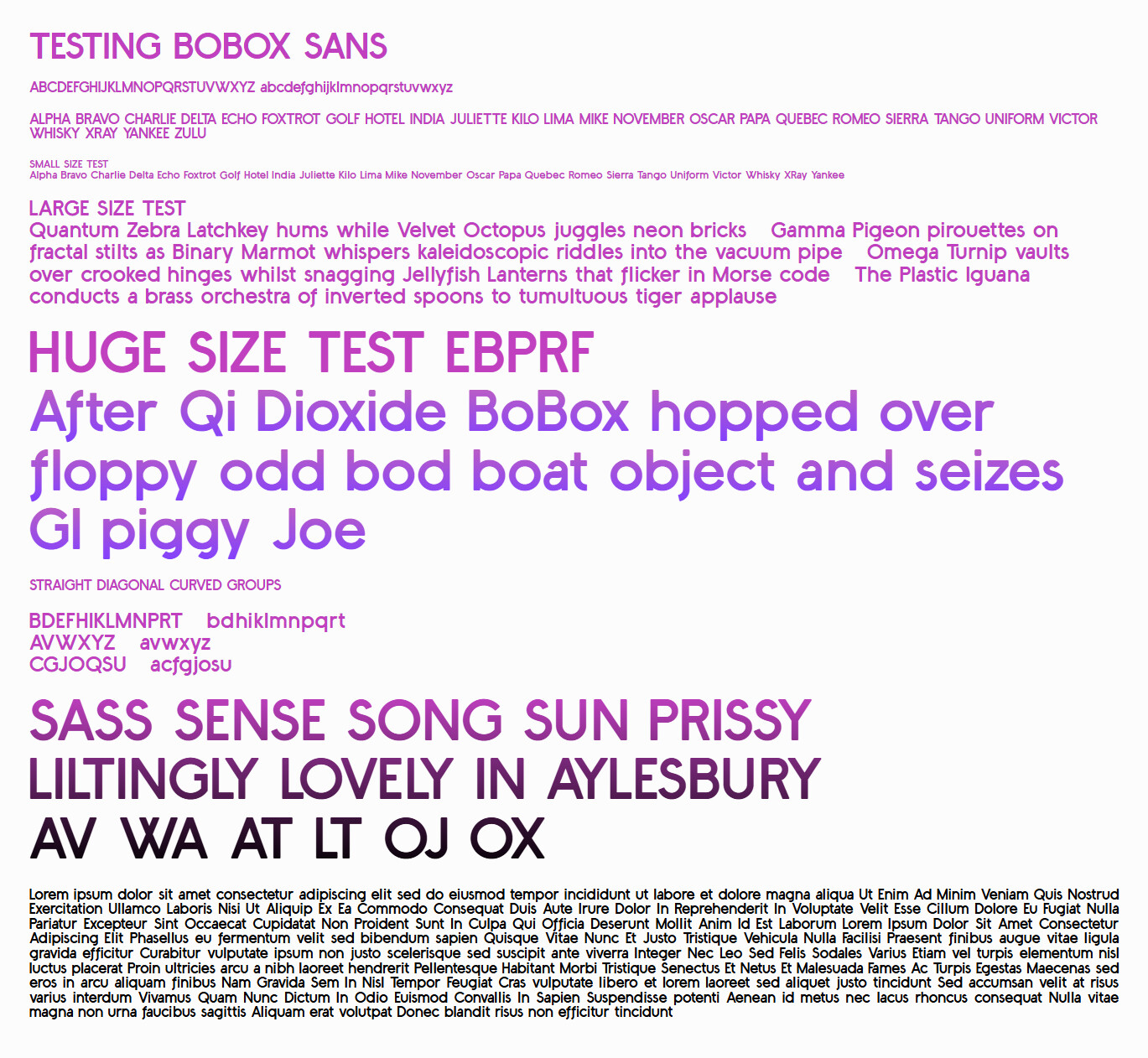
Below is my first ever project in Fontcreater and an early attempt at kerning - feel free to offer constructive critique or a plethora of recommended books on the subject of Type Design. I intend to read Karen Cheng’s offering in conjunction with my learning; it’s sitting right besides me as I type this first post!
Using FontCreator to output a woff2 version and creating a suitable HTML page to view in a browser it soon becomes clearer where my outline weaknesses lurk … I quickly found that I hadn’t set FontCreator to overwrite existing woff2 files so didn’t see any browser updates. It’s all part of my fun journey.
That’s a great start! Welcome to the fun (and sometimes addictive) world of type design!
FontCreator can indeed look a bit overwhelming at first, but you’ll find that most of those advanced panels are there to support deeper OpenType work later on. For now, just focus on shapes, spacing, and consistency — the rest will come naturally as you explore.
Karen Cheng’s Designing Type is an excellent choice. Also, feel free to post questions as you go. We’re happy to help you along your journey!
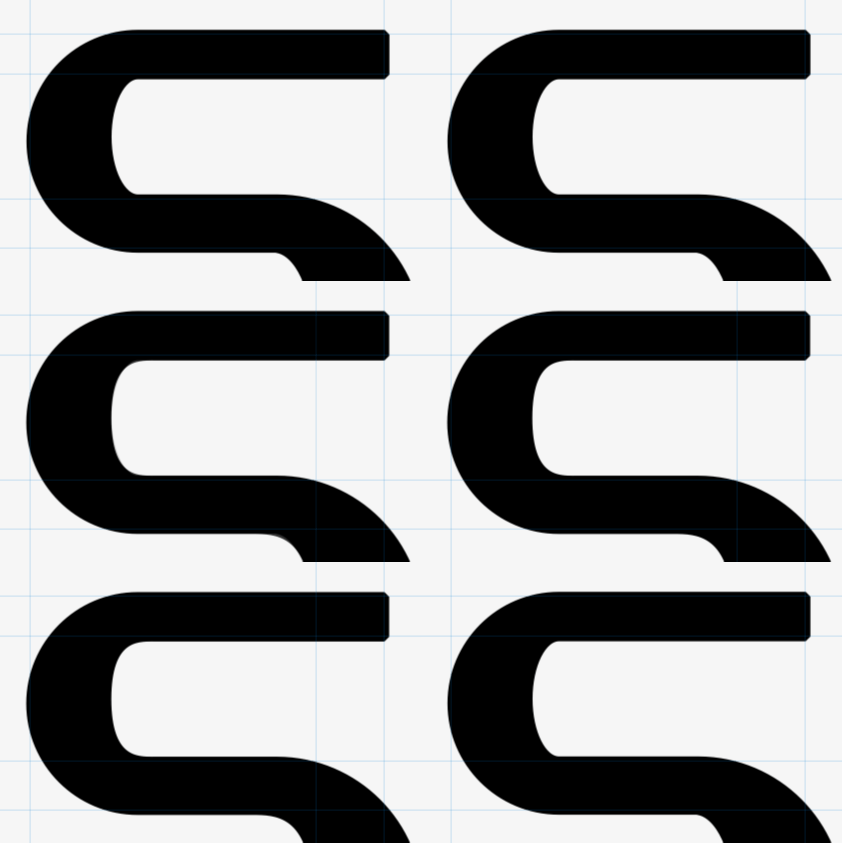
I wonder if anyone would like to share a few tips on getting beautiful contours (that can equally be applied to all curvaceous glyph delicacies?
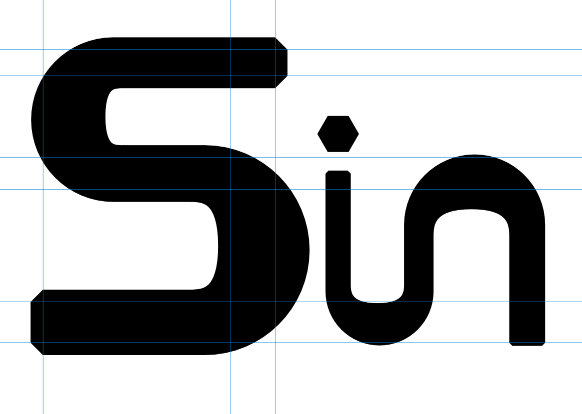
I’ve had a look at softening the inner lobes (see animation below) and wondered if anyone wanted to share an ‘easy’ way to do this. It seems to me manipulating node handles can be a bit hit and miss !!!
Apologies for disturbing your font-designing tranquility with my ‘baby’ questions.
PS: I’m using a free program called Affinity to draw the shapes. It’s now under the umbrella of CANVA.
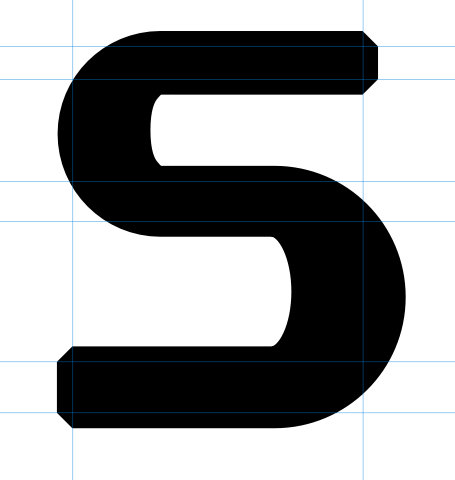
PPS: Just to show how ugly this S really is (even with improved inner curves) …
You can technically kern spaces in OpenType as space is just another glyph and can be included in kerning pairs. However it is not common and support is inconsistent: modern layout engines (InDesign, browsers, etc.) often respect it, while office apps may ignore or override it.
Thanks for clarifying current support for a kerned space - just noticed that it didn’t look consistent with the drawn glyphs. By the way, it’s happened to me - I’m now starting to look critically at what the professionals have created… Sitting waiting for the bus I looked at a poster and thought; “I don’t like the kerning between the L and O it seems too loose compared to the other characters in that word.”
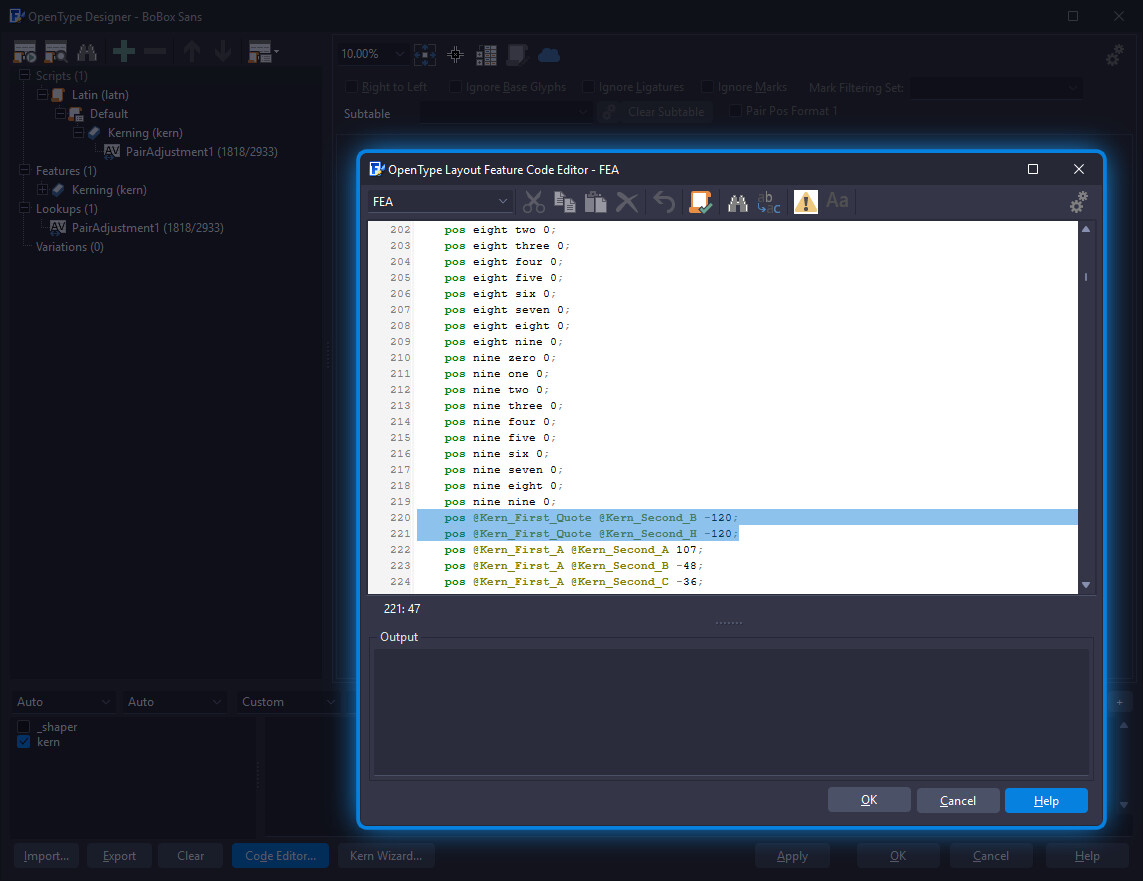
I’m trying out the optical metrics and kerning wizard and note that the numerals 0-9 aren’t kerned automatically. Also the few punctuation marks I’ve added need to be looked at. Just wondering if there is some automation I’ve missed or settings I need to change? Also, once automated, I find there are pairs I don’t like which I alter - how to stop these being re-kerned as new glyphs / characters are added ?
PS: I’ve noticed that the path direction of shapes pasted into FontCreator from the ‘all-new’ Affinity 3 are flagged as incorrect and have to be reversed.
Okay tried ( and ) but no and then [ and ] - this was accepted but changed to a new class - so I can see that using classes is perhaps the best way forward…