Kerning of Scottish Names
I did some research into Scottish names and found this list.
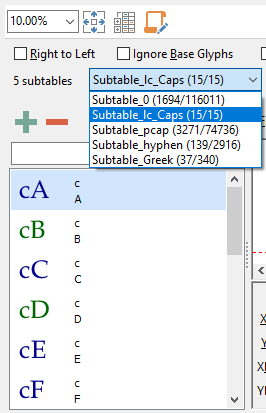
I added a new subtable for kerning pairs of c with Uppercase. There is no point adding pairs for ćT and so forth. There is a case to be made for adding other lowercase/Uppercase combinations, e.g. nT for words like OpenType.
While I was doing that, I added further subtables for pairs with hyphen, which often require manual adjustment, and other classes for Greek and Small/Petite Capitals/Subscripts and Superscripts.
The Wonderful Windows Menu Key
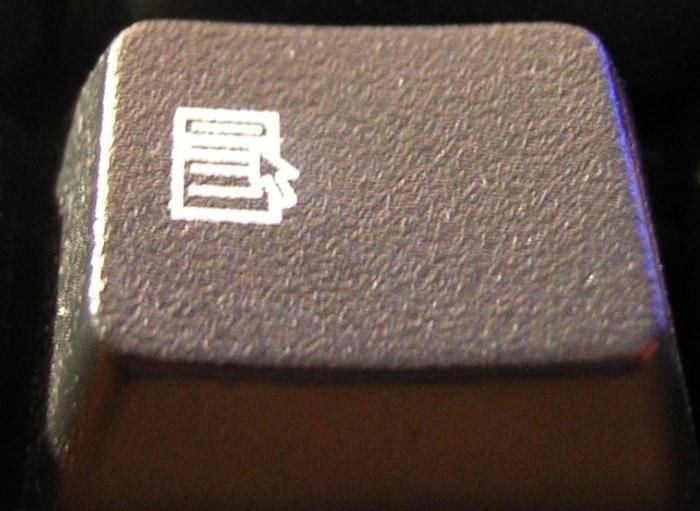
Not everyone knows what this key is, or what it does. On standard keyboards it lies between the Alt Gr and Ctrl keys on the right side of the keyboard. If your keyboard does not have one, you can use Shift+F10 instead. What it does is display the context menu at the current mouse cursor position, the same as if you right-click.
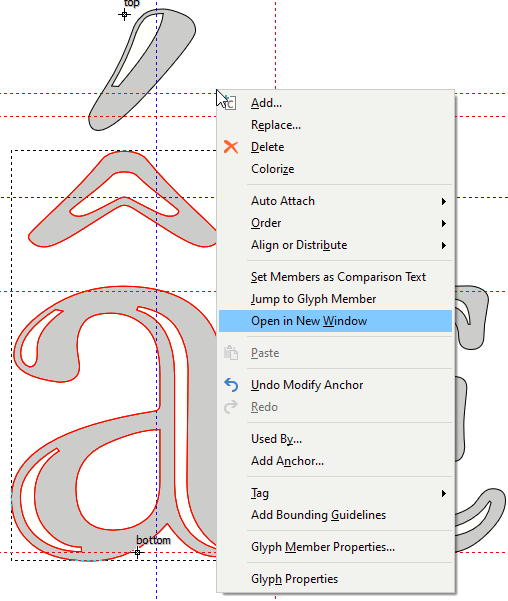
When editing anchors for composite glyphs it is a great time-saver. Fortuitously, the shortcut to select the next composite glyph member is “w”, the Access key to open it in a new glyph edit window is also “w”, and the shortcut to close a glyph edit window is Ctrl+W.
If you need to disable/enable Auto Attach, unfortunately there is no access key.
One either has to use the cursor keys or mouse to open the submenu.
Comparing Font Styles in MainType
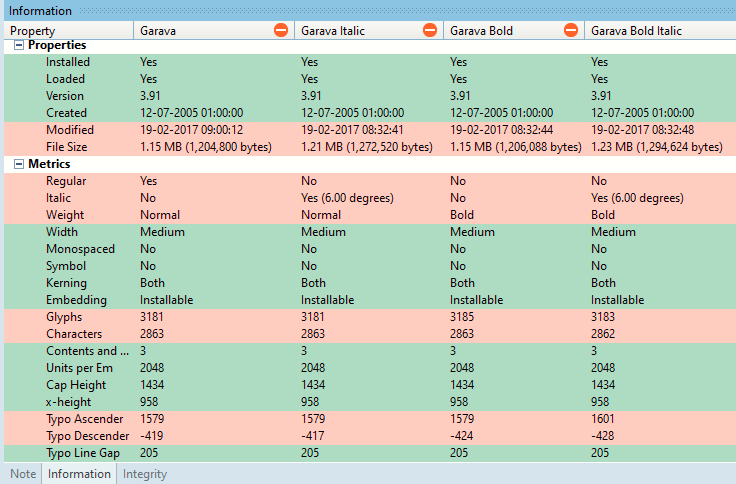
Comparing several styles in the same font family using the Font Information Panel of MainType will quickly identify possible inconsistencies or errors in your fonts. The rows with red striping indicate where there are differences. I think the extra glyphs in Garava Bold are colour glyph members, but I need to check why Garava Bold Italic has only 3,183 glyphs and not 3,185.
The Typo Ascender for Garava Bold Italic is significantly higher than the other styles, and the Contents and Layout version needs updated to version 5.0.
Anchor-based Glyph Positioning and Auto-attach
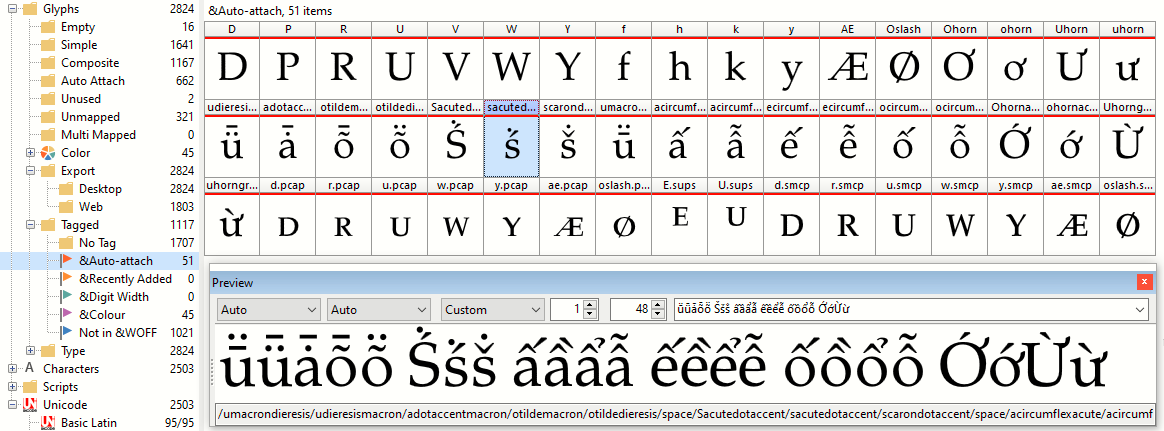
Some glyphs may have their anchors incorrectly positioned when using Anchor-based positioning. Identify them and tag them. (Rename the first tag to Auto-attach if you wish by editing tags.txt). Copy the glyph names to a glyph transformation to automate tagging of other fonts.
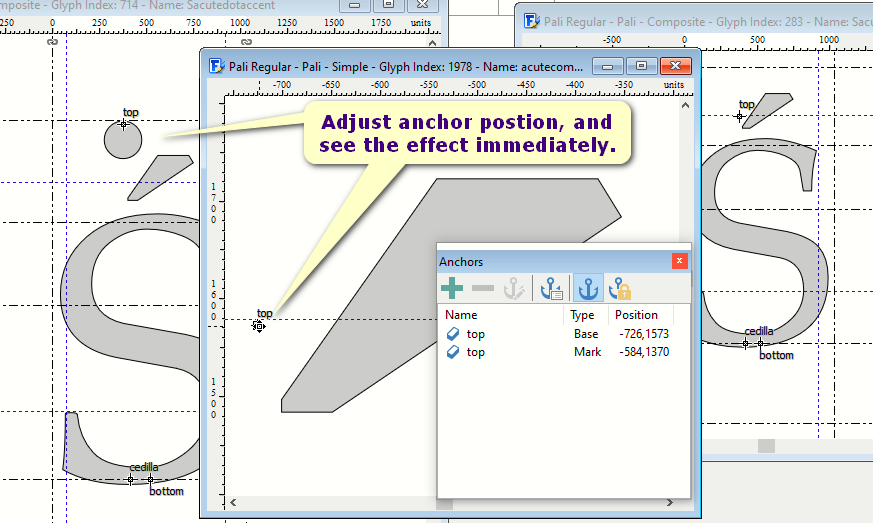
Scroll through the tagged glyphs fixing the anchor positions. In my fonts, Sacutedotaccent usually exceeds the WinAscent if using the default position, so I adjust it and also adjust the lowercase sacutedotaccent to match.
Open each composite glyph member in a new window. When auto-attach is enabled, the anchor position can only be adjusted on the acute accent, not on Sacute or sacute. Arrange the windows so that you can get immediate feedback on moving the anchor.